Decorative illustration: faq or frequently asked questions style animation element on the LoginPress add-ons page hero section.

LoginPress Addons

Our WordPress custom login page plugin is packed with useful addons that let you have complete control over every single component on the login form and fully tweak it to your heart’s desire.

Customize like a pro - even when you are a beginner!

Decorative illustration: faq or frequently asked questions style animation element on the LoginPress add-ons page hero section.
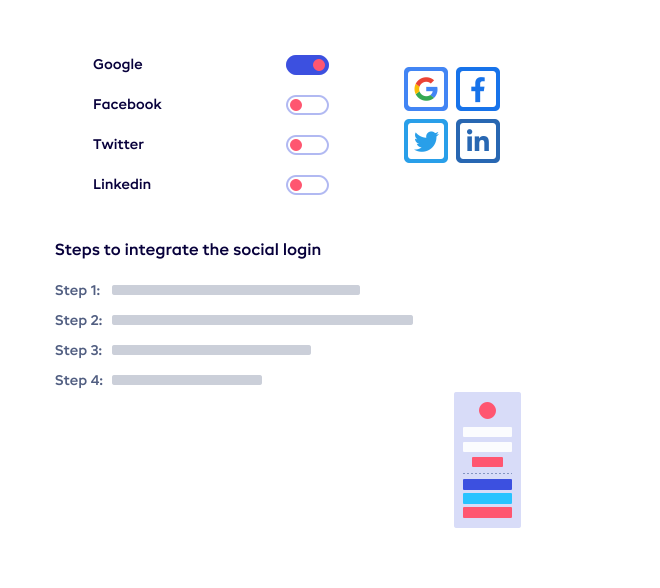
Animated illustration for the Social Login add-on: decorative element before the feature thumbnail on the LoginPress add-ons page.
Enable social login options like Google, Facebook, Twitter, and LinkedIn with LoginPress so visitors can register or log in using their social accounts and reduce spam. This add-on increases sign-ups and simplifies the registration process.
$49

value

Social Login For WordPress

Our Social Login add-on helps you increase user sign-ups by allowing visitors to easily register or log in using their social media accounts, such as Facebook, Twitter or LinkedIn. This quick and simple method also reduces spam and bot registrations.
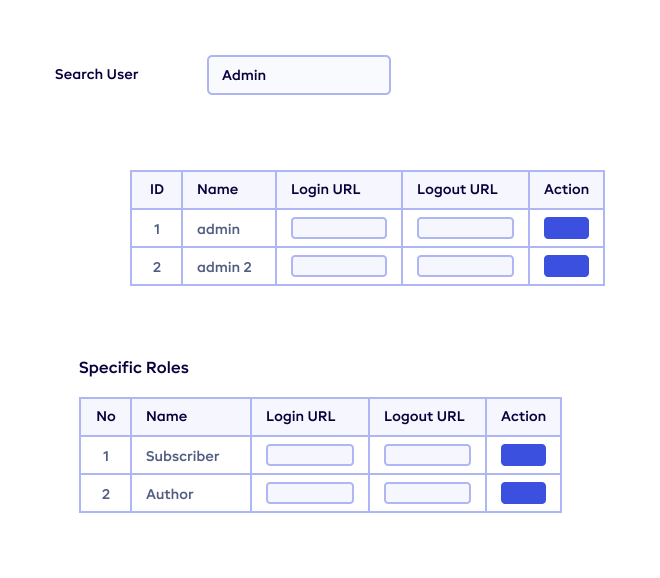
Animated illustration for the Login Redirects add-on: decorative element before the feature thumbnail. Login Redirects lets you send users to different pages based on role or username and restrict access to wp-admin.
Custom login and logout redirects for users and roles using the LoginPress Redirects add-on so you can send users to the right dashboard or restrict access to wp-admin.
$39

value

Login Redirects

Redirecting users based on their roles and specific usernames is helpful if you have a team of editors and need to redirect them to their editor-specific dashboard. You can also restrict your subscribers, guests or even customers from accessing pages like wp-admin and others.

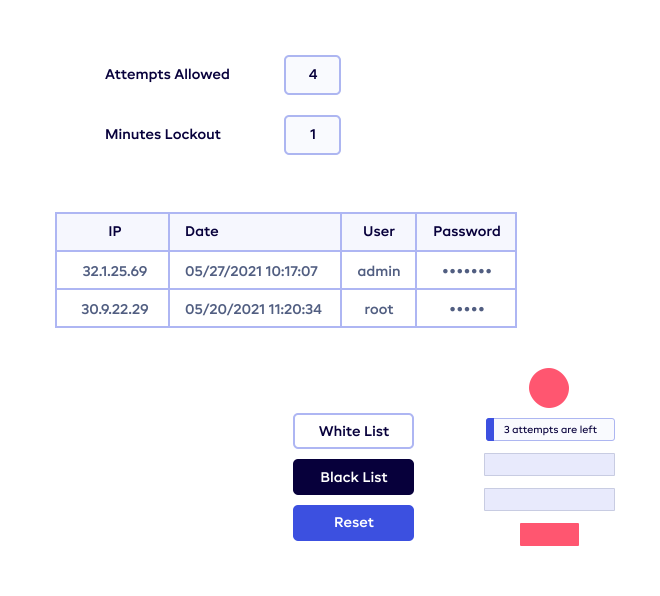
Animated illustration for the Limit Login Attempts add-on: decorative element before the feature thumbnail on the LoginPress add-ons page.
Configure login attempt limits, lockout timing, and restrictions in LoginPress to protect your site from brute force and bot attacks. Set how many failed attempts are allowed before lockout and customize lockout messages.
$39

value

Limit Login Attempts

Brute force attacks and automated bot logins are the easiest and most common ways for cyber criminals to gain access to your website. This addon allows you to create a shield against these activities by adding a wait time in between each attempt. Get more control and peace of mind with a secure website.

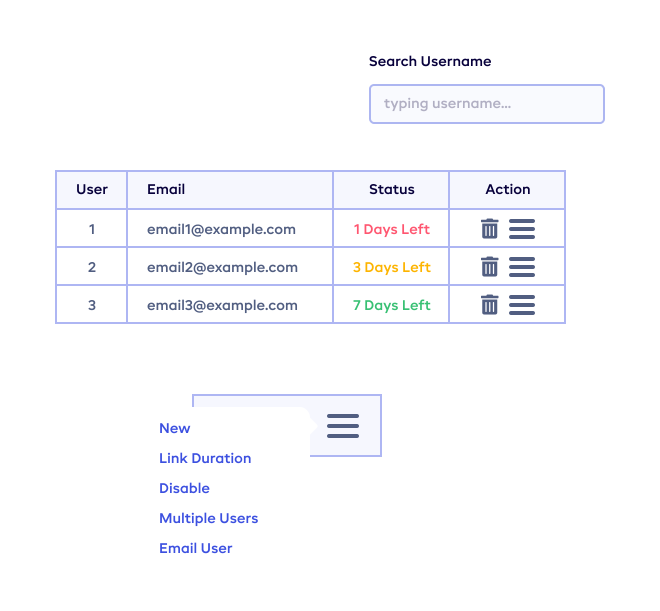
Animated illustration for the Auto Login add-on: decorative element before the feature thumbnail. Auto Login provides passwordless authentication and auto-generated login links for temporary users that you can manage from one place.
Manage auto login links, expiration, and user access from one place in LoginPress for passwordless authentication and temporary user accounts.
$29

value

Auto Login

Passwordless authentication helps you set up accounts for temporary users without the need of a password. This pro add-on will create a list of all users who have been granted auto-generated login links. You can easily disable or delete certain users at any point in time.

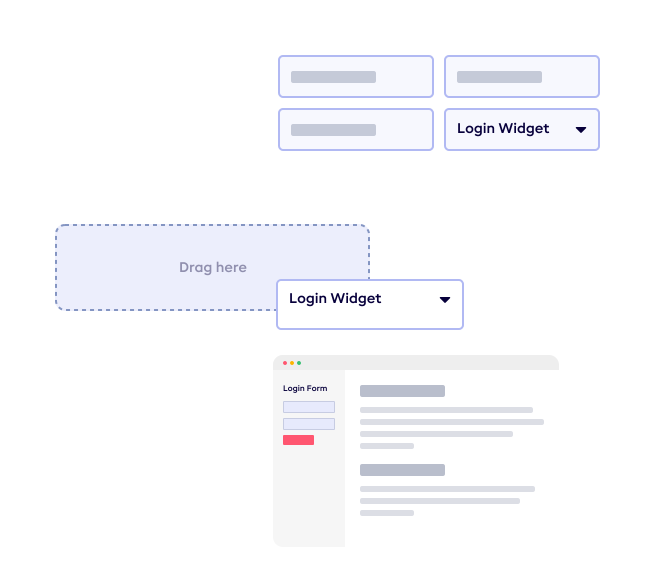
Animated illustration for the Login Widget add-on: decorative element before the feature thumbnail on the LoginPress add-ons page.
Drag and drop login form widget for your site using LoginPress so you can add a login form to your sidebar with a few clicks. The widget is pre-styled and customizable and helps increase visitor engagement by encouraging logins while reading.
$29

value

Login Widget

This add-on makes it easy to add a Login widget on your WordPress sidebar with just a few clicks. The widget helps encourage visitors to log in while reading your content, which increases engagement. It comes pre-styled, but you can customize it according to your website design.
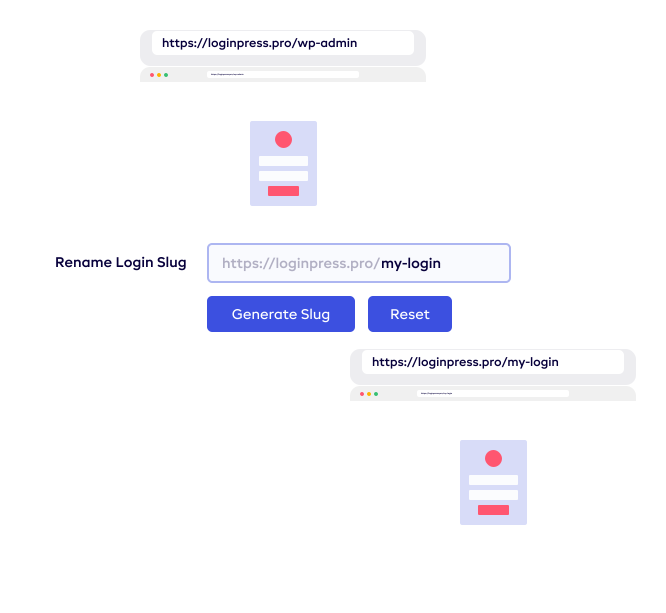
Hide/Rename Login Animation
Change the default WordPress login URL to a custom slug for better security
$29

value

Hide/Rename Login

The Hide/Rename addon lets you change the URL of the login page to something more uncommon, which prevents spammers from hacking your website. You need to remember the custom login URL after you change it – but don’t worry, we always email you the custom login URL!

Plugin updates and email support is provided for the duration of your current subscription.
Decorative animated shape or illustration element before the money back guarantee section on the LoginPress add-ons page.
Icon representing the 14 day money back guarantee offered by LoginPress so you can try the plugin risk-free. If you are not satisfied for any reason within 14 days, request a full refund with no questions asked.

100% No-Risk Money Back Guarantee

Decorative animated shape or illustration element after the money back guarantee section on the LoginPress add-ons page.