 Login Security for Community Websites: Forums, Groups, and Networks
Login Security for Community Websites: Forums, Groups, and Networks
You secure logins on a community website by layering protections: strong passwords, bot protection, login attempt limits and role-based controls, applied without making sign-in harder for members. The default WordPress login was not built for busy forums, BuddyPress and BuddyBoss communities, and LoginPress adds these protections at the login layer.
In this post, I will cover the risks, the core concepts and a setup checklist.
 How to Stop Bot Traffic on WordPress (Complete Guide)
How to Stop Bot Traffic on WordPress (Complete Guide)
You stop bot traffic on WordPress with a layered defense: secure your login page, add CAPTCHA, limit login attempts, and add a firewall or CDN-level filtering for high-traffic sites. Bot traffic slows your server, skews your analytics and often goes undetected.
For the first time in a decade, automated traffic has surpassed human activity, accounting for roughly 51% of all web traffic.
A website may operate efficiently at one moment, but later experience server slowdowns and inaccurate analytics due to bot activity.
This post shows you how to identify bot traffic and how to stop it on your WordPress site with a multi-layered defense.
 WordPress Plugin Compatibility Made Easy (Guide)
WordPress Plugin Compatibility Made Easy (Guide)
WordPress plugin compatibility means your plugins work together without conflicts, so updates do not break your login page, checkout or site. Conflicts happen when several plugins try to manage the same resources, and you can avoid most of them by choosing plugins built on WordPress standards, like LoginPress.
In this post, I will show you how to identify compatibility problems before they disrupt your site and how LoginPress works with membership plugins, WooCommerce, page builders, security plugins and translation tools.
 User Authentication Best Practices for WordPress Websites
User Authentication Best Practices for WordPress Websites
The best user authentication practices for WordPress are layered security, strong unique passwords or passwordless login, multi-factor authentication (MFA) and invisible bot protection that does not hurt the user experience. Modern login attacks mimic human behavior and use credential stuffing, so a strong password alone is no longer enough.
This post shows you how to handle today’s login security challenges and keep the login experience easy for your users with LoginPress.
 Login Security for Membership Sites: What You Must Protect
Login Security for Membership Sites: What You Must Protect
You protect a membership site by securing its login, member accounts and payment and content areas with strong passwords, two-factor authentication, bot protection and login attempt limits. Membership sites are a major target because attackers go after member data, premium content and card details.
In this post, I will list the areas I would lock down first.
 Single Sign-On vs Social Login in WordPress: What Should You Use?
Single Sign-On vs Social Login in WordPress: What Should You Use?
Use social login if you run a store, public blog or community, and use Single Sign-On (SSO) if you manage access to many applications for an organization such as a company intranet or university. Social login makes registration easy for visitors, while SSO centralizes access for a defined group of users.
This post compares how each method works and how to choose.
 Secure WordPress User Registration: Best Practices
Secure WordPress User Registration: Best Practices
You secure WordPress user registration by adding CAPTCHA, blocking fake and disposable emails, verifying new users, limiting registration attempts and protecting authentication after signup. The default WordPress registration form is simple and easy for automated scripts to abuse.
In this post, I will show how to build a secure signup that blocks spam and stays easy for real users.
Unsecured registration leads to these problems:
- Your database may become populated with fraudulent user accounts.
- Wasted server resources.
- Security vulnerabilities that lead to site takeovers.
 WordPress Phishing Login Attacks: How to Spot and Block Them
WordPress Phishing Login Attacks: How to Spot and Block Them
You spot a fake WordPress login page by checking the URL, the page behavior and any unexpected prompts to log in, and you block phishing login attacks with layered defenses: a custom login URL, CAPTCHA, a password manager and two-factor authentication. A fake login page is a spoofed copy of your real login screen that steals your username and password.
This post shows you how to spot fake WordPress login pages, how to block phishing attacks before they compromise your site, and what to do if you have already entered your details.
 Invisible WordPress Security: Protection Without Breaking User Experience
Invisible WordPress Security: Protection Without Breaking User Experience
Invisible WordPress security protects your login quietly in the background, using bot detection, behavior checks and smart rules instead of endless CAPTCHA and 2FA prompts. Real users log in with little friction, while bots and suspicious logins get blocked.
In this post, I will show you how to scale your site’s defense with LoginPress, step by step.
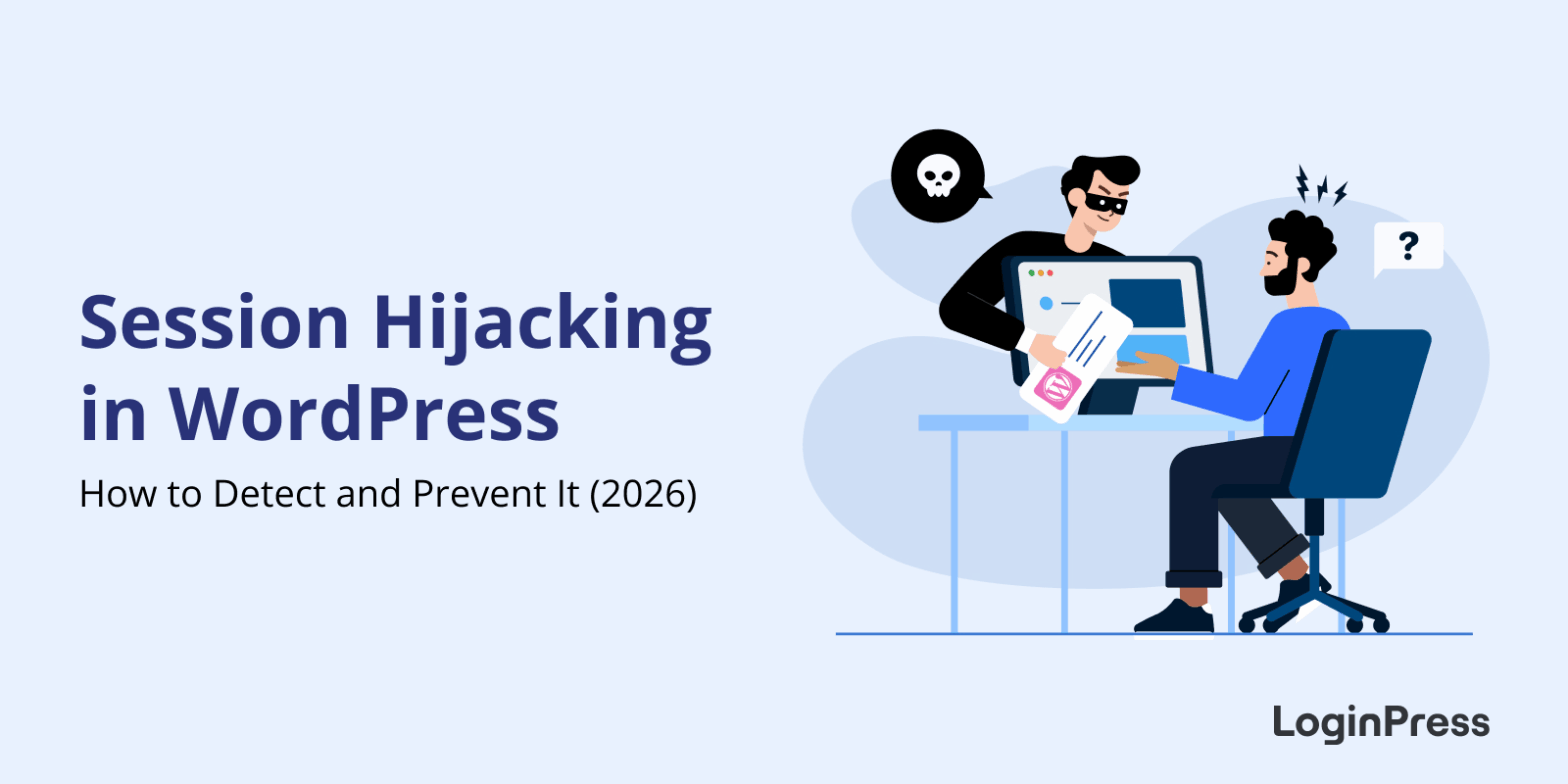 Session Hijacking in WordPress: How to Detect and Prevent It
Session Hijacking in WordPress: How to Detect and Prevent It
WordPress session hijacking happens when someone steals your login session to access your site without permission.
In simple words, an attacker steals the digital key or session cookie that your browser uses to prove you are logged in. If a hacker successfully hijacks your session, they bypass your username and password entirely.