 Akismet vs reCAPTCHA: Which Is Better for WordPress Spam Protection?
Akismet vs reCAPTCHA: Which Is Better for WordPress Spam Protection?
Use Akismet for comment and form content spam, and use reCAPTCHA for your login and registration forms. Akismet filters spam after submission using a global spam database, while Google reCAPTCHA blocks bots at the point of submission with a challenge or a background risk score.
In this post, you will find a side-by-side breakdown, the version differences and the spam surface most comparisons skip: your WordPress login and registration form.
 Is Your WordPress Login Page Accessible? (A WCAG Checklist)
Is Your WordPress Login Page Accessible? (A WCAG Checklist)
The default WordPress login page is reasonably accessible, but customizing it with a plugin or custom CSS can break WCAG compliance in four places: contrast, labels, button text and keyboard focus. You can check all four against your own login page in about ten minutes with a contrast checker, your keyboard and a screen reader.
In this post, you will find the checklist, step by step.
This article covers whether the default WordPress login page is compliant out of the box, the four things customization usually breaks, a step-by-step test for keyboard and screen reader access, and a plain answer on ADA lawsuit risk. My team built LoginPress, and this post shows exactly which of its settings to double-check once you’re done reading.
 How to Build a Lead Generation Landing Page That Converts (Best Examples)
How to Build a Lead Generation Landing Page That Converts (Best Examples)
A lead generation landing page converts best when it has one offer, one short form, and a headline that matches the ad or link that sent the visitor there.
This guide covers what makes a lead generation landing page convert, the design tips that work, and what visitors should see right after they submit the form.
 Stuck on a “Sign In to Confirm You’re Not a Bot” Screen? Here is the Fix
Stuck on a “Sign In to Confirm You’re Not a Bot” Screen? Here is the Fix
To fix the “sign in to confirm you’re not a bot” message, disable your VPN, clear your browser cookies and sign in to the platform showing it. The message means a website detected behavior, an IP address or an account status that looks automated and wants you to prove you are human.
In this post, I will cover what triggers this error and how to fix it as a user. If you run a WordPress site, I also explain how to protect your forms with CAPTCHA without driving visitors away.
 WordPress Login UX Mistakes That Hurt Trust (And How to Fix Them)
WordPress Login UX Mistakes That Hurt Trust (And How to Fix Them)
The most common WordPress login UX mistakes are showing the default WordPress logo, revealing usernames in error messages, giving no welcome context, omitting a security reassurance near the submit button and sending users to an unbranded dashboard. You can fix each of them in minutes, without code, with the LoginPress visual customizer.
This post covers eight specific mistakes and how to fix each one to protect your brand’s trust and keep your portal secure.
 10 Custom Login Page WordPress Design Ideas That Actually Convert
10 Custom Login Page WordPress Design Ideas That Actually Convert
The best custom login page WordPress design ideas include adding your brand logo and setting a full-screen background image.
You can also write a welcome headline, place trust microcopy below the button, or use pre-built layout themes.
This easy WordPress login customization takes under five minutes. They create a secure onboarding experience that perfectly matches your business identity.
In this post, each design idea comes with the reason it helps your users, so you can pick the ones that fit your site.
Yet, users still see the default gray login panel. That generic layout hurts user trust.
This guide reveals 10 practical design upgrades with clear user experience logic. Let’s examine why the generic design impacts your business.
 How to Fix “Too Many Failed Login Attempts” in WordPress
How to Fix “Too Many Failed Login Attempts” in WordPress
To fix “Too many failed login attempts” in WordPress, wait for the lockout to expire (often 20 minutes), or disable the security plugin over FTP and log back in. The error comes from a security plugin or custom code that limits login attempts, not from WordPress itself.
Once you are back in, the real fix is setting lockout rules that stop bots without blocking real users.
In this guide I’ll cover the fastest recovery steps, how to unlock a specific user, and the lockout thresholds I’d use. I’ll also show how LoginPress lets you manage these limits and customize the lockout message in the WordPress Customizer.
 Reduce Login Related Support Tickets By Fixing Login UX
Reduce Login Related Support Tickets By Fixing Login UX
You reduce login-related support tickets by fixing the login friction behind them: confusing error messages, missing login links, wrong redirects, abandoned password resets and unclear social login flows. Most of these tickets are UX problems, not security problems.
This post shows how to prevent each ticket type and which LoginPress features help.
 WordPress Login Page Customization Best Practices (Updated)
WordPress Login Page Customization Best Practices (Updated)
The WordPress login page customization best practices that matter most are: use your own logo and brand background, start from a template, customize error messages, add CAPTCHA, limit login attempts, change the login URL and redirect users by role. Together they turn the default grey screen into a secure, branded part of your site.
When clients or members log in and see the default WordPress logo, it breaks the professional tone of an otherwise polished site.
In this guide, I explain why the default setup falls short, walk through eight design and security standards, and show how LoginPress applies them without code.
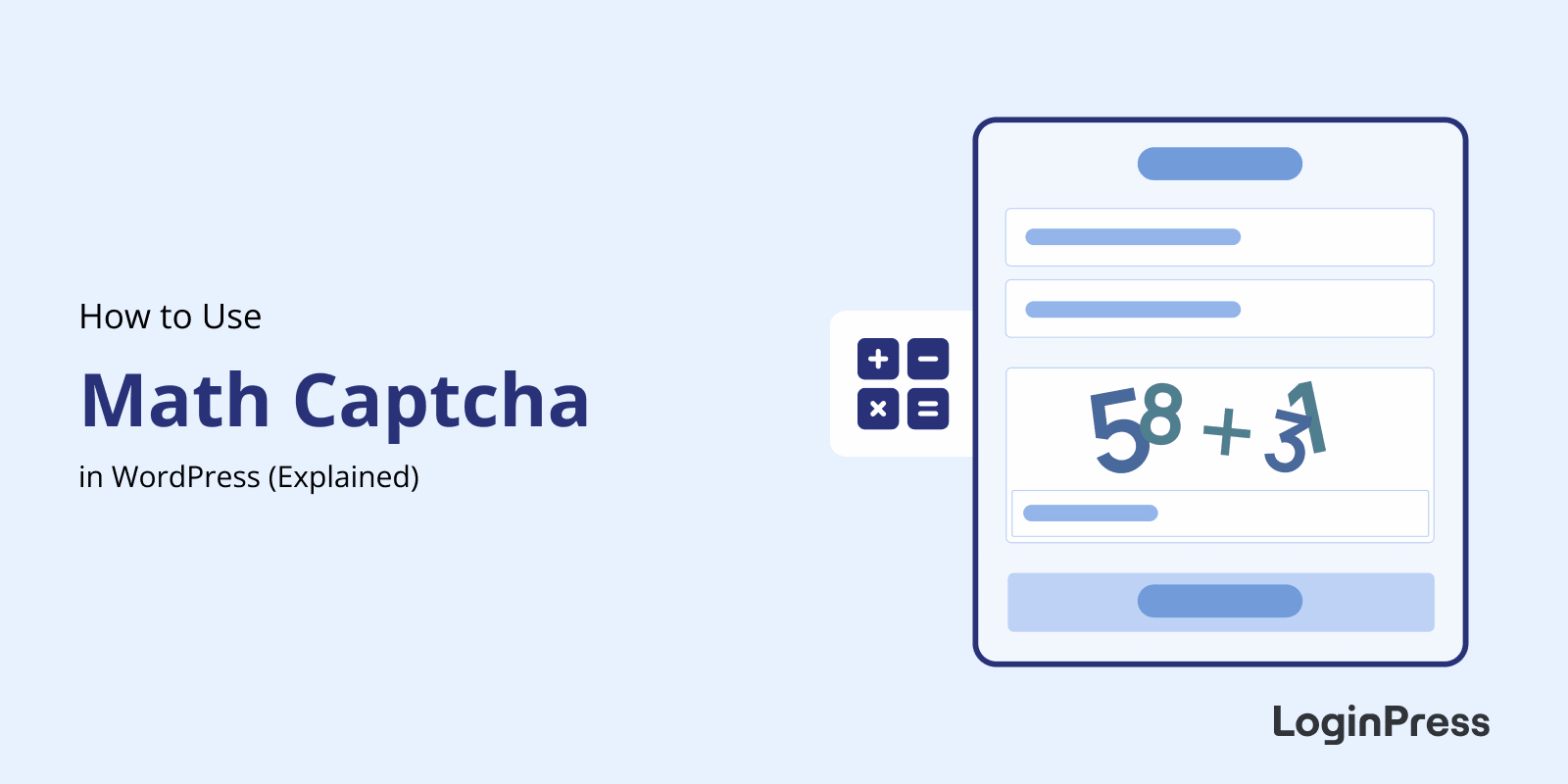 How to Add Math CAPTCHA to WordPress (No API Keys Required)
How to Add Math CAPTCHA to WordPress (No API Keys Required)
Math CAPTCHA in WordPress adds a simple arithmetic question to your login page that blocks automated bots from attempting brute-force attacks.
Unlike Google reCAPTCHA, it requires no API keys, no third-party services, and no external scripts.
This guide shows you how to enable Math CAPTCHA in LoginPress Pro, where to place it, and how it compares with reCAPTCHA and Turnstile.