Invisible WordPress Security: Protection Without Breaking User Experience
Invisible WordPress security protects your login quietly in the background, using bot detection, behavior checks and smart rules instead of endless CAPTCHA and 2FA prompts. Real users log in with little friction, while bots and suspicious logins get blocked.
In this post, I will show you how to scale your site’s defense with LoginPress, step by step.
Session Hijacking in WordPress: How to Detect and Prevent It
WordPress session hijacking happens when someone steals your login session to access your site without permission.
In simple words, an attacker steals the digital key or session cookie that your browser uses to prove you are logged in. If a hacker successfully hijacks your session, they bypass your username and password entirely.

WordPress Authentication Methods Explained: Pros, Cons & Use Cases
The five main WordPress authentication methods are password-based login, passwordless login, social login, multi-factor authentication (MFA) and CAPTCHA with anti-bot verification. A username and password alone is no longer enough, so most sites combine two or three of these methods based on their users and risk level.
How SMBs & Agencies Can Grow a WordPress Website for Business?
To grow a WordPress website for business, remove the friction inside the user journey: give new members a clear first step, shorten the checkout login, give clients a branded dashboard, and track where users drop off.

Modern WordPress Login UX Patterns (What Users Expect)
The seven modern WordPress login UX patterns are a custom login page design, social login buttons, smart redirects, friction-free onboarding, balanced security, mobile-first and accessible design, and ongoing measurement. Users expect a fast, branded and simple login, and a generic WordPress login screen loses them before they sign in.
In this post, I will show you each pattern and how LoginPress helps you move from the default login to a modern one.
Optimize WordPress Login Redirects for SMBs and Agencies (Detailed Guide)
Optimizing WordPress login redirects means sending each user to a clear, branded next step right after login, instead of a generic dashboard or the homepage. For membership sites, stores and agencies, that first screen decides whether users stay, buy or come back.
If customers sign up but do not return, a confusing login redirect may be the cause, not your content.
A branded login experience supports retention by showing users they are in the right place.
This guide covers how to fix redirects for membership sites, online stores and agency client portals, how to troubleshoot common problems and which login metrics to track.
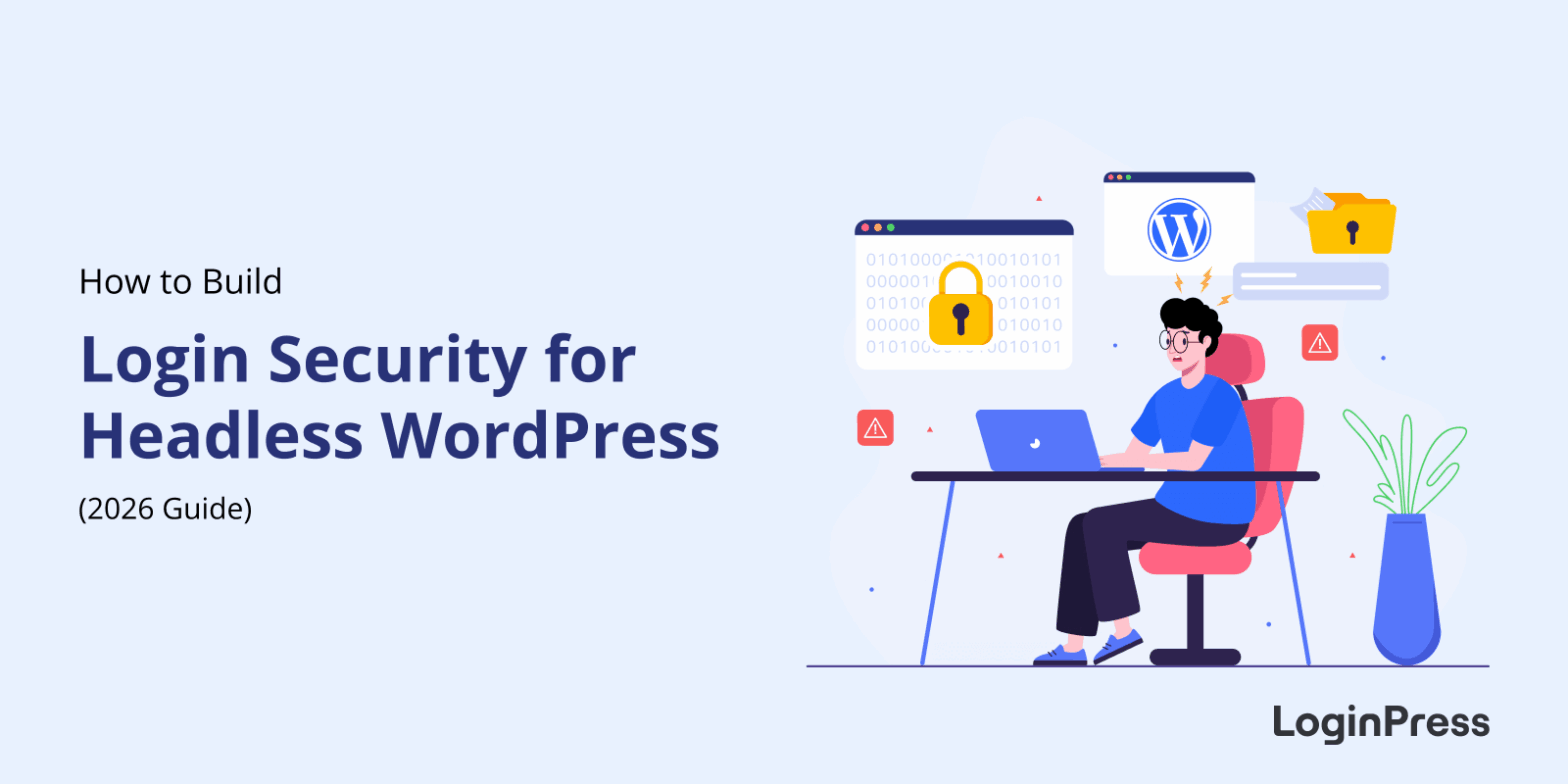
How to Build Login Security for Headless WordPress (Guide)
You secure login for headless WordPress by protecting the REST API authentication layer: use HTTPS only, choose a stateless method such as JWT or OAuth 2.0, use short-lived tokens, and rate limit login attempts. Headless WordPress separates the frontend from the backend, so it is not automatically more secure.
In this post, I will give clear steps and show where LoginPress helps harden the WordPress side.
Best WordPress Security Practices for Multiple Client Sites
The best WordPress security practices for multiple client sites are strong unique logins, regular updates, a repeatable security checklist, automation across sites, reliable security plugins and a clear recovery plan. A single weak password or outdated plugin can put your whole portfolio at risk, not just one site.
This post shows you how to build a scalable security process for agencies and growing businesses, including workflows to secure many sites, streamline updates and manage logins.

WordPress Login Trust Psychology: What Makes Users Trust Your WordPress Site
Users trust a WordPress login page when it looks branded, familiar and secure, and they hesitate when it looks old, generic or broken.
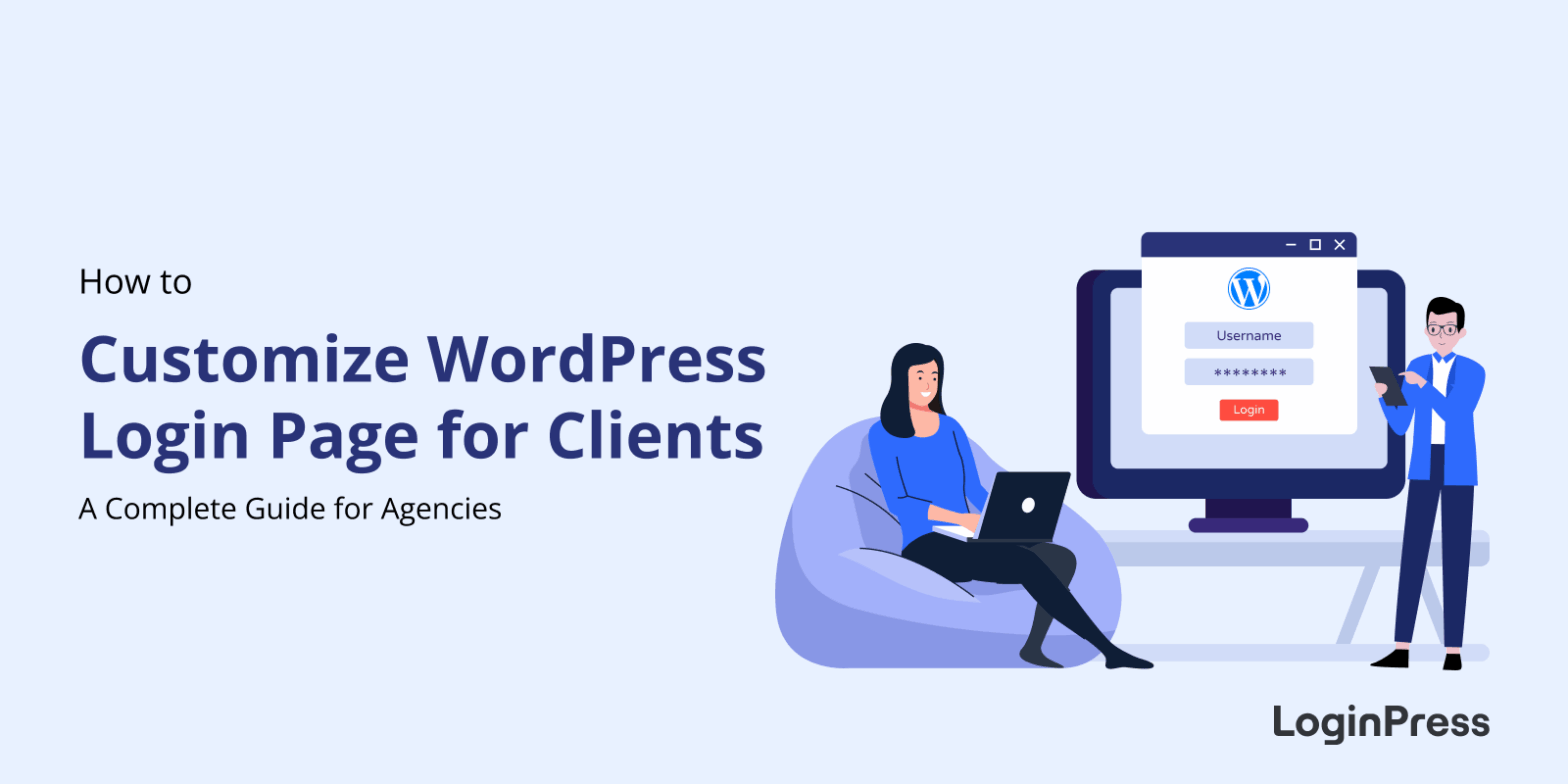
How To Customize WordPress Login Page For Clients (Detailed Guide)
To customize the WordPress login page for clients, add each client’s logo, colors and background with LoginPress, change the login URL and set role-based redirects, then reuse the same setup on every client site. Agencies have three routes: a plugin like LoginPress, custom code and CSS, or a page builder.
An unbranded login page can lower the perceived value of a site your team spent months building, so I’d treat the login page as part of every delivery.