How MFA Improves Security Over Single-Factor Authentication

MFA improves security over single-factor authentication by requiring a second proof of identity on top of the password. A stolen, guessed or phished password alone no longer gets an attacker in, because they would also need your phone, a security key or a biometric check.
Single-factor authentication relies only on a password, the oldest and weakest form of login security. Phishing, brute force attacks and credential stuffing are now routine, so a password on its own is not enough.
In this post, I will compare SFA, 2FA and MFA, explain seven ways MFA outperforms a password alone, and show how to add MFA to a WordPress site that uses LoginPress.
MFA vs SFA (TOC):
Understanding Authentication Methods
The main authentication methods are single-factor authentication (SFA), two-factor authentication (2FA) and multi-factor authentication (MFA). Authentication is the process of verifying a user’s identity before granting access, and it has moved from simple passwords to these layered methods.
Let’s inspect the most used of these authentication methods:
What is Single Factor Authentication (SFA)
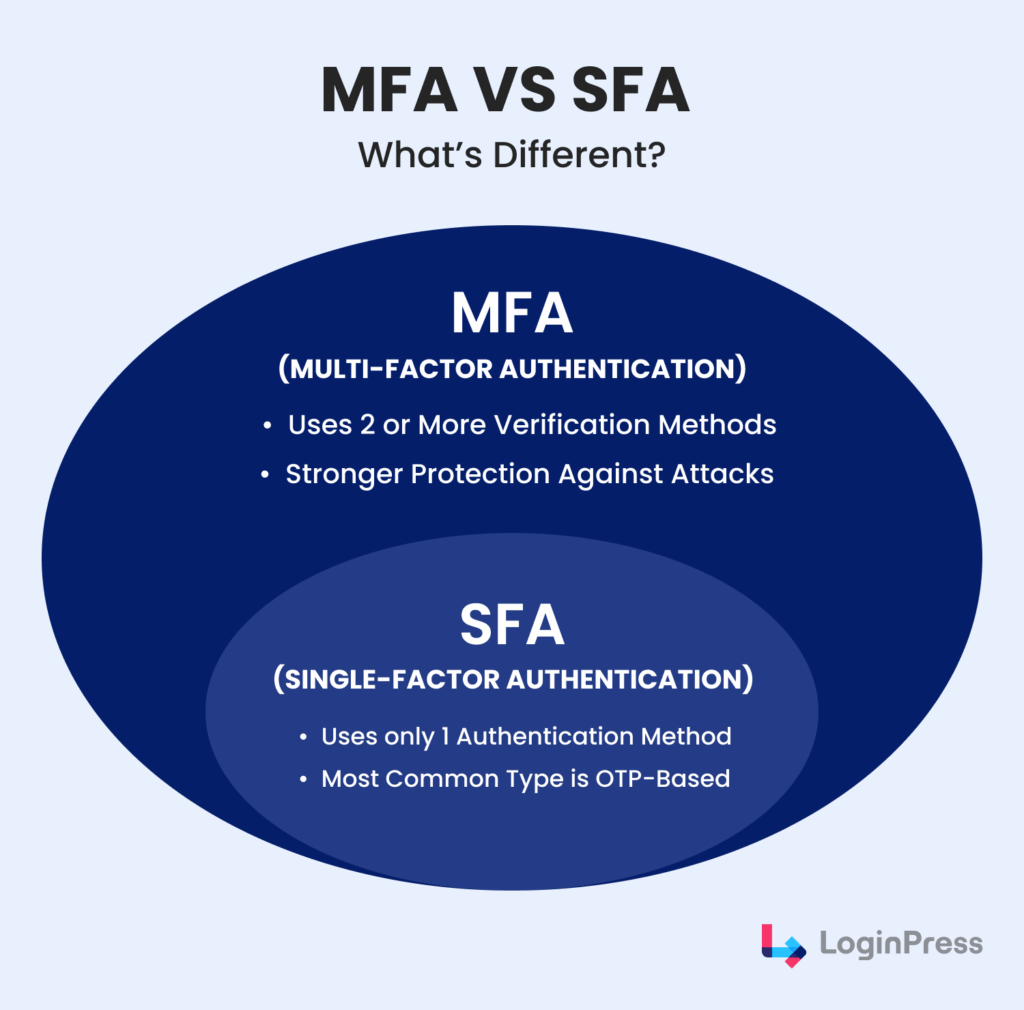
Single-Factor Authentication (1FA or SFA) is the most basic form of identity verification.
In this authentication method, users require only one credential to log in, typically a username and password.
Below are some of the limitations of using only SFA:
- Highly vulnerable to phishing attacks.
- Susceptible to brute-force and dictionary attacks.
- Exposed in data breaches, where stolen credentials can be reused.
For example, logging into a WordPress dashboard with only a username and a password.
Two-Factor Authentication (2FA)
2FA is a subset of MFA, differing only in that it requires exactly two factors of verification. Typically, this involves something you know (such as a password) and something you have (like a one-time code sent via SMS, app, or email).
Here are some benefits of 2FA:
- Provides an extra layer of defense if passwords are stolen.
- Protects against brute-force attacks.
- Works smoothly across multiple devices with apps such as Google Authenticator, Authy, or Microsoft Authenticator.
For example, after entering a WordPress login password, the user receives a six-digit code on their phone via SMS or app, which must be entered before access is granted.
Multi-Factor Authentication in WordPress
MFA (Multi-Factor Authentication) in WordPress requires two or more factors of authentication. These are chosen from different categories:
- Passwords or a PIN.
- Authenticator app, hardware token, SMS code.
- Biometrics, such as fingerprints or facial recognition.
Here are the benefits of using MFA:
- Adds multiple layers of security.
- Makes stolen credentials insufficient for access.
- Strongly resists phishing, brute-force, and credential stuffing.
For example, logging in with a password (knowledge), verifying with a fingerprint (biometric), and entering a one-time passcode from an app (possession).
How Does Multi-Factor Authentication (MFA) Outperform SFA for Security?
MFA outperforms SFA because it adds independent layers of identity checks, while SFA depends on a single password. If that one password leaks, SFA has nothing left to protect the account.
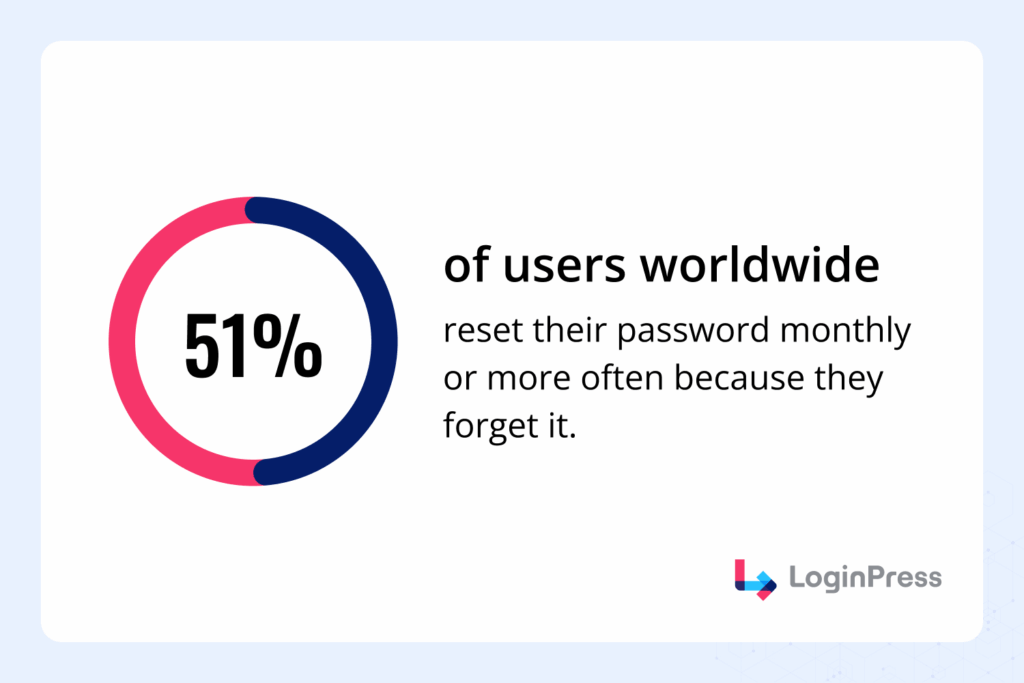
Passwords are both vulnerable and inconvenient. SFA relies on one piece of information, usually a password, while MFA layers several forms of verification.
In practice, that turns a single locked door into several. Here is how MFA improves security over single-factor authentication:
1. Enhanced Security Layers
The concept of MFA vs SFA in 2025 can be understood through a simple example: SFA is like locking your front door with just one key. If that key is stolen or copied, the intruder can gain access to your assets.
With MFA, however, even if the first factor (password) is compromised, additional checks, which can include a time-sensitive code from an authenticator app or biometric verification, help to stand in the attacker’s way.
- SFA Example: A WordPress site secured only with a username and password can be compromised if those details are leaked in a data breach.
- MFA Example: Even with the stolen password, an attacker still needs a one-time verification code and possibly a fingerprint scan before access is granted.
This layered defense mechanism implies that hackers must overcome not one but several independent barriers. This ensures that unauthorized access is comparatively more difficult.
2. Protection Against Common Attacks
The most common forms of cyberattacks specifically target weak or reused passwords. Here, MFA provides your site with stability where SFA fails:
- Phishing: Attackers trick users into handing over credentials. With SFA, the user’s data is breached successfully. But with MFA, stolen passwords alone aren’t enough.
- Credential Stuffing: Hackers use databases of leaked usernames and passwords to gain access to multiple accounts. MFA stops them before they even reach you because the second factor is still missing.
- Brute-Force Attacks: Automated bots can try millions of password combinations until they find the right one. MFA rejects this approach by requiring extra verification beyond the password.
In every case mentioned above, MFA proves to be what prevents a successful attack against SFA from becoming a failed attempt.
3. Compliance and Industry Standards
Modern industries are recognizing the dangers of single-factor logins. Compliance policies, such as the GDPR (General Data Protection Regulation), HIPAA (Health Insurance Portability and Accountability Act), and PCI DSS (Payment Card Industry Data Security Standard), often require MFA as part of secure authentication practices.
Failing to enforce MFA doesn’t just increase risk, but it can also lead to non-compliance penalties, loss of trust, and potential lawsuits. For businesses handling sensitive customer data, MFA is no longer optional; it’s a regulatory need.
4. Real-World Effectiveness
Statistics strongly support MFA’s superiority. Microsoft revealed that MFA prevents 99.9% of account compromise attacks, even when passwords are stolen.
Real-world breaches have also shown the consequences of weak authentication on large organizations:
- Uber (2022): Attackers used stolen credentials from an employee’s Slack account to bypass single-factor protections. With MFA implemented, the attacker would’ve still needed a biometric confirmation to access Uber’s systems.
- Colonial Pipeline (2021): A weak VPN password led to a massive ransomware attack costing millions. Using MFA, the attacker would have required a secondary code to access the company’s system.
5. Building User Trust
Security is not just about protecting data but also about building trust with your users. By implementing MFA, organizations show that they take user privacy seriously. Customers, employees, and stakeholders are more likely to engage with platforms that offer visible and strong security measures.
When users know a platform has MFA, they feel safer using it, especially in industries such as banking, healthcare, and e-commerce, where sensitive information of most users can be stored.
6. Reduced Password Fatigue
People are often forced to create complex passwords, change them frequently, and remember multiple variations for different accounts. The result is that many are opting for unsafe practices such as reusing the same password across multiple sites or writing them down in non-secure places.
This constant cycle of resetting and memorizing not only hurts productivity but also creates frustration that can discourage smooth user behavior. But with MFA, the burden on passwords is reduced. Since authentication doesn’t rely exclusively on a single factor, users can use simpler, more memorable passwords while still enjoying a high level of protection.
Even if a password is weak or compromised, the additional MFA layers (like a one-time code or fingerprint) prevent attackers from gaining access.
7. Flexibility with Authentication Methods
Another reason MFA outperforms single-factor authentication is its adaptability. Organizations and website owners can select from a range of verification methods tailored to their specific security needs, user preferences, and technical infrastructure.
Standard MFA methods include:
- OTP Apps (Google Authenticator, Authy, Microsoft Authenticator): This generates time-sensitive codes.
- Hardware Tokens (YubiKey, RSA SecurID): Physical devices that generate or store codes.
- Biometrics (fingerprints, facial recognition, voice ID): Unique traits that are difficult to replicate.
- Push Notifications: Send login approval requests directly to a user’s phone.
- Email or SMS Codes: Widely accessible but slightly less secure compared to app-based tokens.
Unlike SFA, which offers only one weak option, such as passwords, MFA can be customized to ensure a balance between security, convenience, and cost.
How to Implement MFA in WordPress
You implement MFA in WordPress with a dedicated MFA or 2FA plugin. LoginPress does not include built-in MFA, but it works smoothly with leading MFA plugins such as:
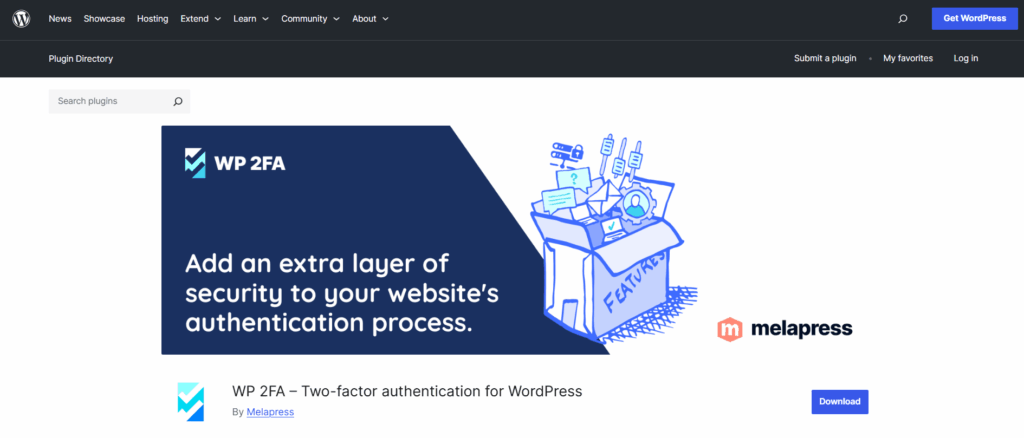
- WP 2FA by Melapress: A reliable WordPress 2FA plugin that supports email, OTP, and app-based authentication.
- MiniOrange 2FA: Lightweight, user-friendly, and works well with custom login pages created with LoginPress.
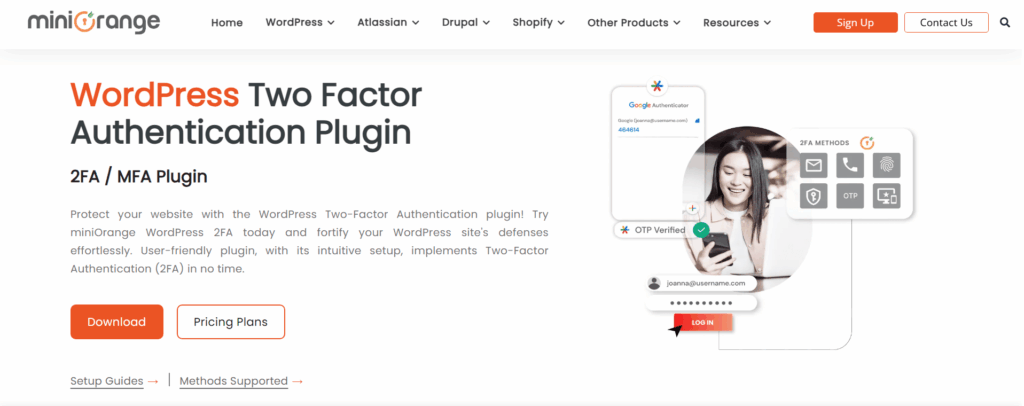
By combining LoginPress with these plugins, you can enable two-factor authentication in WordPress and provide secure login methods without sacrificing customization. If you want to learn more about 2FA and how it can be merged into your WordPress, we have a complete guide you can check out: How to Add Two Factor Authentication in WordPress.
Comparing MFA with Other Authentication Methods
For your ease, here is a quick comparison of all authentication methods so you can decide which works best for you and your organization:
| Method | Verification | Security Level | Example Use Case |
| 1FA (SFA) | One factor (password) | Low | Basic website logins |
| 2FA | Two factors (password + SMS/app code) | Medium | WordPress admin security |
| MFA | Two or more factors (password + app + biometrics) | High | Banking, healthcare systems |
Best Practices for Multi-Factor Authentication in WordPress
Poorly planned MFA practices can frustrate users and even lead to lockouts. To avoid these issues for enhanced WordPress login security, I have added this bonus section where I explore some of the best practices for implementing MFA:
1. Choose a Flexible MFA Plugin
Select a WordPress 2FA/MFA plugin that supports multiple authentication methods. These can include SMS, email codes, authenticator apps, hardware keys, or push notifications. This flexibility allows you to adjust various user preferences and security levels while keeping your site’s accessibility to everyone.
2. Educate Users Early
User resistance is the biggest obstacle to MFA adoption. Communicate why MFA is required for protecting both user accounts and sensitive site data. Provide step-by-step setup guides or short video tutorials to make the process clear to them.
3. Apply MFA Strategically
Not every WordPress role needs the same level of protection. Apply mandatory MFA to administrators, editors, and contributors first, as they are the users with the most sensitive access. Then extend it site-wide if applicable.
4. Regularly Review and Update Settings
Over time, user roles and security needs change. Periodically review your MFA settings and authentication logs to ensure they remain aligned with your site’s security policy.
FAQs on MFA vs SFA
What is Single-Factor Authentication (SFA)?
Single-Factor Authentication (SFA) refers to logging in with just one piece of information, typically a username and password. While this has been the standard for decades, it’s considered highly insecure today. Because there’s no backup verification method, once a password is compromised, attackers gain full access. That’s why modern websites, including WordPress, strongly recommend moving beyond SFA to Multi-Factor Authentication (MFA).
How does MFA improve WordPress login security?
MFA enhances WordPress login security by adding multiple layers of verification. Even if an attacker manages to steal or guess your password, they would still need a second factor, such as:
A one-time code sent via SMS, email, or authenticator app
A fingerprint or face scan (biometric)
A hardware token like a YubiKey
This layered defense makes it extremely difficult for hackers to break in, because they would need access to both your password and your secondary factor.
Is 2FA the same as MFA?
Not exactly. Two-Factor Authentication (2FA) is a type of MFA that uses exactly two verification factors (for example, password + authenticator app code). Multi-Factor Authentication (MFA) is a broader term that refers to using two or more authentication methods.
What’s the difference between passwordless login and 2FA?
The difference lies in how authentication is handled:
Passwordless login eliminates passwords entirely. Users log in using methods such as email magic links, biometric authentication, or hardware keys. This improves user convenience and removes the risk of weak or reused passwords.
Two-Factor Authentication (2FA) still requires a password but adds a second step (like an OTP or authenticator code).
Both approaches improve security, but passwordless login focuses on removing password fatigue, while 2FA focuses on strengthening the password system. Some sites even combine both for maximum protection.
Conclusion: Secure Login Methods in WordPress
In today’s landscape, relying solely on Single-Factor Authentication (SFA) poses a significant risk to businesses. Attackers can easily bypass passwords through phishing, brute-force, or credential leaks.
Multi-factor authentication adds several layers of security and sharply reduces the chances of unauthorized access. From protecting against phishing to meeting compliance requirements, MFA is now the standard for login protection.
For WordPress site owners, combining LoginPress with a trusted WordPress two-factor authentication (2FA) plugin ensures both a customized login experience and secure login methods. If you want to strengthen your WordPress login security, enabling MFA is no longer optional.
That’s all for this post. For more 2FA-related posts, check out:
- How to Set Up Multi-Factor Authentication for WordPress
- 7 Best WordPress 2FA Plugins
- WordPress Security – Protect Website from Hackers
So, are you ready to take the next step in securing your WordPress site?