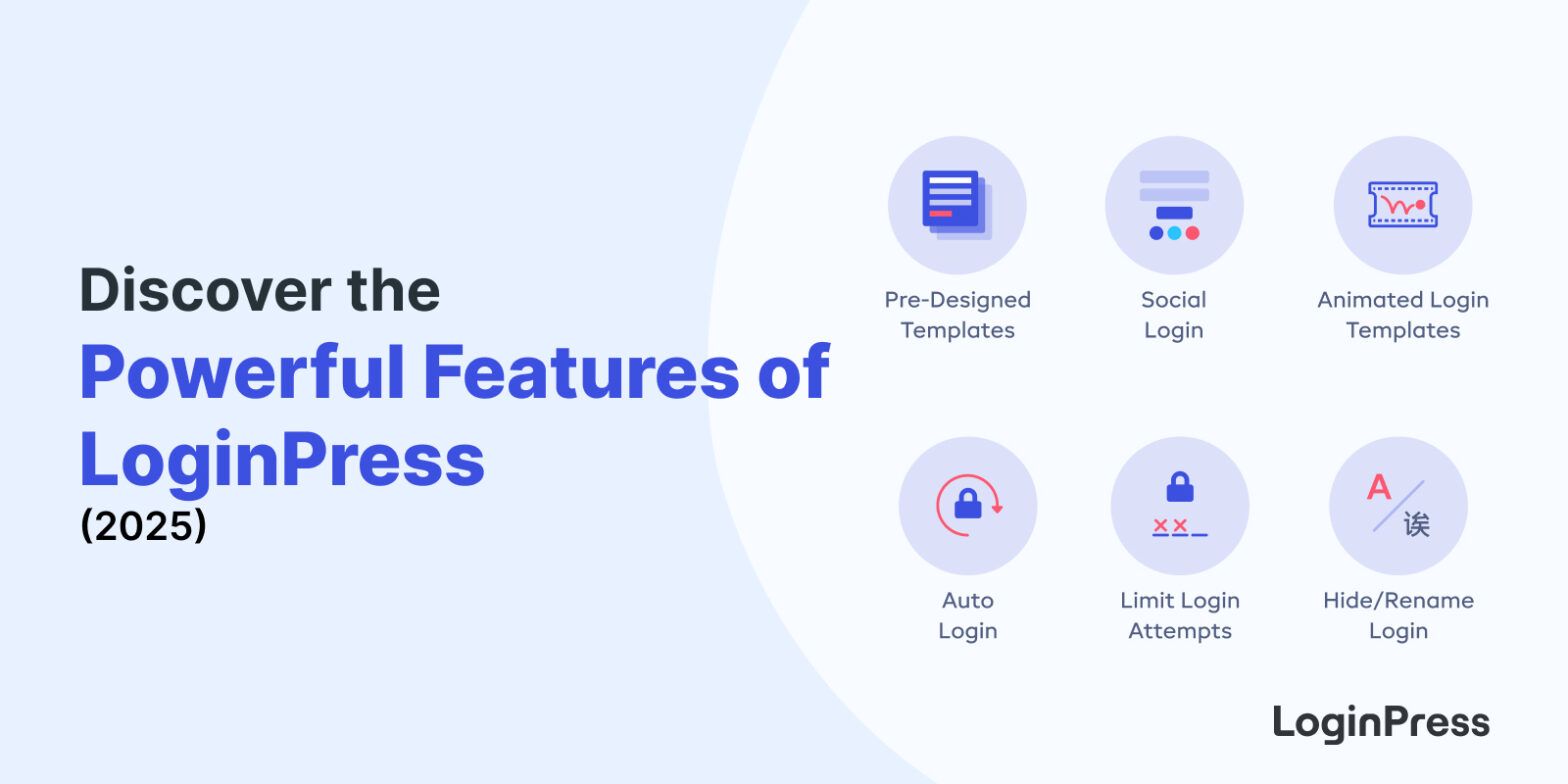
 Discover the Powerful LoginPress Features: The Definitive Guide
Discover the Powerful LoginPress Features: The Definitive Guide
In this article, we’ll walk you through the powerful LoginPress features that help you swipe the default look and feel of your login page into something outstanding.
 11 Best WordPress Gallery Plugins
11 Best WordPress Gallery Plugins
My pick for most sites is FooGallery if you want a fast free gallery with good layouts, or NextGEN Gallery if you need albums, client proofing and print sales. Below is a comparison of 11 WordPress gallery plugins on price, active installs, ratings and features, all checked in October 2026.
In this post, I will compare the 11 best WordPress gallery plugins on features, pricing and use case, so you can pick the right one for your site.
 How to Boost Login UX with Custom Login User Interface Design
How to Boost Login UX with Custom Login User Interface Design
A good WordPress login user interface is branded, simple and consistent: your own logo, a clear form, readable fonts and one obvious Log In button. LoginPress lets you set all of these from the Customizer without code.
 Top 10 Customizable Login Page Templates in WordPress
Top 10 Customizable Login Page Templates in WordPress
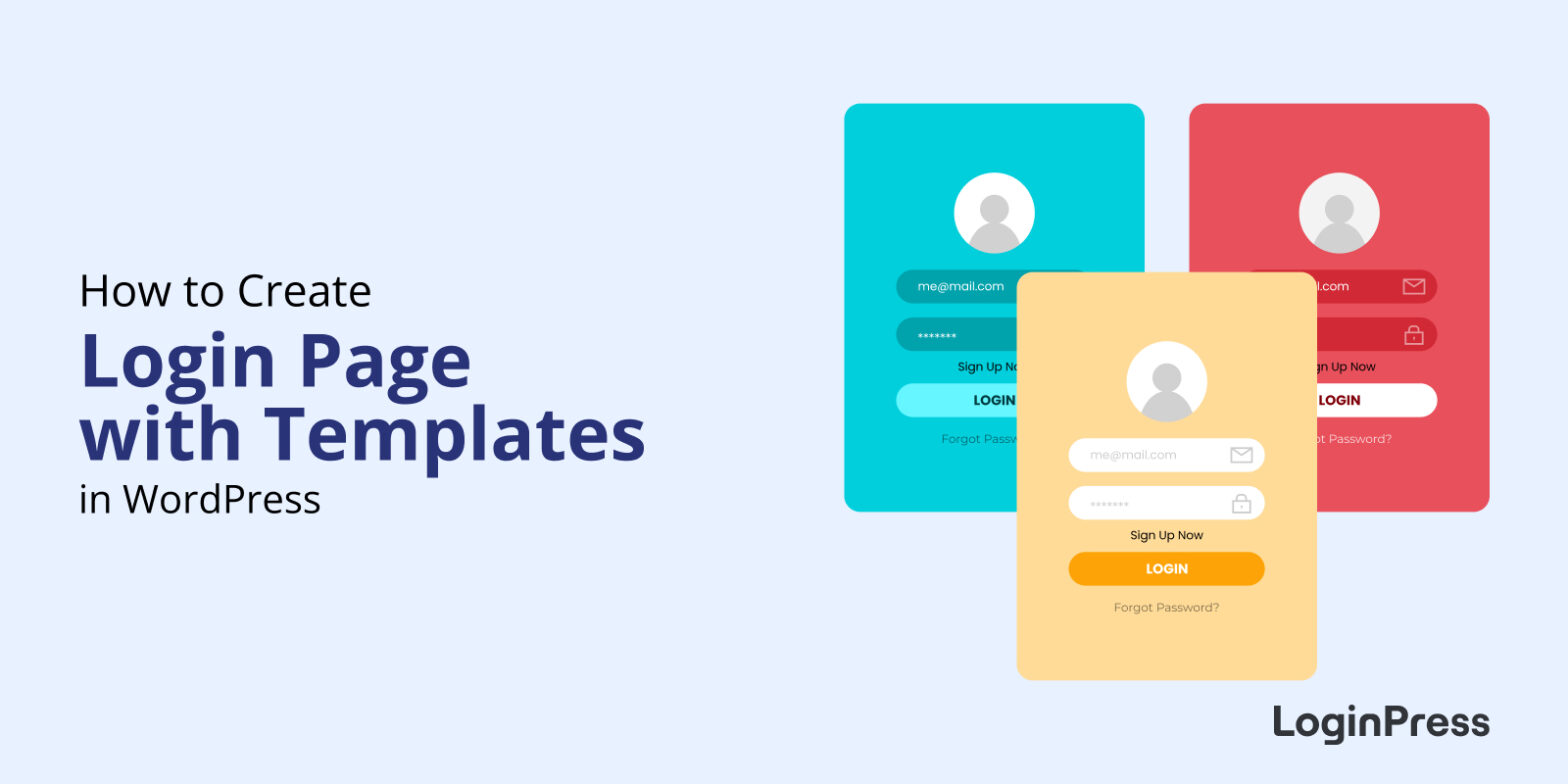
The quickest way to get a professional WordPress login page is to start from a ready-made template in LoginPress, then swap in your logo, colors and background. Below are 10 customizable LoginPress login page templates, each applied in a couple of clicks with no code or design skills.
In this post, you will see the login page templates LoginPress includes and how to apply one to your site.
 WordPress WooCommerce Tutorial (10 -Step Easy Setup Guide)
WordPress WooCommerce Tutorial (10 -Step Easy Setup Guide)
To set up a WooCommerce store, install and activate the WooCommerce plugin, complete the setup wizard, add your products, choose a theme, set up payments and tax rates, and test checkout.
In this post, I will walk you through all 10 steps, from hosting and installation to your first test order.
 How to Sell on WordPress Without WooCommerce
How to Sell on WordPress Without WooCommerce
To sell on WordPress without WooCommerce, install an eCommerce plugin such as SureCart, Ecwid, Easy Digital Downloads, eCommerce Product Catalog, WP EasyCart or BigCommerce for WordPress, connect a payment method and add your products.
 How to Monitor and Analyze WordPress User Login Activity
How to Monitor and Analyze WordPress User Login Activity
To monitor user login activity in WordPress, install an activity log plugin such as WP Activity Log, Simple History or Activity Log. WordPress core doesn’t keep a login history, but these free plugins record every login, logout and failed attempt, plus who changed what on your site.
In this guide, I compare three activity log plugins and set each one up step by step.
 How to White Label WordPress Login Page Using LoginPress (Explained)
How to White Label WordPress Login Page Using LoginPress (Explained)
To white label your WordPress login page, replace the WordPress logo, background, colors and footer links with your own brand using LoginPress, so users never see WordPress branding when they log in. You can do it without code from the WordPress Customizer.
I’d white label the login page on any client or membership site, because it’s often the first screen users see.
 How to Set up Custom WordPress Login Credentials
How to Set up Custom WordPress Login Credentials
To set up custom WordPress login credentials, go to Users > Add New User, enter a unique username and email, set a strong password, assign a role, and then delete or demote the default “admin” account.
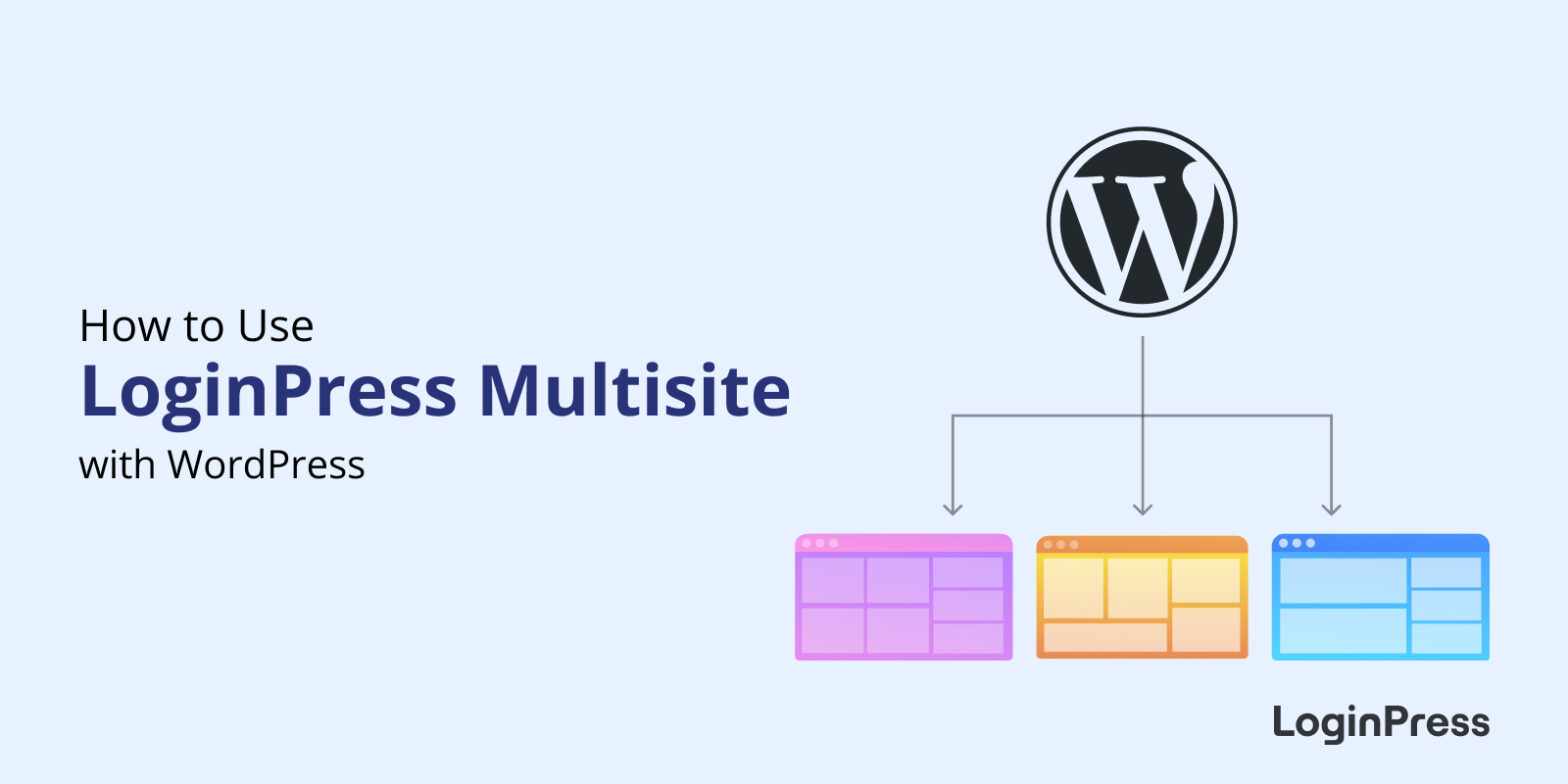 How to Use LoginPress with WordPress Multisite
How to Use LoginPress with WordPress Multisite
To customize login pages on a WordPress Multisite network, install LoginPress on the network, open the subsite you want to change, and use LoginPress > Customizer to set the theme, logo and background for that subsite.