 How to Fix reCAPTCHA Not Working on WordPress (Explained)
How to Fix reCAPTCHA Not Working on WordPress (Explained)
reCAPTCHA usually stops working in WordPress because of an invalid site key, a domain that isn’t added to your reCAPTCHA keys, a plugin or caching conflict, or a version mismatch between v2 and v3 keys. Most fixes take a few minutes: check your keys and domain in the Google reCAPTCHA admin console, then rule out conflicts.
In this post, I will go through each error and its fix, then show how to set up reCAPTCHA correctly with LoginPress.
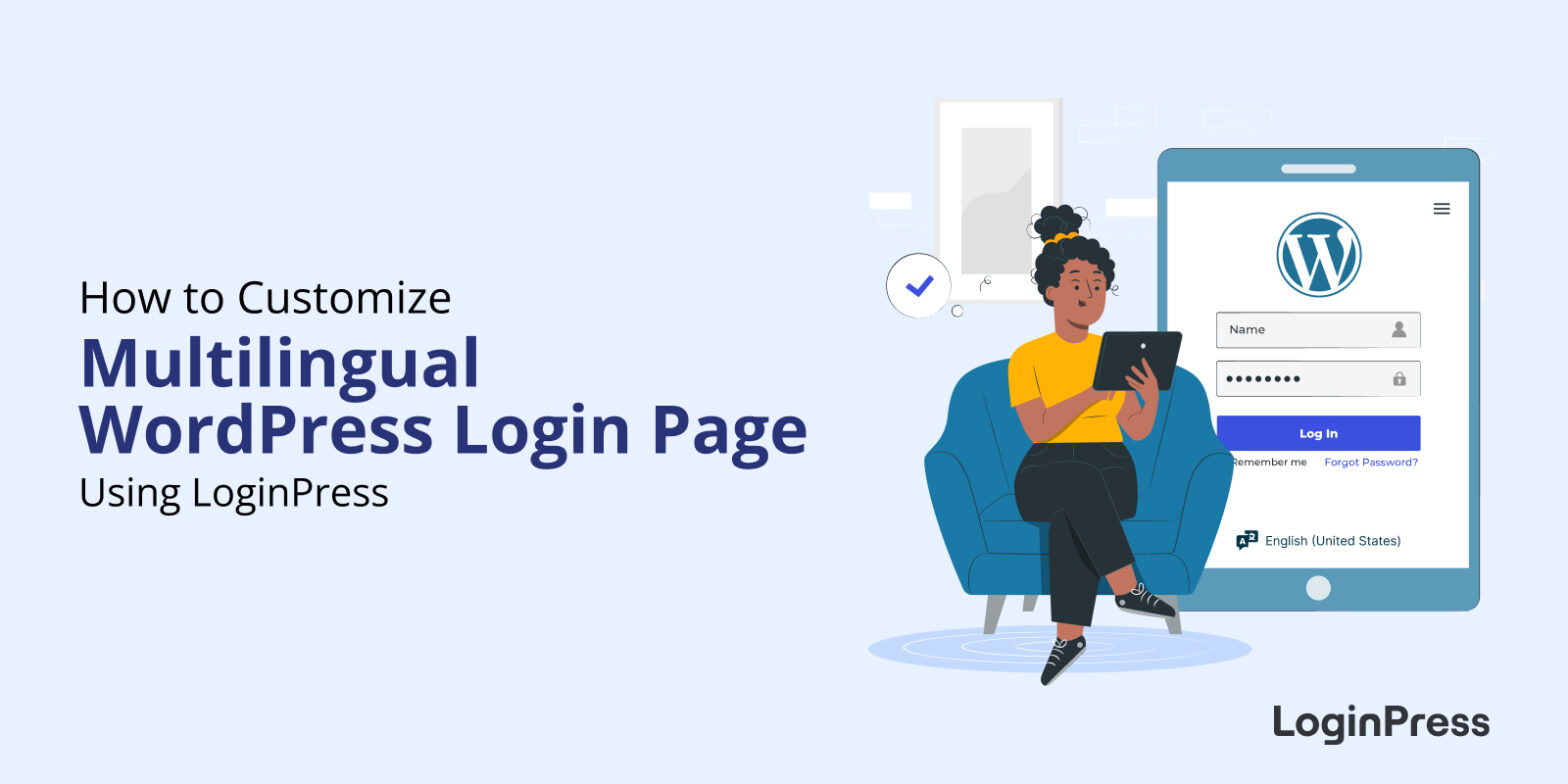 How to Customize A WordPress Multilingual Login Page
How to Customize A WordPress Multilingual Login Page
To customize a multilingual WordPress login page, install LoginPress and style the page and its language selector from the Customizer: set the theme, fonts, logo, background, buttons and messages once, and they apply to every language.
 How to Set Up Multi-Factor Authentication for WordPress
How to Set Up Multi-Factor Authentication for WordPress
To set up multi-factor authentication (MFA) in WordPress, install an MFA plugin, run its setup wizard, then link an authenticator app such as Google Authenticator and verify the code. After that, every login needs your password plus a one-time code.
MFA matters because a stolen or guessed password is no longer enough to get in. It adds a second check, so an attacker would also need your phone or another factor.
 How to Add Two Factor Authentication in WordPress
How to Add Two Factor Authentication in WordPress
You can add two-factor authentication (2FA) to WordPress in a few minutes with a free plugin such as Two Factor or WP 2FA. After entering their password, each user also types a short code from an authenticator app or their email, so a guessed or stolen password is no longer enough to get in.
In this post, I will set up both plugins step by step on a login page customized with LoginPress.
 7 Best WordPress 2FA Plugins
7 Best WordPress 2FA Plugins
The best WordPress 2FA plugins add a second login step, usually a code from an authenticator app or email, so a stolen password isn’t enough to get in. For most sites I’d start with WP 2FA, which can enforce 2FA by user role, or Two Factor if you want the lightest free option.
In this post, I will compare 7 WordPress 2FA plugins on price and features, so you can choose quickly.
 How to Fix the WordPress Login Redirect Loop
How to Fix the WordPress Login Redirect Loop
To fix the WordPress login redirect loop, clear your browser cookies and cache first, then restore the default .htaccess file, and finally deactivate your plugins and theme to find the one causing it.
 How to Set up a Language Selector on the Login Page? Global Accessibility Guide
How to Set up a Language Selector on the Login Page? Global Accessibility Guide
To set up a language selector on the WordPress login page, go to Settings > General, choose a Site Language, and WordPress shows a language drop-down on the login screen when more than one language is installed.
 9 Best WordPress Security Plugins (Secure Your Site Today)
9 Best WordPress Security Plugins (Secure Your Site Today)
The best WordPress security plugins are LoginPress, Jetpack, Wordfence, All-In-One Security (AIOS), Sucuri Security, Solid Security, MalCare, miniOrange’s Google Authenticator and WPScan. Each covers a different layer, from login protection and two-factor authentication to firewalls, malware scanning and vulnerability checks.
WordPress itself is secure, but attacks on WordPress sites never stop. A security plugin closes the gaps that default settings leave open.
 Why Use WordPress? [10 Reasons]
Why Use WordPress? [10 Reasons]
Use WordPress because it is free, needs no coding, is flexible, SEO-friendly, extendable with thousands of plugins and scalable as your site grows. It powers blogs, stores and business sites of every size.
 How to Create a Mobile Friendly Login Page Using LoginPress? [Responsive Design Guide]
How to Create a Mobile Friendly Login Page Using LoginPress? [Responsive Design Guide]
To create a mobile friendly login page with LoginPress, install and activate LoginPress, open the Customizer, design your login page, and preview it on mobile screen sizes.