 How to Create a Seamless WordPress Login Experience for Your Users
How to Create a Seamless WordPress Login Experience for Your Users
A smooth WordPress login experience is fast, branded, secure and mobile friendly, with no extra steps between the visitor and the dashboard.
This guide shows you how to build that experience with LoginPress, from branding and redirects to the common mistakes to avoid.
 How WordPress Social Login Can Increase Sign-Ups on Your Site
How WordPress Social Login Can Increase Sign-Ups on Your Site
Social login increases sign-ups because visitors register with one click using an existing Google, Facebook or Twitter account instead of filling out a long form and creating a password. In WordPress, you can add it with the LoginPress Social Login add-on.
In this post, I will explain how social login works, what it improves and how to set it up.
 How to Hide WordPress Login URL for Better Security (Guide)
How to Hide WordPress Login URL for Better Security (Guide)
You hide the WordPress login URL by replacing the default /wp-login.php and /wp-admin addresses with a custom URL only you know. With LoginPress, that takes a few clicks in the Hide Login settings, and bots hitting the old URL get nothing.
The default login URL is the first place automated bots look. They hit it all day, trying thousands of username and password combinations, which wastes server resources and puts your site at risk.
This post shows you how to set a new login URL with LoginPress, the security habits to add on top, and how to fix the two problems people run into afterwards.
 How to Restrict Access in WordPress by User Role (Easy Guide)
How to Restrict Access in WordPress by User Role (Easy Guide)
You restrict access in WordPress by user role with a restrict-content plugin, WordPress’s built-in role settings or code. LoginPress also blocks selected roles from wp-admin, so customers and subscribers stay out of the dashboard.
Not every visitor should have the same access as your premium or registered users, so role-based access protects your content and keeps the experience clean for regular users.
In this post, I will explain what role-based access is, the ways to set it up, and how to do it with LoginPress.
 Is Passwordless Authentication More Secure? (Guide)
Is Passwordless Authentication More Secure? (Guide)
Yes, passwordless authentication is generally more secure than passwords. It removes the password, which is the part attackers steal, guess and phish most often, and verifies users with biometrics, magic links or trusted social accounts instead.
Passwords are hard to remember, often reused and regularly exposed in data breaches. That makes them the weakest link in most login systems, and it is why passwordless login is becoming the new standard.
This guide explains how passwordless authentication works, why it is safer, where its risks are, and how to set it up in WordPress with LoginPress Social Login.
 WordPress Password Strength: The Essential Guide to Best Practices
WordPress Password Strength: The Essential Guide to Best Practices
A strong WordPress password is long, unique and hard to guess, and you can enforce that with a password strength meter and rules by user role.
In this post, I will explain why weak passwords stay a threat, the best practices for password strength, and how LoginPress lets you enforce them.
 How to Block Fake User Registration in WordPress (Guide)
How to Block Fake User Registration in WordPress (Guide)
To block fake user registrations in WordPress, add CAPTCHA to the registration form and require verification or approval for new users. LoginPress supports both.
This guide covers why spam registrations happen, which tools stop them, and how to set up LoginPress to block fake accounts step by step.
 Limit Login Attempts in WordPress: Best Practices for Hardening Your Login Security
Limit Login Attempts in WordPress: Best Practices for Hardening Your Login Security
Yes, limiting login attempts is still one of the strongest and simplest ways to protect a WordPress login. It caps how many times anyone can guess a password, then locks them out, which stops brute force attacks before they get anywhere.
Your login page is the main entry point to your site, so it is the first place attackers aim. Most of them use bots that guess passwords over and over, very fast.
In this guide I’ll cover the limit login attempts practices I’d set up on any site, then show how to configure them step by step with LoginPress.
 Passwordless vs MFA: Key Differences
Passwordless vs MFA: Key Differences
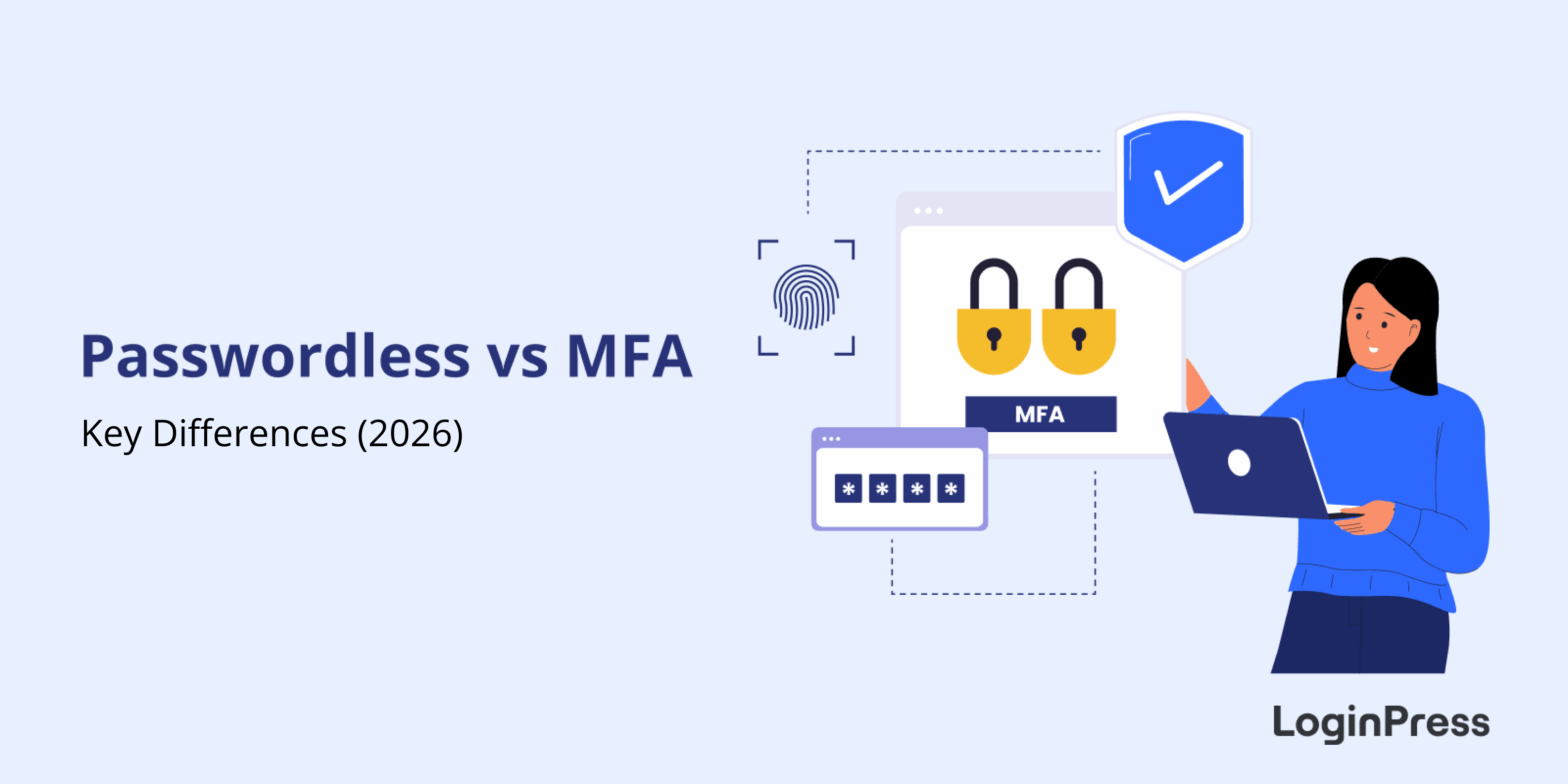
The key difference between passwordless and MFA is the password itself. Passwordless authentication removes it and verifies users with a fingerprint, a magic link or a social account. MFA keeps the password and adds a second step, such as a code sent to your phone.
Both are big upgrades over a password alone. Hackers are fast, and customers are tired of endless password resets, but the two methods solve that problem in different ways.
This guide compares passwordless and MFA on safety, ease of use and setup, explains when to choose each one, and shows how LoginPress brings passwordless login to WordPress with Social Login.
 How to Stop WordPress Brute Force Attacks (Guide)
How to Stop WordPress Brute Force Attacks (Guide)
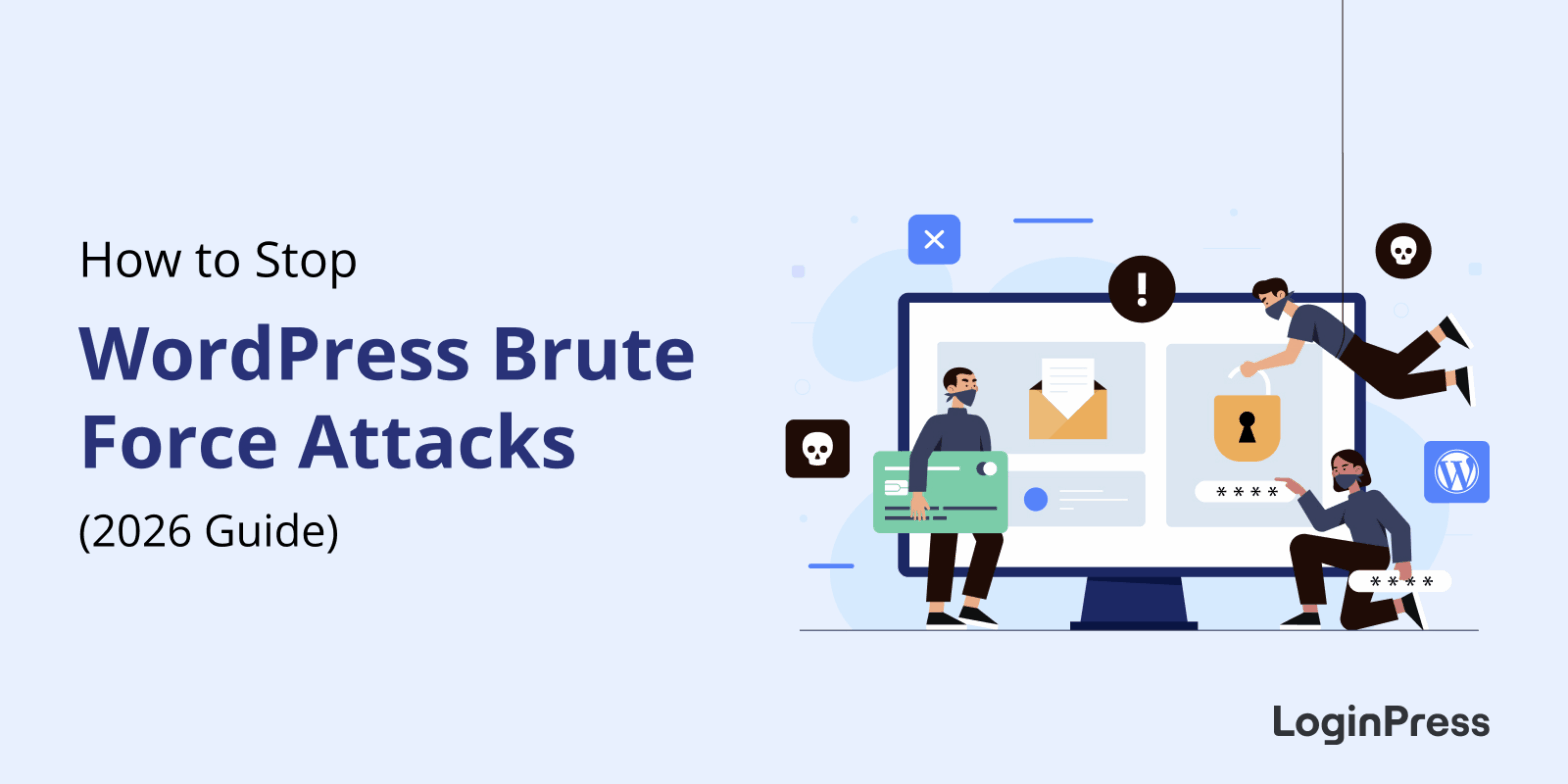
You stop WordPress brute force attacks with layers: hide the login URL, limit failed login attempts, add a CAPTCHA, and enforce strong passwords with two-factor authentication. No single setting is enough on its own, but together they block almost every automated login attack.
A brute force attack uses bots to guess your username and password thousands of times a minute. It needs no skill, only speed, so every WordPress site is a target, from a small blog to a busy WooCommerce store.
In this post, I will walk you through the defenses I’d set up first, and how LoginPress covers each layer from one plugin.