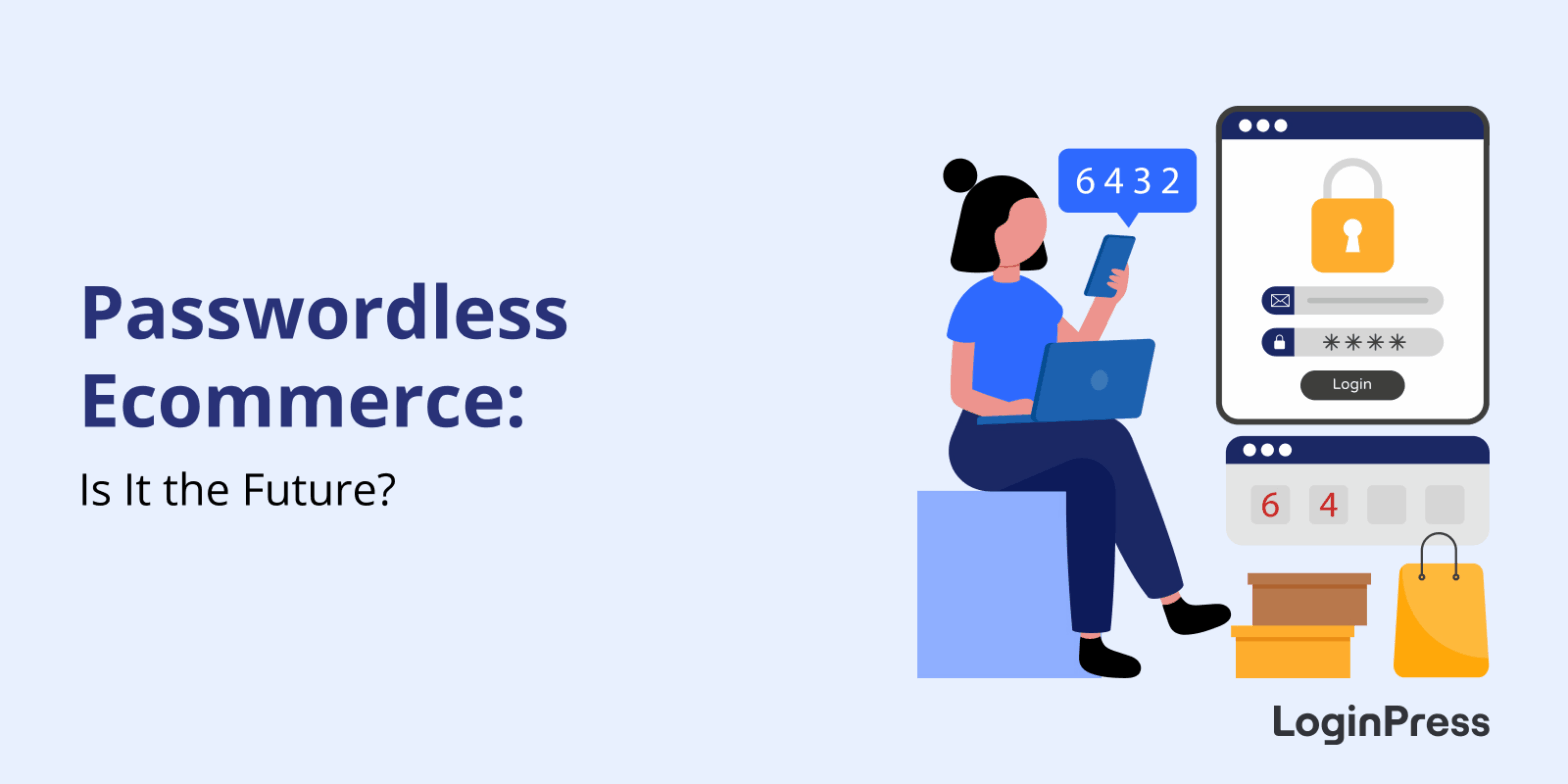
 Passwordless Ecommerce: Is it the Future?
Passwordless Ecommerce: Is it the Future?
Passwordless ecommerce lets shoppers sign in without a traditional password, using methods such as magic links, social login or passkeys. It is practical for WordPress and WooCommerce stores because it removes the password reset step that can stop customers at login and checkout.
This post explains how it works and how to set it up with LoginPress.
 How MFA Improves Security Over Single-Factor Authentication
How MFA Improves Security Over Single-Factor Authentication
MFA improves security over single-factor authentication by requiring a second proof of identity on top of the password. A stolen, guessed or phished password alone no longer gets an attacker in, because they would also need your phone, a security key or a biometric check.
Single-factor authentication relies only on a password, the oldest and weakest form of login security. Phishing, brute force attacks and credential stuffing are now routine, so a password on its own is not enough.
In this post, I will compare SFA, 2FA and MFA, explain seven ways MFA outperforms a password alone, and show how to add MFA to a WordPress site that uses LoginPress.
 How to Customize WooCommerce Login and Registration Forms (Guide)
How to Customize WooCommerce Login and Registration Forms (Guide)
You customize WooCommerce login and registration forms in two ways: with a plugin such as LoginPress, or with custom code using hooks and template overrides. A plugin is faster and needs no code, while code gives you full control.
This post covers both methods, best practices and common fixes.
 WooCommerce Login Security: Complete Guide
WooCommerce Login Security: Complete Guide
You secure WooCommerce login by enforcing strong passwords, adding CAPTCHA, limiting login attempts and using two-factor authentication. The LoginPress WooCommerce integration applies these protections to your login, registration and account pages, which protects customer data and revenue.
In this post, I will cover why it matters, the basic practices and how to set it up.
 8 Best WordPress Captcha Plugins to Stop Bot Attacks and Spam
8 Best WordPress Captcha Plugins to Stop Bot Attacks and Spam
The best WordPress CAPTCHA plugins are LoginPress CAPTCHA, hCaptcha, reCAPTCHA by BestWebSoft, Really Simple CAPTCHA, Friendly Captcha, Advanced Google reCAPTCHA, CAPTCHA 4WP and Login No reCAPTCHA. Each one stops spam bots on your login, registration and comment forms.
Spam bots drain server resources, slow your site down and flood your forms. A CAPTCHA asks visitors to pass a quick check, which keeps bots out and lets real people through.
This post explains how CAPTCHA works, compares the eight plugins side by side, and shows how to set up the LoginPress CAPTCHA add-on.
 How to Prevent WooCommerce Spam Orders: Best Ways
How to Prevent WooCommerce Spam Orders: Best Ways
You prevent WooCommerce spam orders with a layered defense: secure your login and registration pages, add CAPTCHA to login and checkout, and use a spam protection plugin. Spam orders are fake checkouts created by bots or hostile users, and they waste your time and clog your store.
In this post, I will cover what spam orders look like, how to diagnose them and how to stop them.
 7 Best Passwordless Authentication WordPress Solutions
7 Best Passwordless Authentication WordPress Solutions
The best passwordless authentication solutions for WordPress are LoginPress Social Login, Magic Login, miniOrange OTP, AwareID biometrics, ASD PassKey Login, Nextend Social Login and the Passwordless Login plugin. Each one replaces the password with a social account, an email link, a one-time code, a biometric check or a passkey.
Passwords are the weakest link in most login systems. Users forget them, hackers steal them, and support teams lose hours to “reset my password” requests. Strict password rules also push people to abandon signups.
In this post, I will go through each solution, what it is best at, and which one I’d pick for different kinds of sites, starting with LoginPress Social Login.
 hCaptcha vs ReCAPTCHA: Which One is Better? (Complete Guide)
hCaptcha vs ReCAPTCHA: Which One is Better? (Complete Guide)
hCaptcha is the better choice if privacy matters most, reCAPTCHA is the easiest to set up, and Cloudflare Turnstile is the least intrusive for visitors. All three stop bots on WordPress login, registration and comment forms, and you can add any of them with LoginPress Pro without code.
CAPTCHAs are a first line of defense against bots, spam and automated attacks, but they can annoy real visitors. The challenge is balancing strong security with a smooth experience.
 WooCommerce SEO: Complete Guide With Advanced Strategies
WooCommerce SEO: Complete Guide With Advanced Strategies
WooCommerce SEO is the process of optimizing your store’s product pages, categories, speed and technical setup to rank higher on Google. Start with an SEO plugin, clean permalinks, optimized product pages and fast mobile loading.
In this guide, I will show you the setup, product page, category and technical SEO steps for a WooCommerce store, plus the plugins that help.
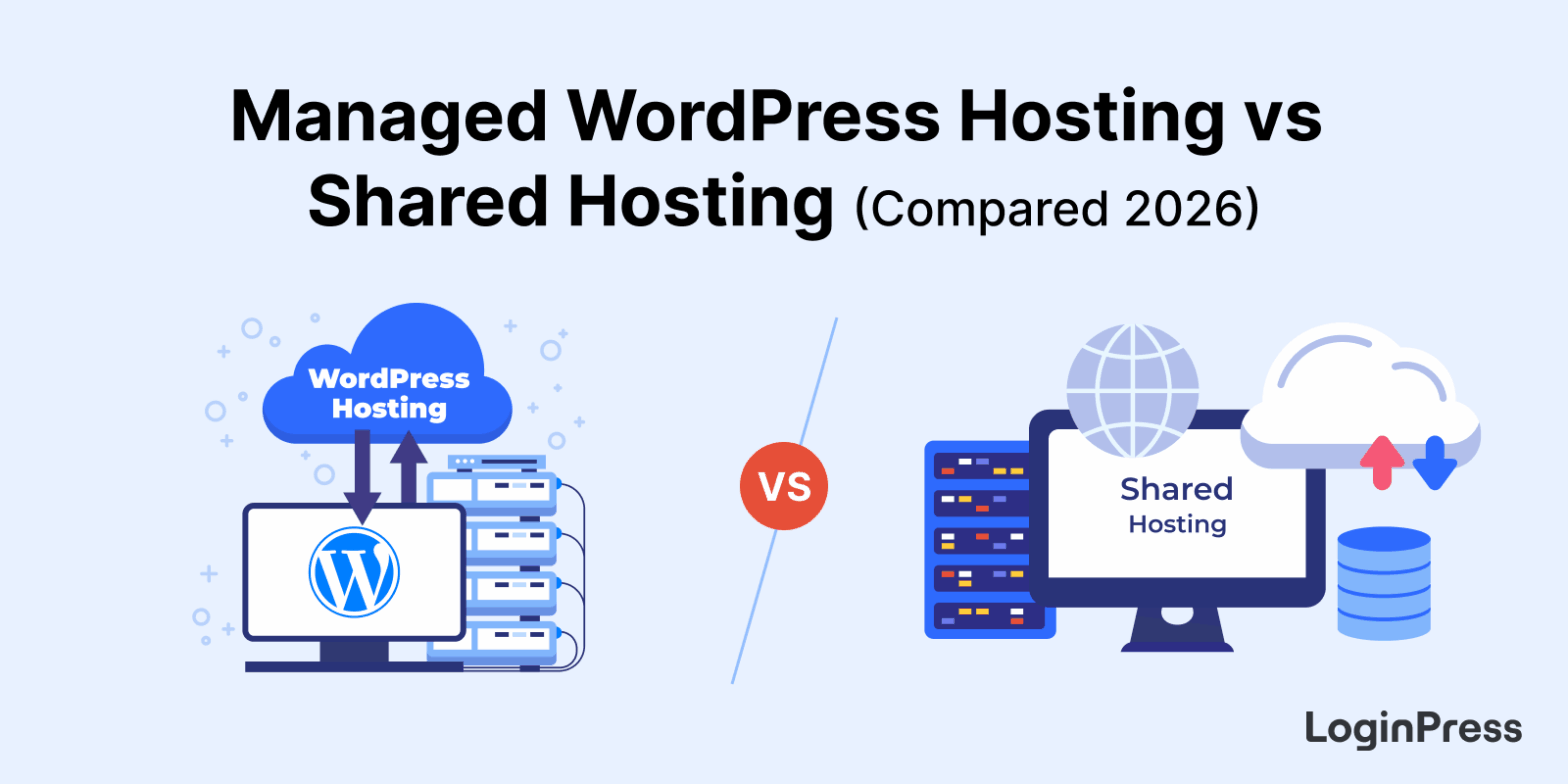 Managed WordPress Hosting vs Shared Hosting (Compared)
Managed WordPress Hosting vs Shared Hosting (Compared)
Managed WordPress hosting is the better choice for business sites that need speed, security and support, while shared hosting suits beginners and low-traffic sites on a tight budget.
This post compares the two on features, pros, cons and price, then shows how to pick the right one for your site.