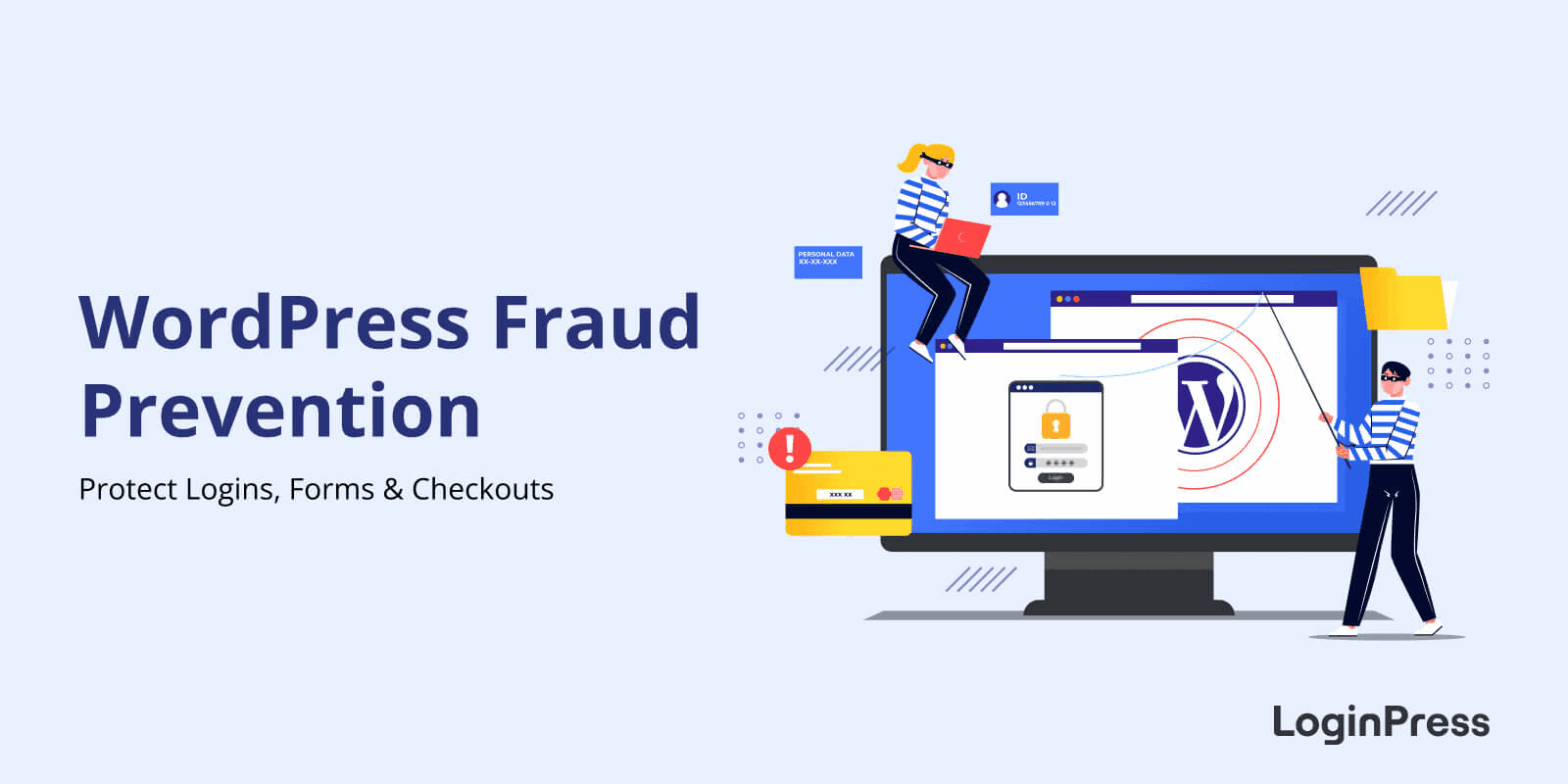
 WordPress Fraud Prevention: Protect Logins, Forms and Checkouts
WordPress Fraud Prevention: Protect Logins, Forms and Checkouts
WordPress fraud prevention combines strong authentication, CAPTCHA, login attempt limits and activity monitoring to protect your logins, forms and checkouts.
In this guide, I will explain the most common types of modern fraud and guide you through practical ways to protect your WordPress site.
 WordPress Session Management: How to Secure User Sessions
WordPress Session Management: How to Secure User Sessions
WordPress session management controls how long a user stays logged in, what they can do during that time, and how the site verifies them. Secure it with session timeouts, strong authentication, HTTPS cookies and device limits.
This guide covers the key parts of secure session control, the main threats, and the LoginPress features that put them in place.
 How to Secure and Optimize BuddyPress Login & Registration with LoginPress
How to Secure and Optimize BuddyPress Login & Registration with LoginPress
You secure BuddyPress login and registration by using LoginPress to add bot protection, spam registration controls and branded login and registration pages, with no code. The default BuddyPress login works but lacks built-in security and customization, which invites fake signups and spam profiles.
This post walks through the setup step by step.
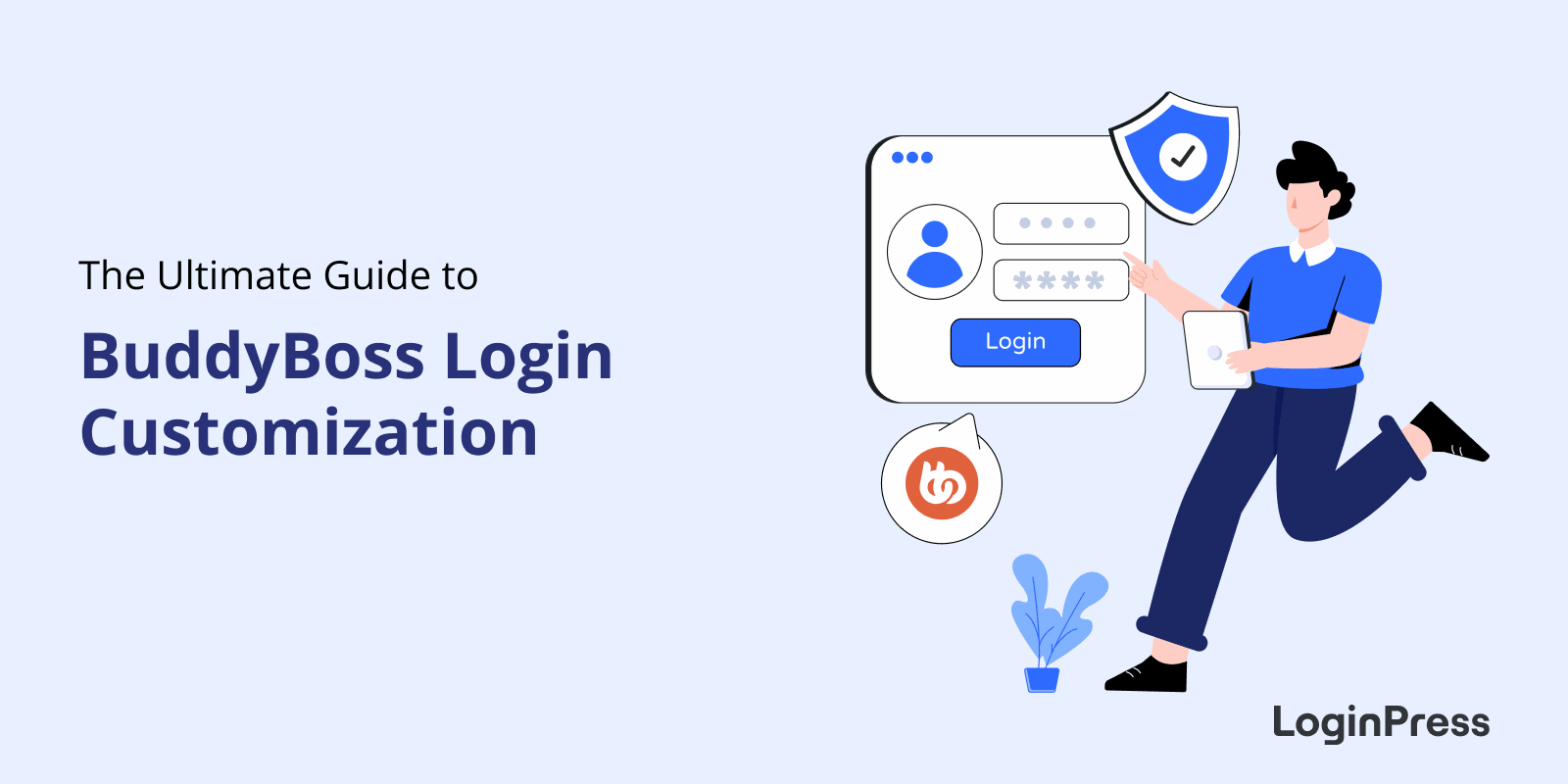 The Ultimate Guide to BuddyBoss Login Customization for a High-Fidelity Community Experience
The Ultimate Guide to BuddyBoss Login Customization for a High-Fidelity Community Experience
You customize the BuddyBoss login page by using the LoginPress BuddyBoss integration to brand the login and registration pages, add social login and CAPTCHA, and preview the design in real time, with no code. A branded login page shapes first impressions, trust and member engagement in your community.
In this post, I will walk through the setup step by step.
 How to Personalize LearnDash Login Page Customization with LoginPress
How to Personalize LearnDash Login Page Customization with LoginPress
You customize the LearnDash login page by using LoginPress to add your branding, a custom background and a styled login form, with no code. The default LearnDash login is functional but plain, so a branded page builds learner trust from the first screen.
This post walks through the setup step by step.
 Boost Your eLearning Site with LifterLMS Login Customization using LoginPress
Boost Your eLearning Site with LifterLMS Login Customization using LoginPress
You customize the LifterLMS login page by using LoginPress to brand the default login, add social login and CAPTCHA, and redirect students to their dashboards, all without code. The default LifterLMS login is functional but plain, so a custom page sets the right tone for students.
In this post, I will walk through the setup step by step.
 Customize Your Easy Digital Downloads Login Page with LoginPress
Customize Your Easy Digital Downloads Login Page with LoginPress
You customize the Easy Digital Downloads (EDD) login page by using LoginPress to add your branding, style the form and add security, with no code. A branded login builds buyer trust and makes the path from login to checkout smoother.
This post shows the five setup steps.
 Enhance Your WooCommerce Login Experience with LoginPress (Guide)
Enhance Your WooCommerce Login Experience with LoginPress (Guide)
You customize the WooCommerce login page by using the LoginPress WooCommerce integration to brand the login form, add social login and CAPTCHA, and set redirects, with no code. The default WooCommerce login is functional but generic and has limited security features.
In this post, I will walk through the setup step by step.
 Enhancing User Trust with Secure Login UX in WordPress (Guide)
Enhancing User Trust with Secure Login UX in WordPress (Guide)
To secure login UX in WordPress, brand the login page, add 2FA and CAPTCHA, and keep the form simple so users trust the page and attackers have fewer openings.
In this guide, I will show you how to customize the WordPress login page with LoginPress so it looks trustworthy and stays secure.
 Cloudflare Turnstile for WordPress: The Modern CAPTCHA Alternative
Cloudflare Turnstile for WordPress: The Modern CAPTCHA Alternative
Cloudflare Turnstile is worth it for WordPress if you want bot protection without image puzzles. It checks visitors silently in the background, respects privacy, and works on login, registration and comment forms through LoginPress.
Login spam and bot attacks keep getting smarter, and traditional CAPTCHAs are less effective than they used to be.
Google is also moving reCAPTCHA to Google Cloud, where free use is limited to 10,000 assessments, with fees after that. That is pushing more site owners to look at alternatives.
This guide explains how Turnstile works, how it compares with reCAPTCHA, and how to turn it on with LoginPress, which supports Turnstile, hCaptcha and Google reCAPTCHA.