Enhancing User Trust with Secure Login UX in WordPress (Guide)
To secure login UX in WordPress, brand the login page, add 2FA and CAPTCHA, and keep the form simple so users trust the page and attackers have fewer openings.
In this guide, I will show you how to customize the WordPress login page with LoginPress so it looks trustworthy and stays secure.
Cloudflare Turnstile for WordPress: The Modern CAPTCHA Alternative
Cloudflare Turnstile is worth it for WordPress if you want bot protection without image puzzles. It checks visitors silently in the background, respects privacy, and works on login, registration and comment forms through LoginPress.
Login spam and bot attacks keep getting smarter, and traditional CAPTCHAs are less effective than they used to be.
Google is also moving reCAPTCHA to Google Cloud, where free use is limited to 10,000 assessments, with fees after that. That is pushing more site owners to look at alternatives.
This guide explains how Turnstile works, how it compares with reCAPTCHA, and how to turn it on with LoginPress, which supports Turnstile, hCaptcha and Google reCAPTCHA.
7 Best WordPress Personalization Plugins
In today’s digital landscape, a successful WordPress site must ensure a smooth user experience.
If you are worried about your site’s user experience, then look no further; we’ve got you covered.
Visitors of your website don’t need endless content and information; they need an experience that directly speaks to them.
For websites built on the world’s most popular CMS, these tasks are made simple by using a dedicated personalization plugin for WordPress.
These plugins allow you to move beyond basic customization and transform your generic WordPress site into a personalized experience.
The goal is to make every visitor feel like the website was designed just for them, thereby reducing bounce rates and encouraging deeper interaction.
To enhance user retention and boost conversion rates, you need the right plugin.
In this guide, I have covered the best WordPress personalization plugins available in 2026, offering solutions that handle everything from dynamic content delivery to a fully customized login experience.
How to Create a Seamless WordPress Login Experience for Your Users
A smooth WordPress login experience is fast, branded, secure and mobile friendly, with no extra steps between the visitor and the dashboard.
This guide shows you how to build that experience with LoginPress, from branding and redirects to the common mistakes to avoid.
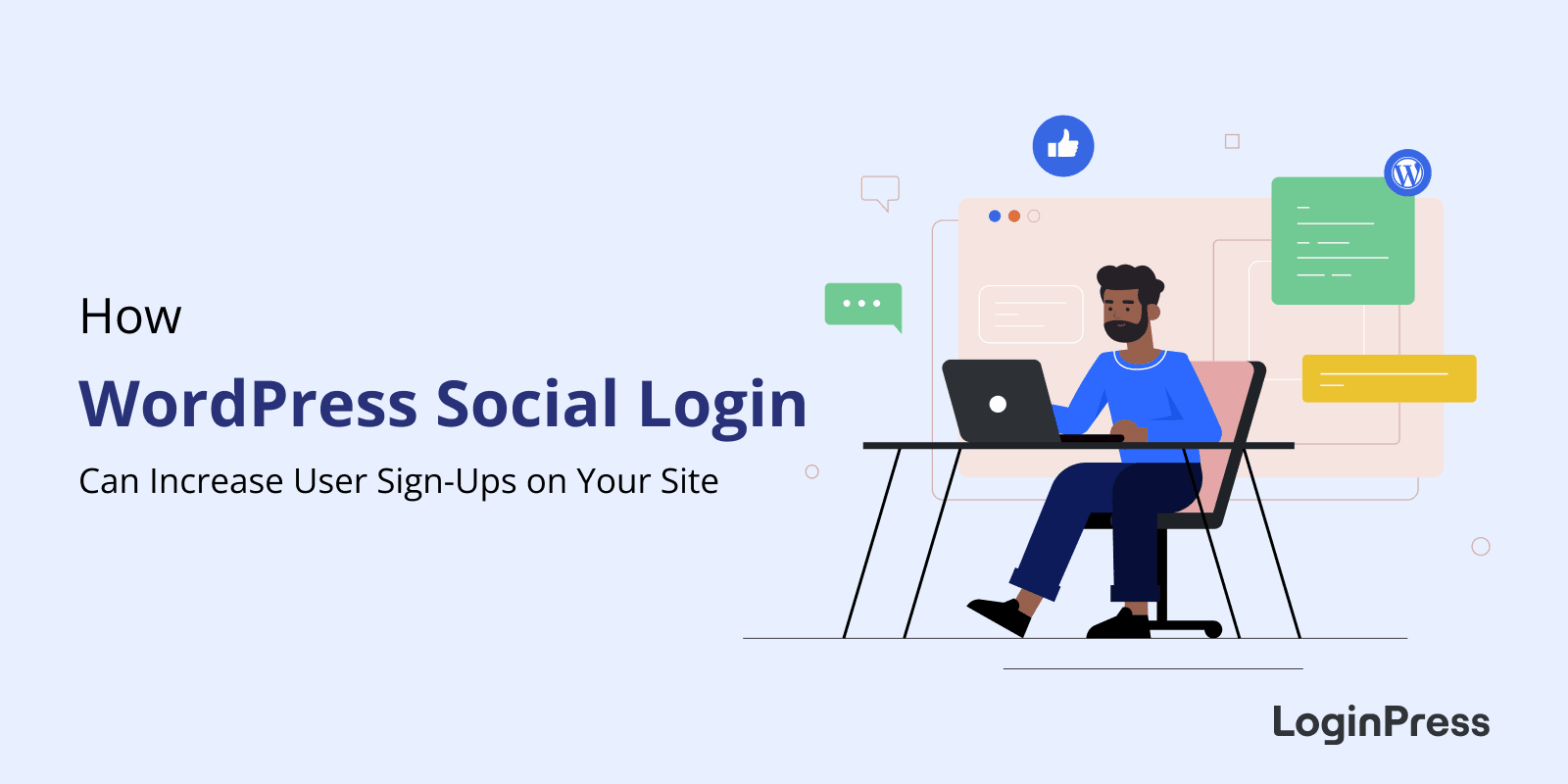
How WordPress Social Login Can Increase Sign-Ups on Your Site
Social login increases sign-ups because visitors register with one click using an existing Google, Facebook or Twitter account instead of filling out a long form and creating a password. In WordPress, you can add it with the LoginPress Social Login add-on.
In this post, I will explain how social login works, what it improves and how to set it up.
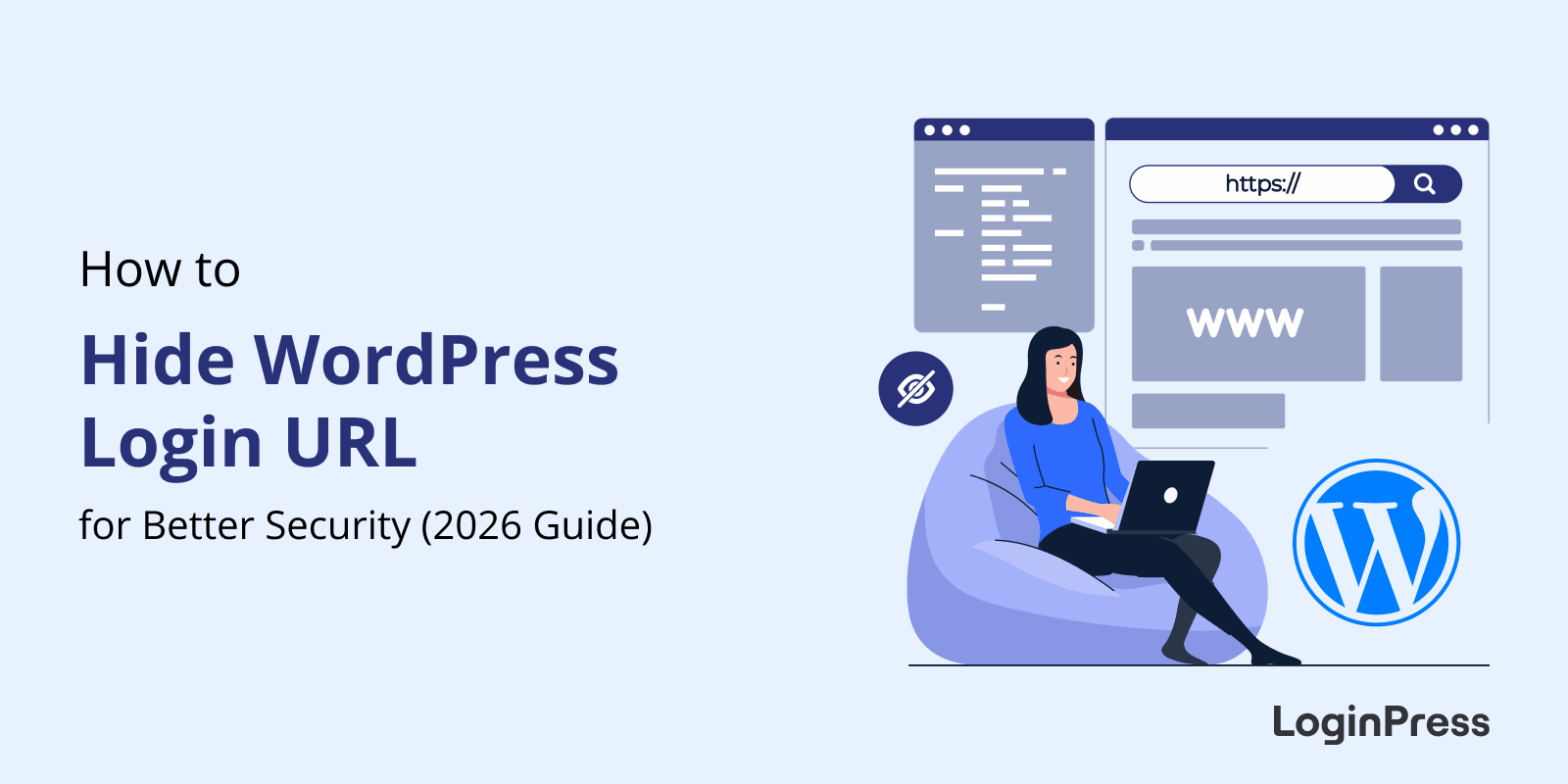
How to Hide WordPress Login URL for Better Security (Guide)
You hide the WordPress login URL by replacing the default /wp-login.php and /wp-admin addresses with a custom URL only you know. With LoginPress, that takes a few clicks in the Hide Login settings, and bots hitting the old URL get nothing.
The default login URL is the first place automated bots look. They hit it all day, trying thousands of username and password combinations, which wastes server resources and puts your site at risk.
This post shows you how to set a new login URL with LoginPress, the security habits to add on top, and how to fix the two problems people run into afterwards.
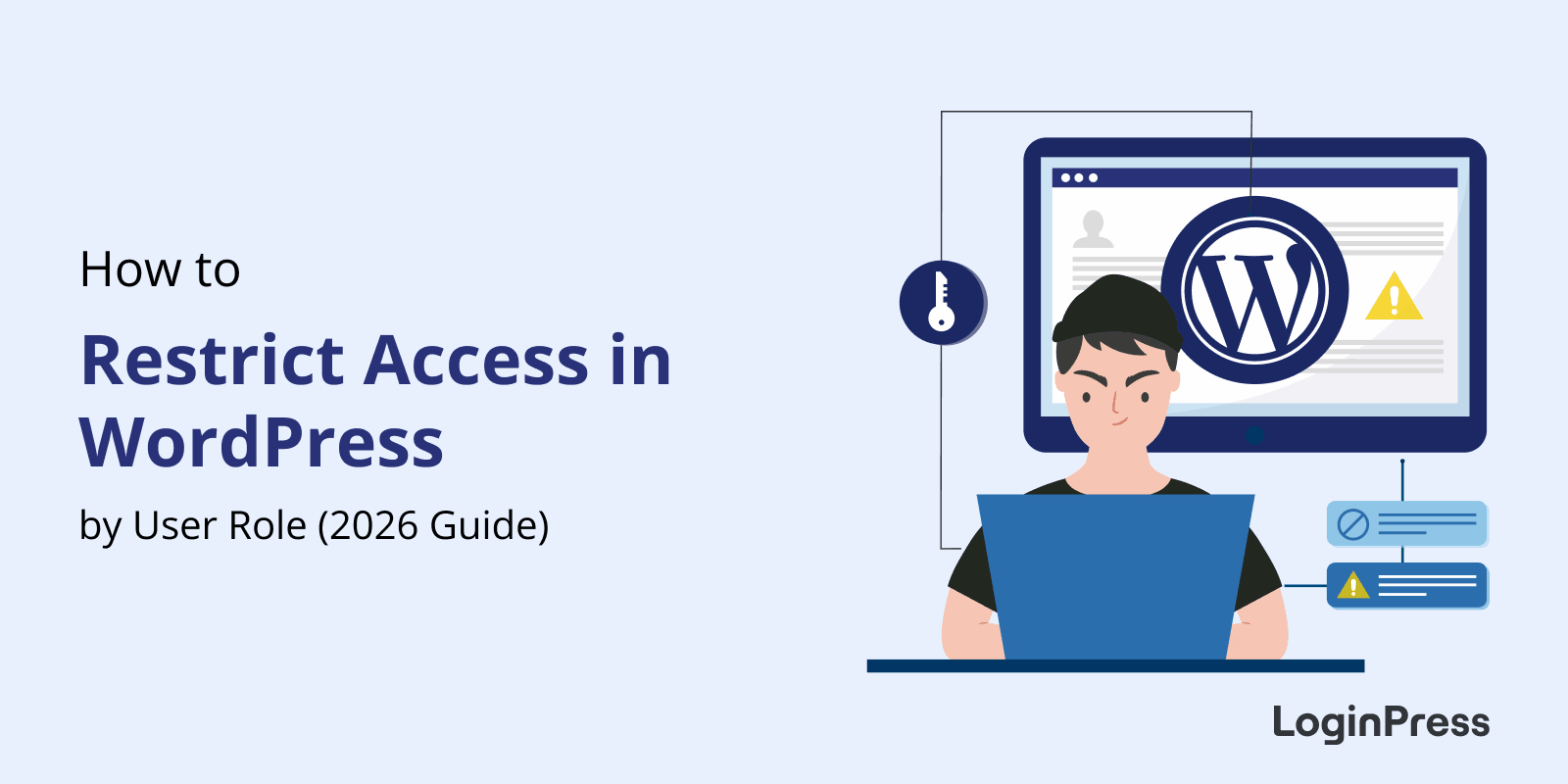
How to Restrict Access in WordPress by User Role (Easy Guide)
You restrict access in WordPress by user role with a restrict-content plugin, WordPress’s built-in role settings or code. LoginPress also blocks selected roles from wp-admin, so customers and subscribers stay out of the dashboard.
Not every visitor should have the same access as your premium or registered users, so role-based access protects your content and keeps the experience clean for regular users.
In this post, I will explain what role-based access is, the ways to set it up, and how to do it with LoginPress.
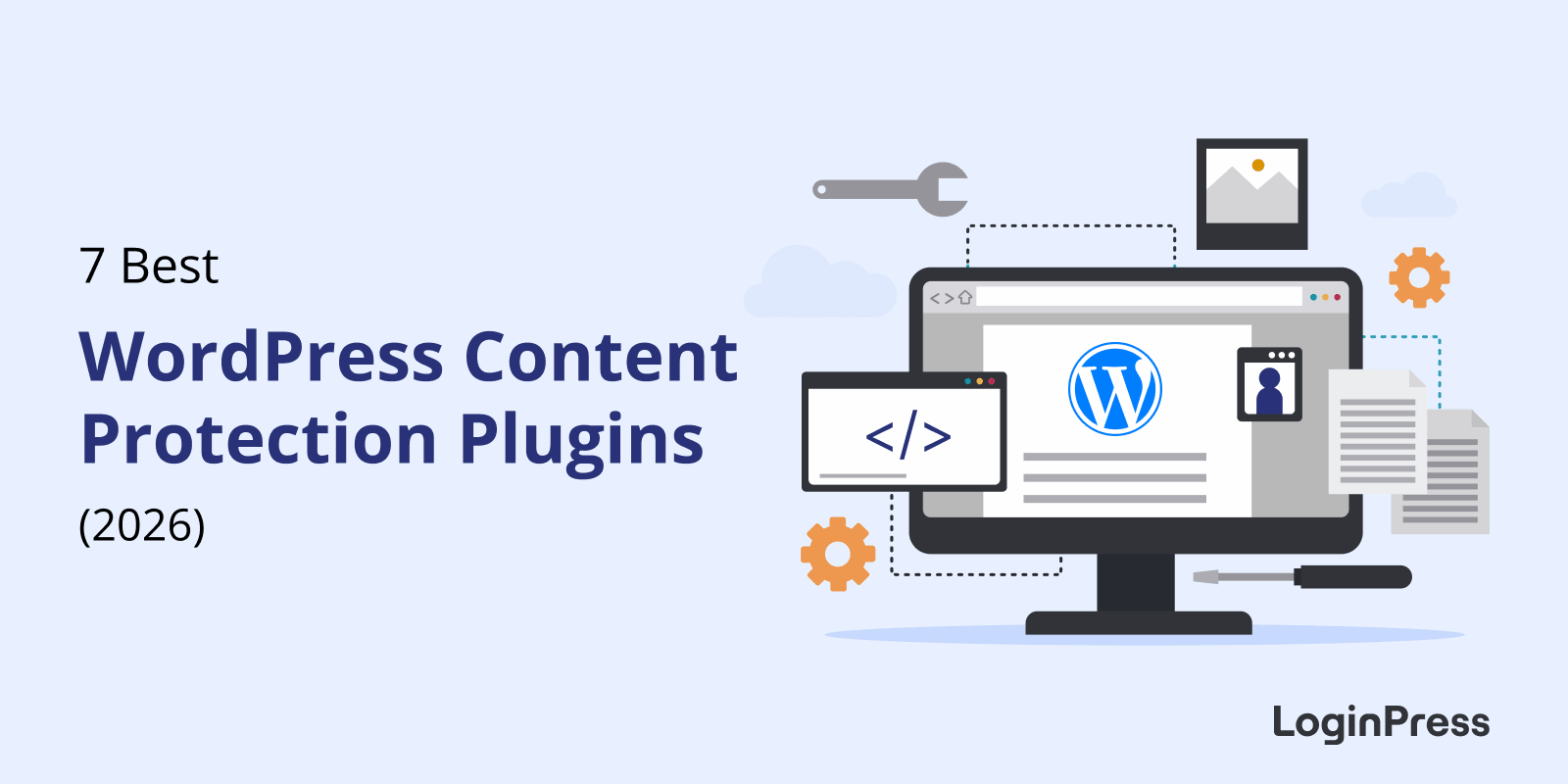
7 Best WordPress Content Protection Plugins
Protecting your content is important if you run a WordPress site with memberships, online courses, or exclusive content.
Without proper protection, valuable materials like premium blog posts, lessons, or digital downloads can be easily accessed or shared without permission.
This unauthorized sharing can hurt both your revenue and your community’s trust.
That’s where the best WordPress content protector plugins come in. These plugins are built to help you restrict access based on user roles.
These plugins help to secure exclusive material on your site and maintain a smooth user experience.
Among the many content protection plugins available on the market, LoginPress stands out through its integrations with LMS and community platforms like LearnDash, LifterLMS, and BuddyBoss.
These restrict access WordPress plugins allow site owners to safeguard premium courses, lessons, and member areas while offering a secure and user-friendly login experience.

Introducing LoginPress 6.0: Smarter, Simpler & More Secure
Disclaimer: If you face any issues with our new update and need timely assistance, contact our dedicated support team or explore our WordPress.org support section.
We’re thrilled to introduce LoginPress 6.0, a milestone release that redefines how you manage WordPress logins. With a brand-new React-based interface, more customization options, tighter security controls, and significant performance improvements, this update is designed to give you a smoother experience while keeping your website and users safer than ever.
This release focuses on improving performance, refining customization, and giving site owners more control over every aspect of the WordPress login experience.
Let’s dive into what’s new in LoginPress 6.0, covering both Free and Pro versions.
Is Passwordless Authentication More Secure? (Guide)
Yes, passwordless authentication is generally more secure than passwords. It removes the password, which is the part attackers steal, guess and phish most often, and verifies users with biometrics, magic links or trusted social accounts instead.
Passwords are hard to remember, often reused and regularly exposed in data breaches. That makes them the weakest link in most login systems, and it is why passwordless login is becoming the new standard.
This guide explains how passwordless authentication works, why it is safer, where its risks are, and how to set it up in WordPress with LoginPress Social Login.