WordPress Password Strength: The Essential Guide to Best Practices
A strong WordPress password is long, unique and hard to guess, and you can enforce that with a password strength meter and rules by user role.
In this post, I will explain why weak passwords stay a threat, the best practices for password strength, and how LoginPress lets you enforce them.
How to Block Fake User Registration in WordPress (Guide)
To block fake user registrations in WordPress, add CAPTCHA to the registration form and require verification or approval for new users. LoginPress supports both.
This guide covers why spam registrations happen, which tools stop them, and how to set up LoginPress to block fake accounts step by step.
Limit Login Attempts in WordPress: Best Practices for Hardening Your Login Security
Yes, limiting login attempts is still one of the strongest and simplest ways to protect a WordPress login. It caps how many times anyone can guess a password, then locks them out, which stops brute force attacks before they get anywhere.
Your login page is the main entry point to your site, so it is the first place attackers aim. Most of them use bots that guess passwords over and over, very fast.
In this guide I’ll cover the limit login attempts practices I’d set up on any site, then show how to configure them step by step with LoginPress.
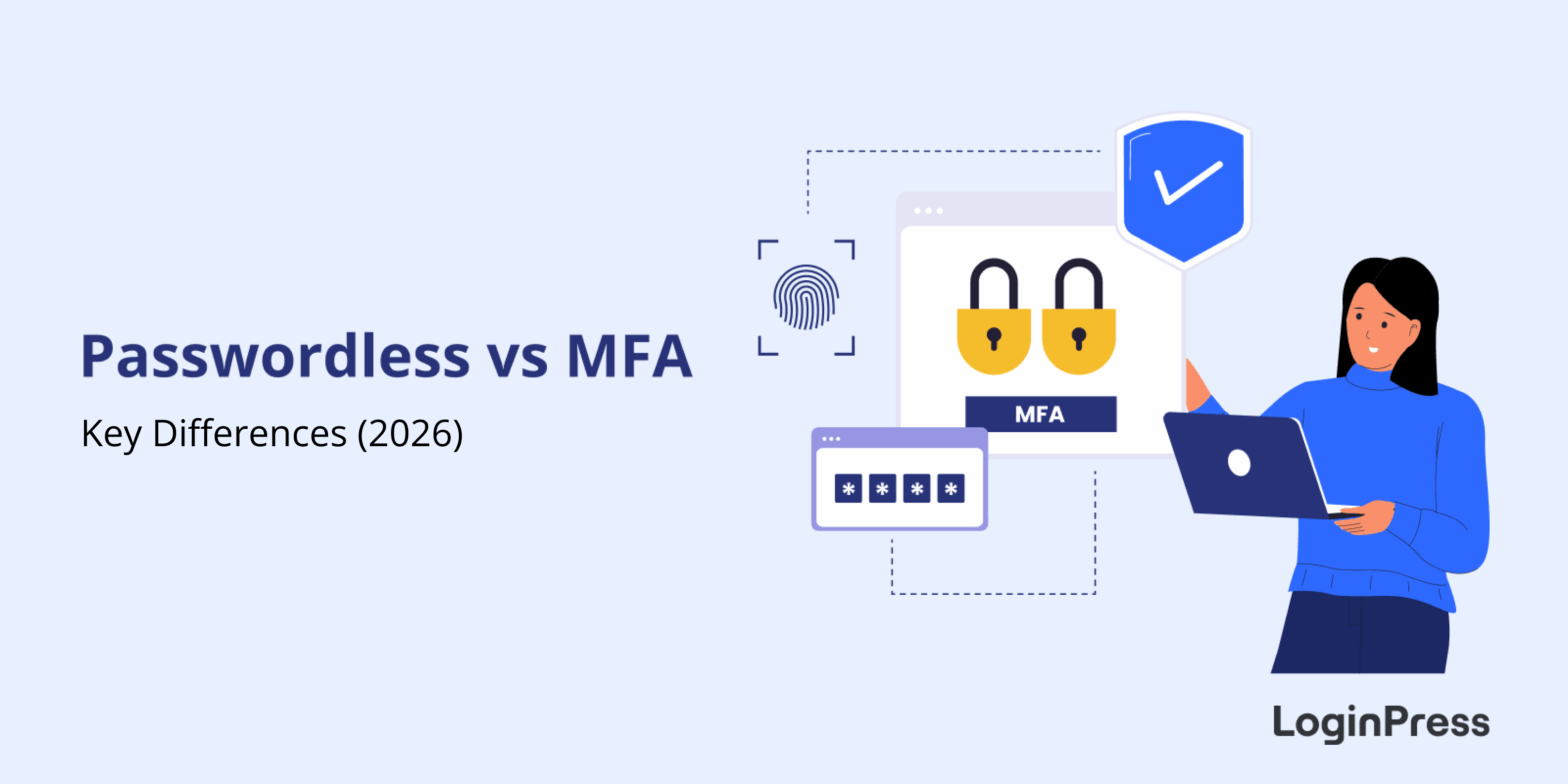
Passwordless vs MFA: Key Differences
The key difference between passwordless and MFA is the password itself. Passwordless authentication removes it and verifies users with a fingerprint, a magic link or a social account. MFA keeps the password and adds a second step, such as a code sent to your phone.
Both are big upgrades over a password alone. Hackers are fast, and customers are tired of endless password resets, but the two methods solve that problem in different ways.
This guide compares passwordless and MFA on safety, ease of use and setup, explains when to choose each one, and shows how LoginPress brings passwordless login to WordPress with Social Login.
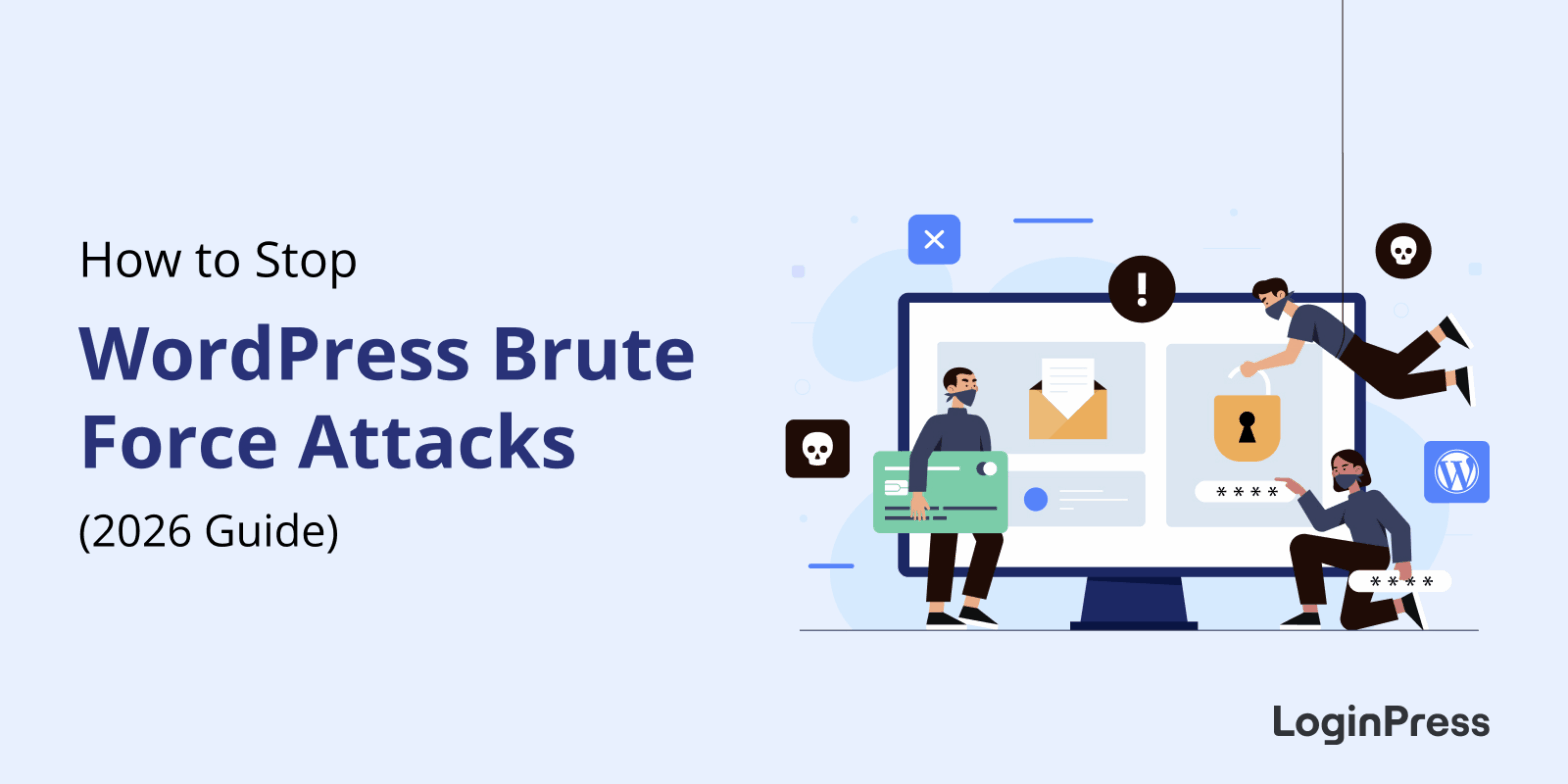
How to Stop WordPress Brute Force Attacks (Guide)
You stop WordPress brute force attacks with layers: hide the login URL, limit failed login attempts, add a CAPTCHA, and enforce strong passwords with two-factor authentication. No single setting is enough on its own, but together they block almost every automated login attack.
A brute force attack uses bots to guess your username and password thousands of times a minute. It needs no skill, only speed, so every WordPress site is a target, from a small blog to a busy WooCommerce store.
In this post, I will walk you through the defenses I’d set up first, and how LoginPress covers each layer from one plugin.
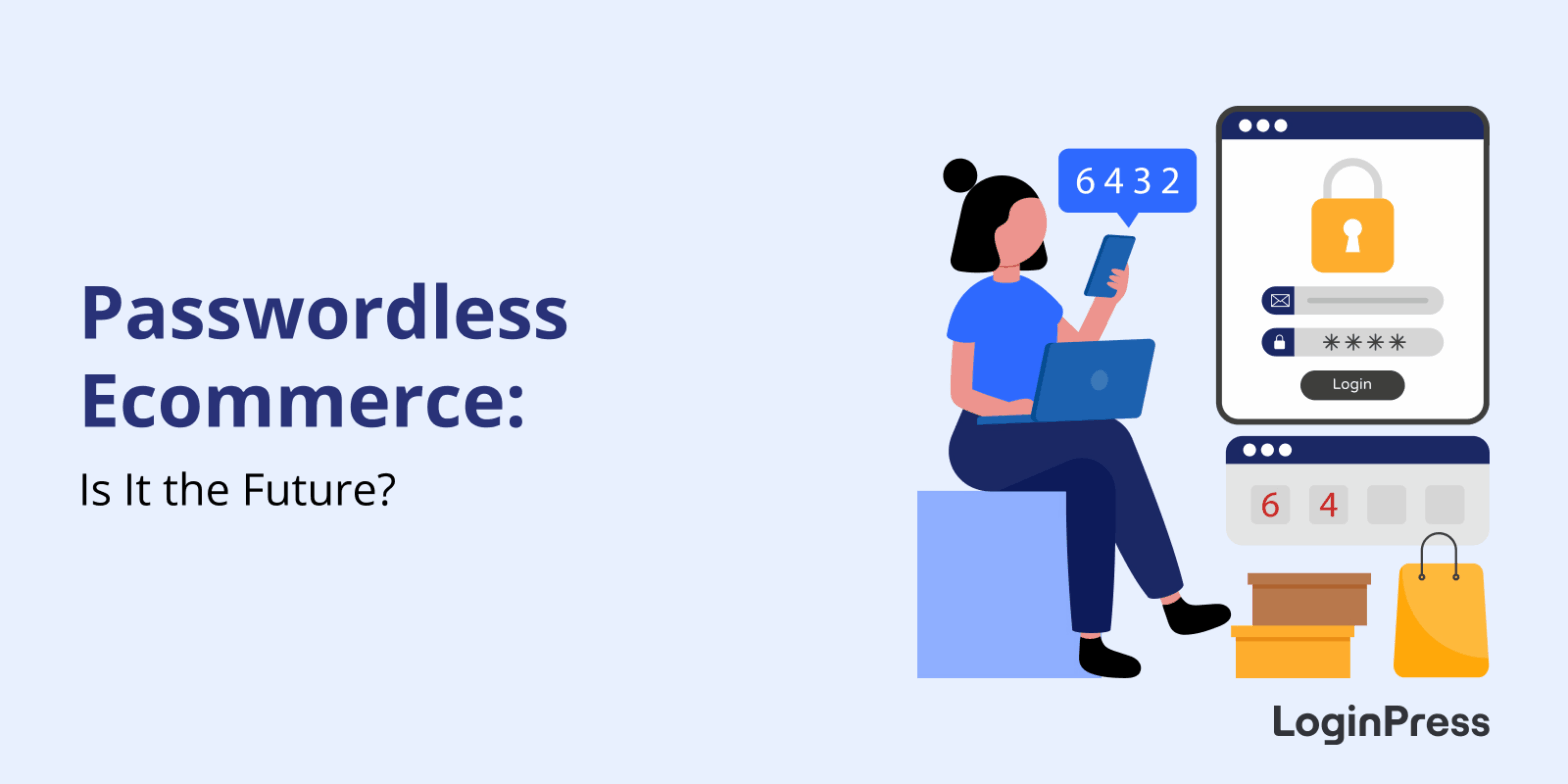
Passwordless Ecommerce: Is it the Future?
Passwordless ecommerce lets shoppers sign in without a traditional password, using methods such as magic links, social login or passkeys. It is practical for WordPress and WooCommerce stores because it removes the password reset step that can stop customers at login and checkout.
This post explains how it works and how to set it up with LoginPress.
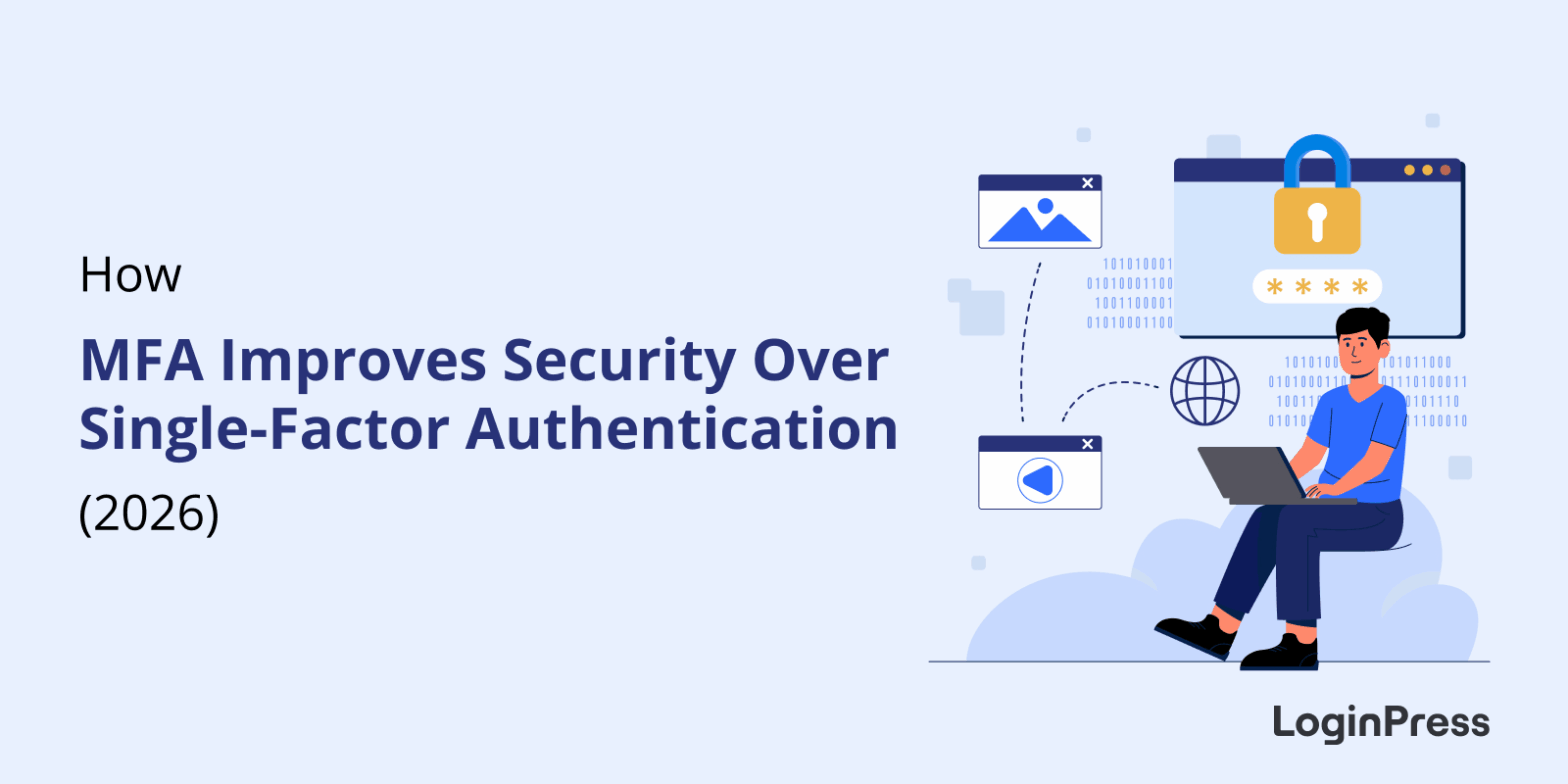
How MFA Improves Security Over Single-Factor Authentication
MFA improves security over single-factor authentication by requiring a second proof of identity on top of the password. A stolen, guessed or phished password alone no longer gets an attacker in, because they would also need your phone, a security key or a biometric check.
Single-factor authentication relies only on a password, the oldest and weakest form of login security. Phishing, brute force attacks and credential stuffing are now routine, so a password on its own is not enough.
In this post, I will compare SFA, 2FA and MFA, explain seven ways MFA outperforms a password alone, and show how to add MFA to a WordPress site that uses LoginPress.
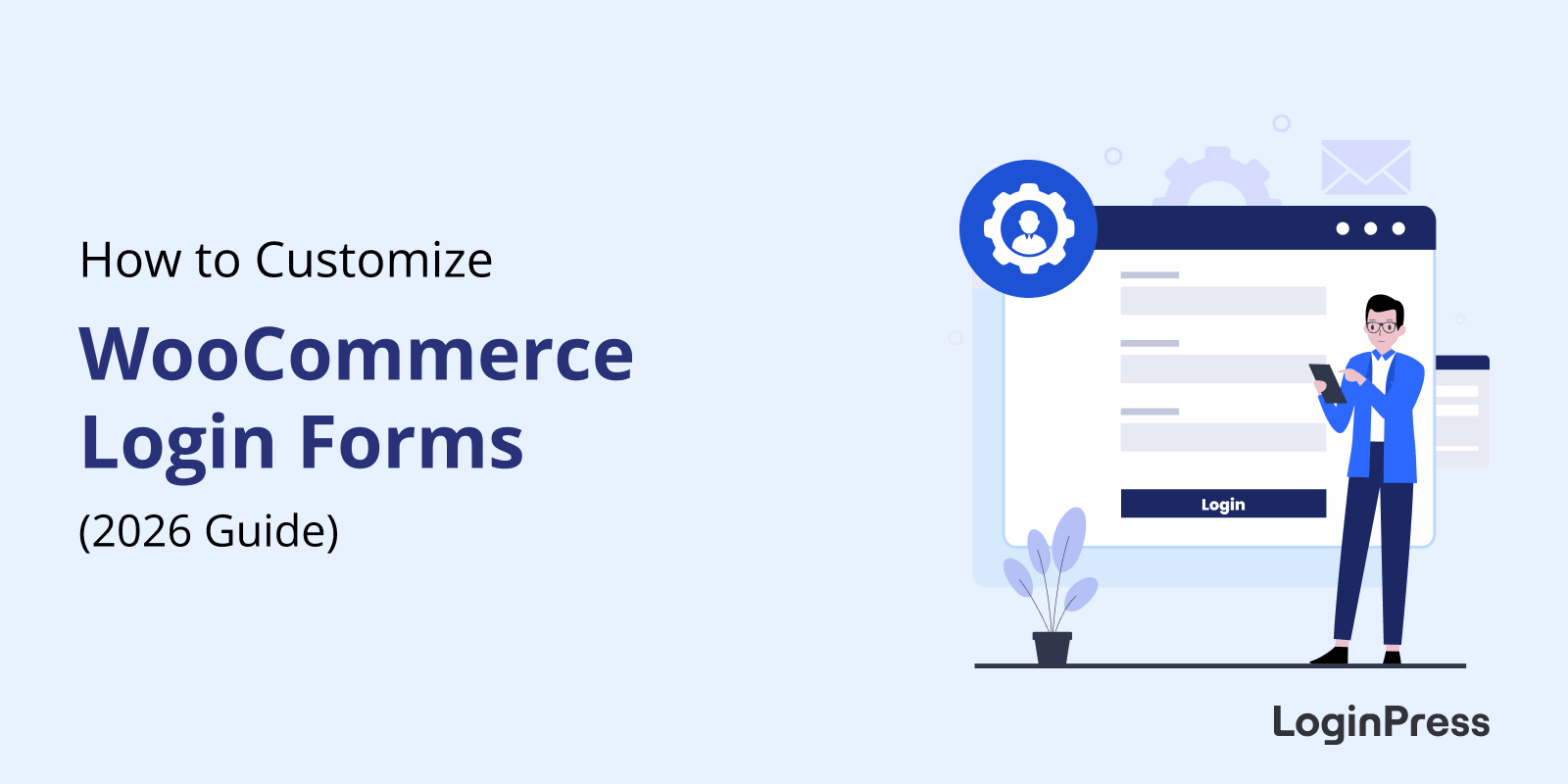
How to Customize WooCommerce Login and Registration Forms (Guide)
You customize WooCommerce login and registration forms in two ways: with a plugin such as LoginPress, or with custom code using hooks and template overrides. A plugin is faster and needs no code, while code gives you full control.
This post covers both methods, best practices and common fixes.
WooCommerce Login Security: Complete Guide
You secure WooCommerce login by enforcing strong passwords, adding CAPTCHA, limiting login attempts and using two-factor authentication. The LoginPress WooCommerce integration applies these protections to your login, registration and account pages, which protects customer data and revenue.
In this post, I will cover why it matters, the basic practices and how to set it up.
8 Best WordPress Captcha Plugins to Stop Bot Attacks and Spam
The best WordPress CAPTCHA plugins are LoginPress CAPTCHA, hCaptcha, reCAPTCHA by BestWebSoft, Really Simple CAPTCHA, Friendly Captcha, Advanced Google reCAPTCHA, CAPTCHA 4WP and Login No reCAPTCHA. Each one stops spam bots on your login, registration and comment forms.
Spam bots drain server resources, slow your site down and flood your forms. A CAPTCHA asks visitors to pass a quick check, which keeps bots out and lets real people through.
This post explains how CAPTCHA works, compares the eight plugins side by side, and shows how to set up the LoginPress CAPTCHA add-on.