 LoginPress VS Colorlib Login Customizer: Which is Best?
LoginPress VS Colorlib Login Customizer: Which is Best?
Do you want to customize the login page for your WordPress site?
The default WordPress login page has username/email and password input fields, a Login button, and a grey background. No doubt, the WordPress login page serves its purpose effectively. However, website owners desire to create a more personalized user experience.
This is where customized WordPress login page plugins come into play. A custom login page adds a touch of uniqueness that distinguishes your website from the rest.
 How to Monetize Your WordPress Blog (Top 7 Tips)
How to Monetize Your WordPress Blog (Top 7 Tips)
Are you looking for tips and tools that help you monetize your WordPress blog? If yes, you’ve landed on the right page.
With the rise of blogging as a viable career option, many bloggers are constantly seeking ways to monetize their blogs to earn more from them.
WordPress is one of the most popular blogging platforms, and with the right strategies, it can be a powerful tool for generating income.
 How to Disable Comments in WordPress With or Without Plugin (2025)
How to Disable Comments in WordPress With or Without Plugin (2025)
Are you looking for a way to turn off comments in WordPress? If yes, you’ve landed on the right page.
WordPress comments are important in increasing visitors' engagement with your site and decreasing the bounce rate.
Since there’s always a side to a story, the same is true with WordPress comments, i.e., people can leave hateful, spammy, and offensive comments in every form. The struggle is real, so why not turn it off?
In this article, we’ll explain why, sometimes, it's a good idea to disable comments in WordPress and provide the best ways to do so.
 How to Reset WordPress Site With or Without Plugins (2025)
How to Reset WordPress Site With or Without Plugins (2025)
Are you looking for a way to reset your WordPress site? You're in the right place.
You can quickly move to the default WordPress settings by resetting your website. It’s helpful when your site has been hacked, or you’re testing plugins and themes, using a demo site, or anything else where you want to revert your changes to the default.
In this comprehensive guide, we'll explain the simplest and most effective methods for resetting a WordPress site.
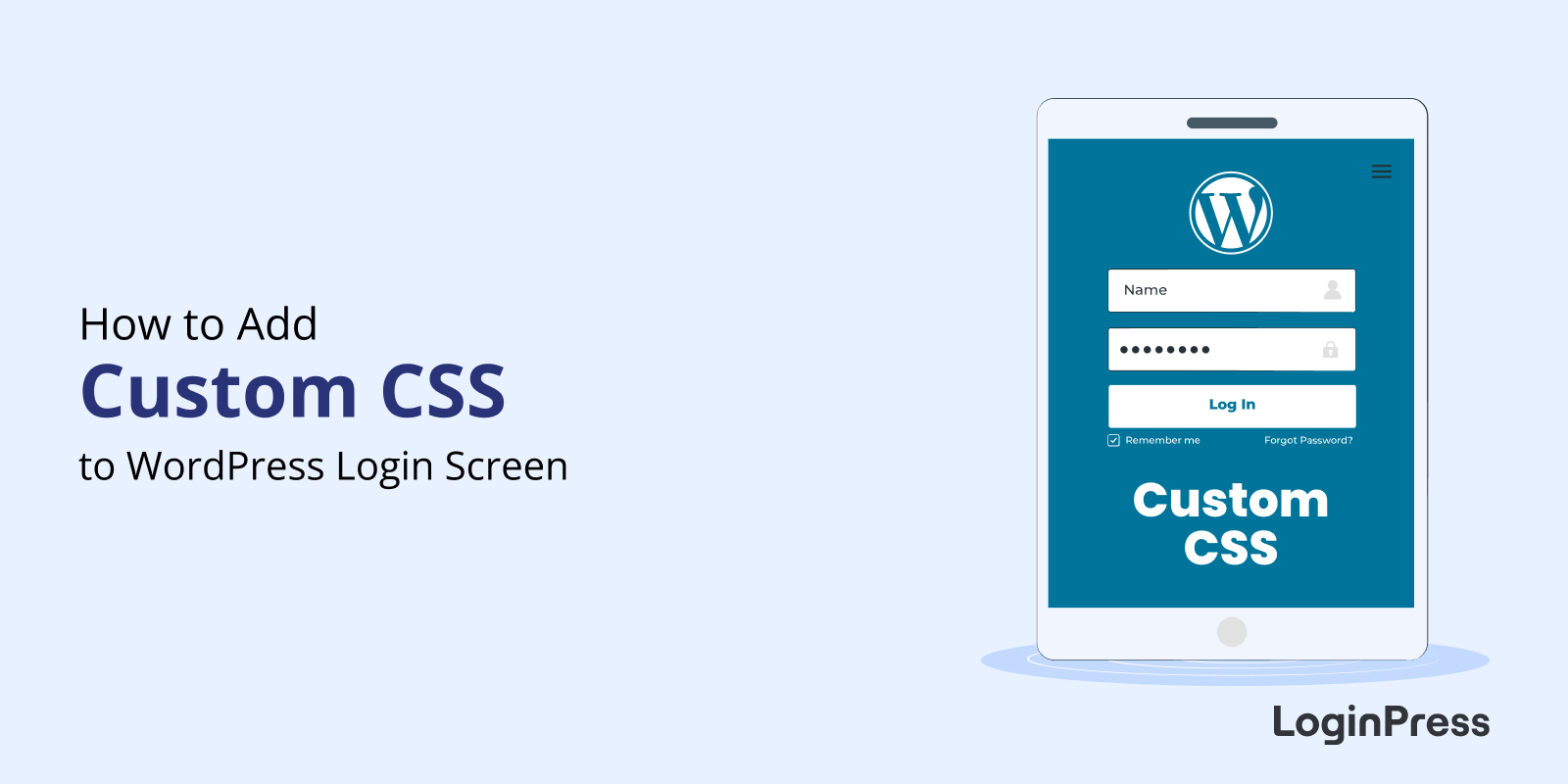 How to Add Custom CSS to WordPress Login Screen
How to Add Custom CSS to WordPress Login Screen
Do you want to add custom CSS to WordPress login screen of your website?
You can easily customize each element on the login page with a WordPress login page customizer plugin. But what if you want to elevate your modification to a higher level but find any relevant plugin lacks that functionality?
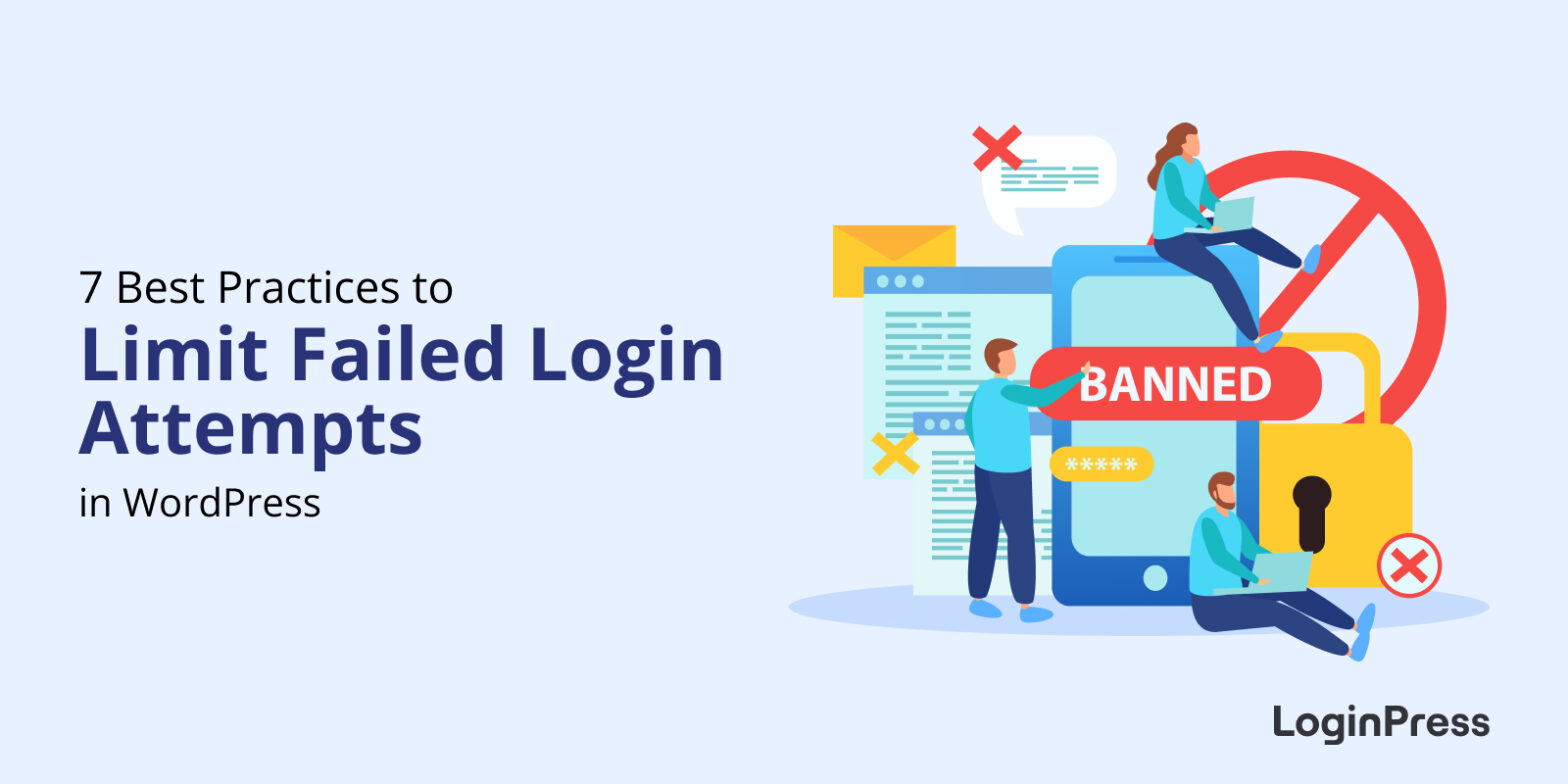 7 Best Practices to Limit WordPress Failed Login Attempts
7 Best Practices to Limit WordPress Failed Login Attempts
Are you looking for best practices to help you limit WordPress failed login attempts on your WordPress site?
You should pay attention to failed login attempts on your WordPress sites. Sometimes it gives rise to serial brutal site attacks.
Consequently, so many WordPress sites have ended up shutting down.
You should keep track of the failed login attempts on your WordPress site so that you may know immediately what is causing failed login attempts and devise solutions.
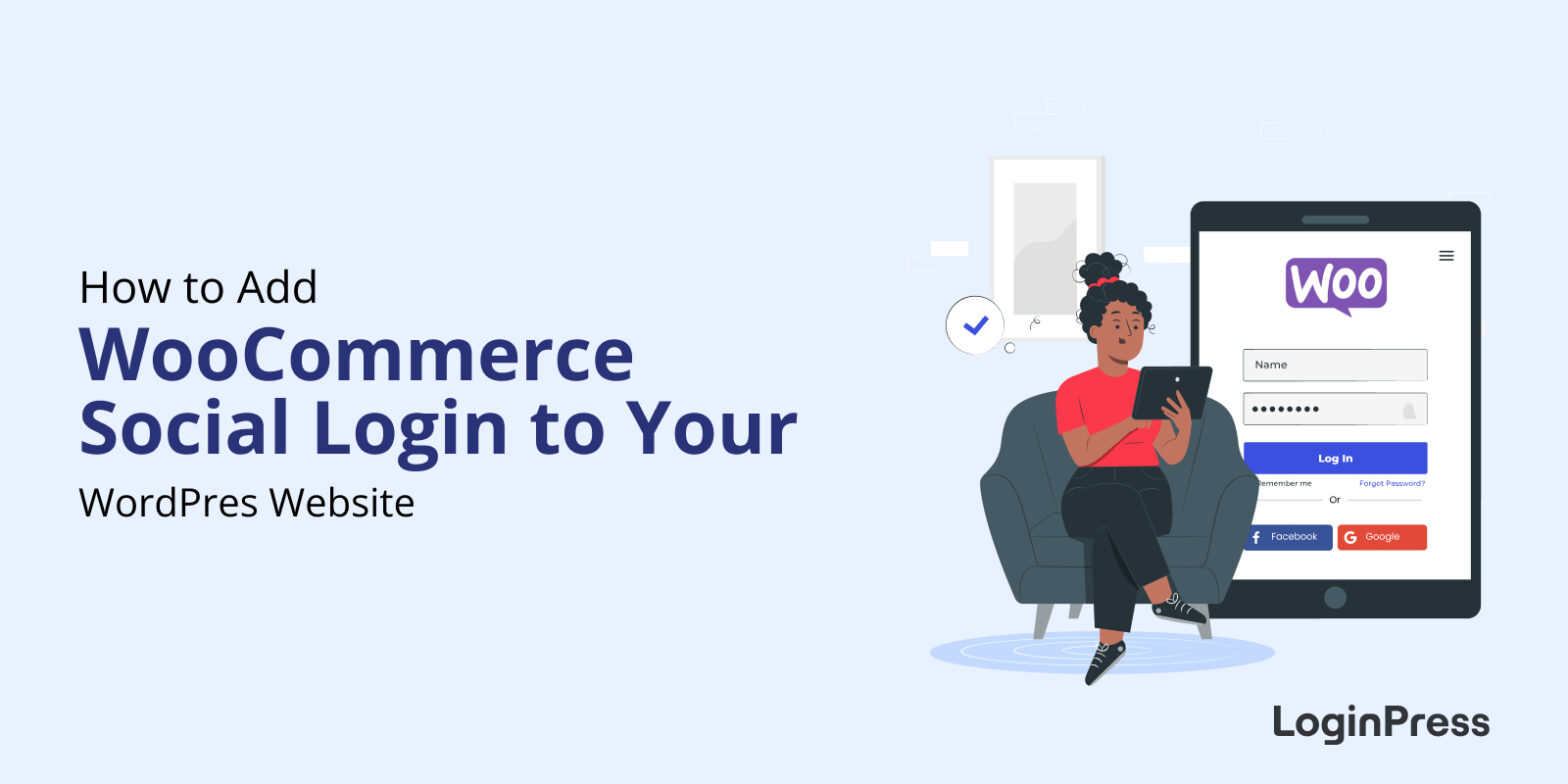 How to Add WooCommerce Social Login to Your WordPress Site
How to Add WooCommerce Social Login to Your WordPress Site
Are you looking for a way to add social login to different areas of your WordPress site?
LoginPress is a WordPress login page customizer plugin that enables you to customize each element on your site's login page. It predominantly focuses on rebranding your login page with just a few clicks without touching a single line of code.
 What’s New in WordPress 6.2 (Features and Screenshots)
What’s New in WordPress 6.2 (Features and Screenshots)
WordPress 6.2 is set to come out on March 28, 2023, but it's never too early to start getting ready. So you might want to check out the new features of WordPress 6.2, which are now available for testing.
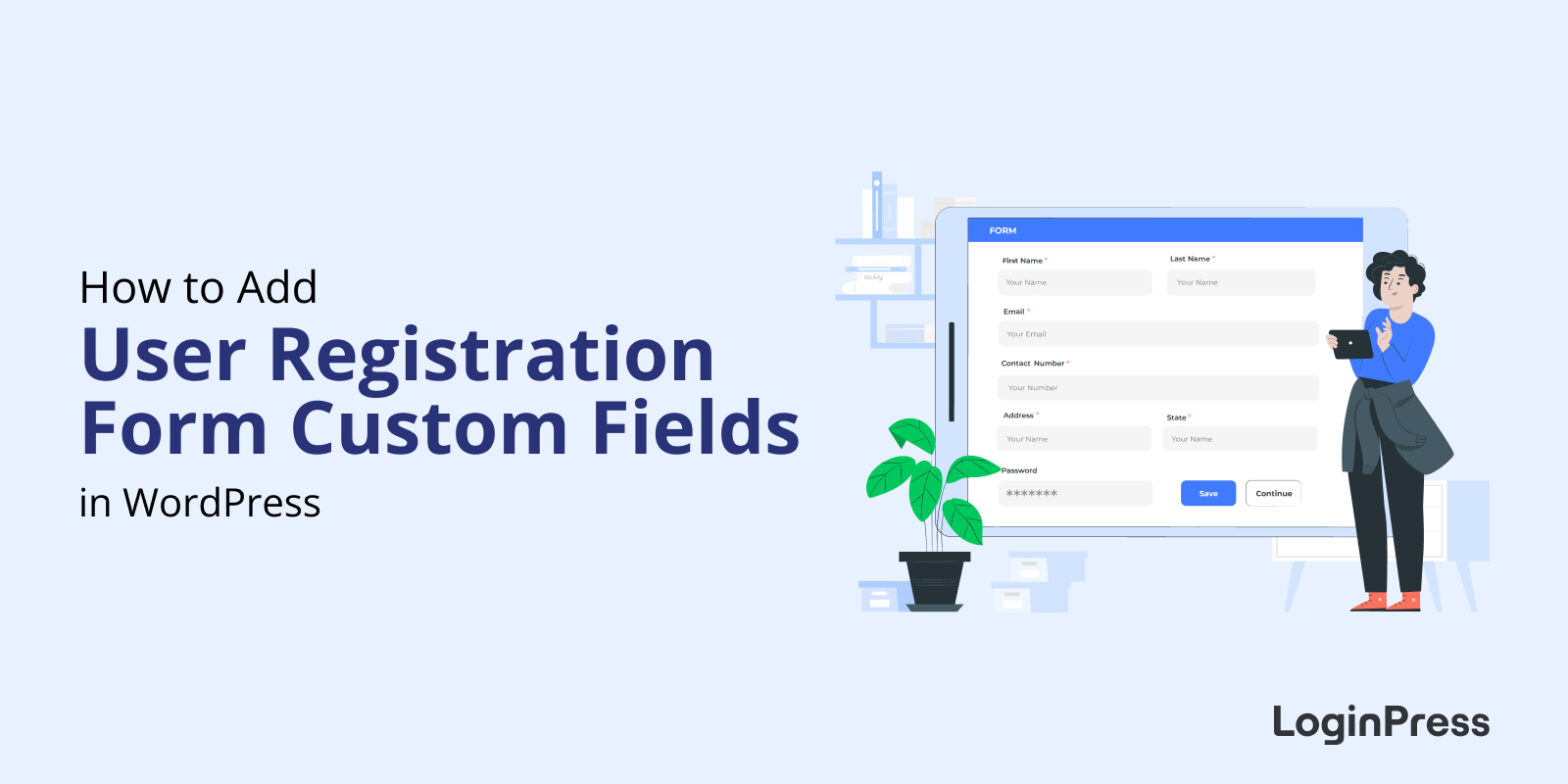 How to Add Custom Fields in WordPress User Registration Form?
How to Add Custom Fields in WordPress User Registration Form?
Are you looking for a way to add custom fields in WordPress user registration form?
The default registration form in WordPress is very simple and has basic fields. It's better not to limit your site’s registration form to default WordPress fields.
 How to Customize and Secure a WordPress Login Page
How to Customize and Secure a WordPress Login Page
Do you want to customize and secure a WordPress login page for your website?
Users will often engage with your login page, if you run a WooCommerce store or membership site. However, because many sites use WordPress, your login page may look like everybody else’s. Plus, it can be easily exploited if you don’t take extra steps to protect it.