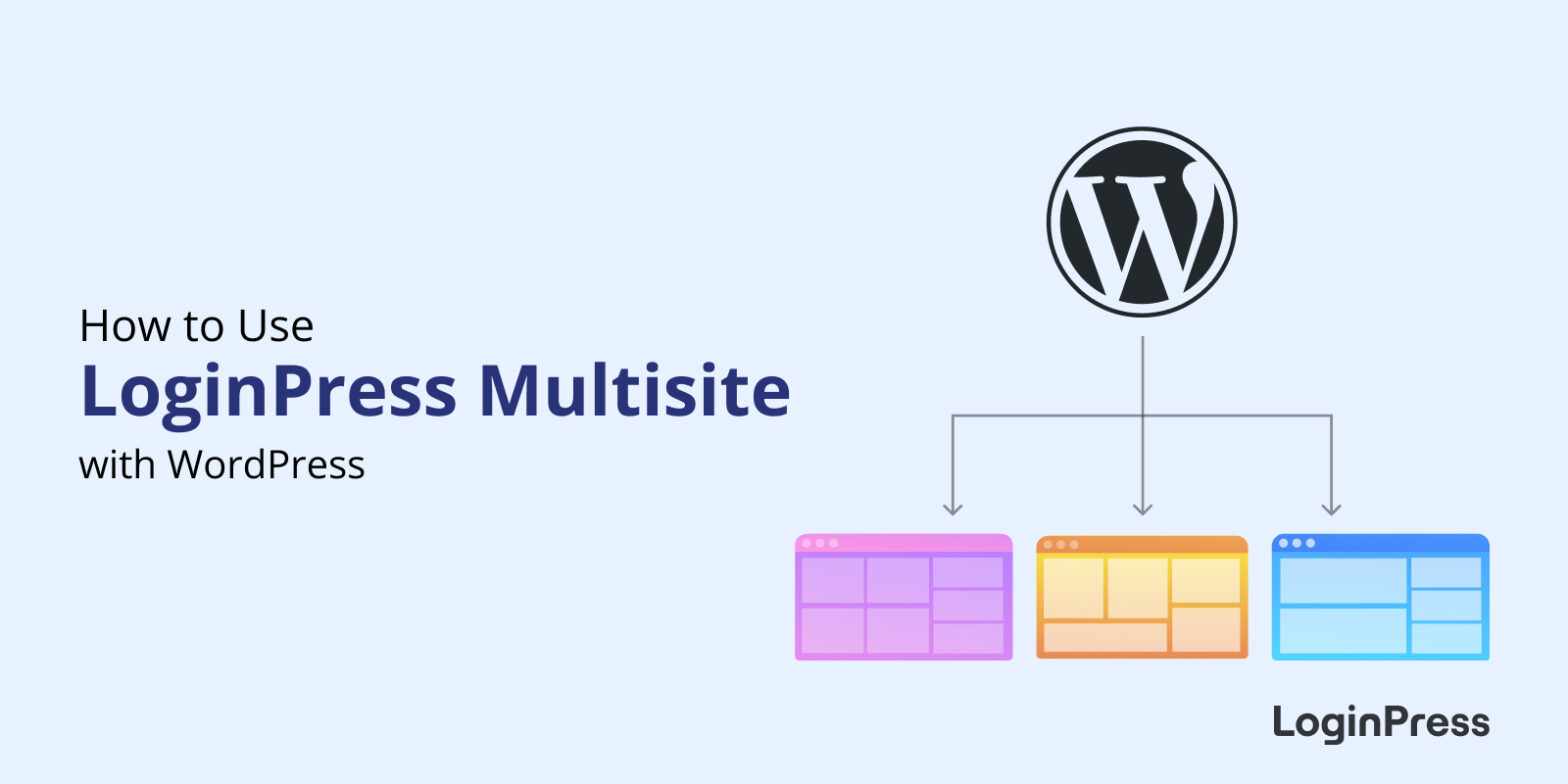
How to Use LoginPress with WordPress Multisite
To customize login pages on a WordPress Multisite network, install LoginPress on the network, open the subsite you want to change, and use LoginPress > Customizer to set the theme, logo and background for that subsite.

How to Fix reCAPTCHA Not Working on WordPress (Explained)
reCAPTCHA usually stops working in WordPress because of an invalid site key, a domain that isn’t added to your reCAPTCHA keys, a plugin or caching conflict, or a version mismatch between v2 and v3 keys. Most fixes take a few minutes: check your keys and domain in the Google reCAPTCHA admin console, then rule out conflicts.
In this post, I will go through each error and its fix, then show how to set up reCAPTCHA correctly with LoginPress.

Best WordPress SMTP Plugins
Are you looking for the best WordPress SMTP plugins for your site? Your search ends here because we’ve got you covered.
WordPress is one of the most popular content management systems (CMS) that relies on its default mail function. The default WordPress mailing system encounters some sending and delivery problems.

9+ Creative Social Login Examples to Inspire Your Next Design
Are you looking for some engaging social login examples for your website’s login page design? If yes, you have landed on the right article.
WordPress Social Login streamlines the registration and login process for your visitors. Undoubtedly, a visually engaging social login can instantly captivate the attention of your visitors.
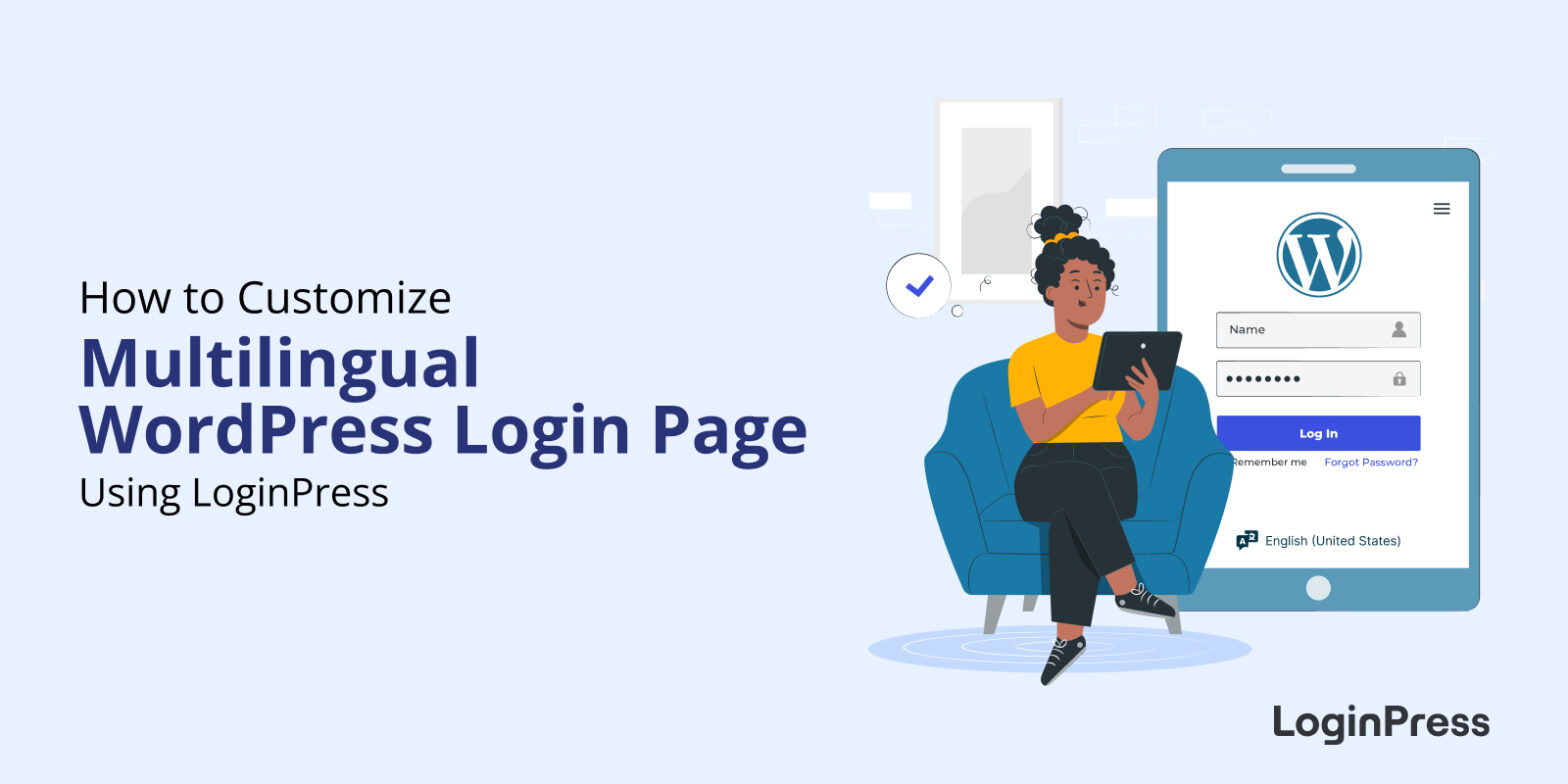
How to Customize A WordPress Multilingual Login Page
To customize a multilingual WordPress login page, install LoginPress and style the page and its language selector from the Customizer: set the theme, fonts, logo, background, buttons and messages once, and they apply to every language.

Best ChatGPT WordPress Plugins
Are you looking for the best ChatGPT WordPress plugins? You’re in for a treat!
WordPress ChatGPT plugins have adopted the power of artificial intelligence (AI) to engage visitors, which has never been more seamless. These tools bring a new dimension to user experience. They offer real-time artificial intelligence, automated support, personalized recommendations and a lot more.

11 Best WordPress GDPR Plugins
Are you looking for the best WordPress GDPR plugins for your site to ensure you’re complying with the regulations? We’ve got you covered!
In an era dominated by data-driven decision-making, safeguarding user privacy has become paramount. With the European General Data Protection Regulation (GDPR) setting a global standard for data protection, website owners and businesses must ensure compliance to instill trust in their users.

How to Set Up Multi-Factor Authentication for WordPress
To set up multi-factor authentication (MFA) in WordPress, install an MFA plugin, run its setup wizard, then link an authenticator app such as Google Authenticator and verify the code. After that, every login needs your password plus a one-time code.
MFA matters because a stolen or guessed password is no longer enough to get in. It adds a second check, so an attacker would also need your phone or another factor.

How to Add Two Factor Authentication in WordPress
You can add two-factor authentication (2FA) to WordPress in a few minutes with a free plugin such as Two Factor or WP 2FA. After entering their password, each user also types a short code from an authenticator app or their email, so a guessed or stolen password is no longer enough to get in.
In this post, I will set up both plugins step by step on a login page customized with LoginPress.

7 Best WordPress 2FA Plugins
The best WordPress 2FA plugins add a second login step, usually a code from an authenticator app or email, so a stolen password isn’t enough to get in. For most sites I’d start with WP 2FA, which can enforce 2FA by user role, or Two Factor if you want the lightest free option.
In this post, I will compare 7 WordPress 2FA plugins on price and features, so you can choose quickly.