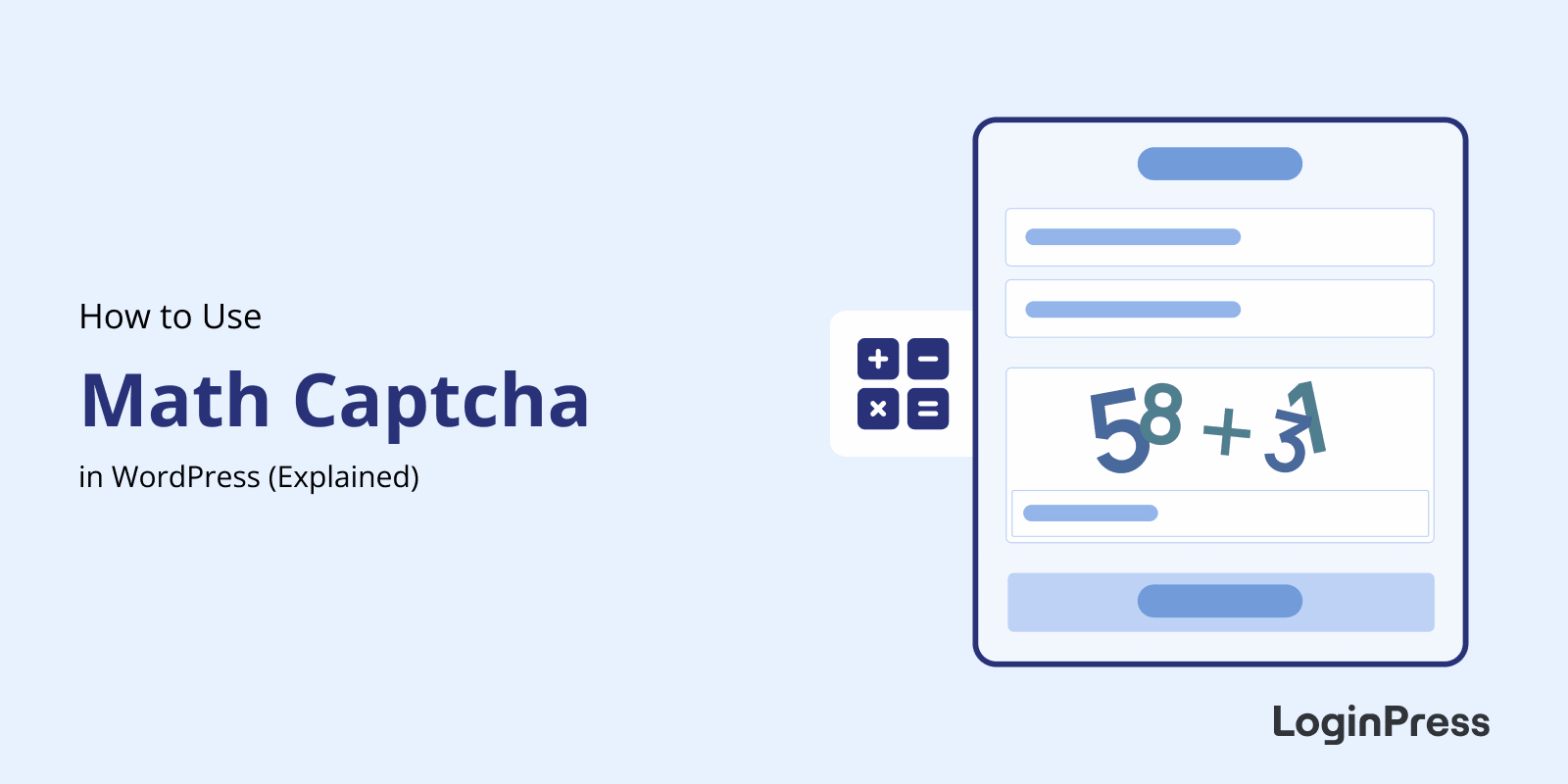
How to Add Math CAPTCHA to WordPress (No API Keys Required)
Math CAPTCHA in WordPress adds a simple arithmetic question to your login page that blocks automated bots from attempting brute-force attacks.
Unlike Google reCAPTCHA, it requires no API keys, no third-party services, and no external scripts.
This guide shows you how to enable Math CAPTCHA in LoginPress Pro, where to place it, and how it compares with reCAPTCHA and Turnstile.
How to Restrict User Login Time in WordPress
You restrict user login time in WordPress with a session expiry that logs users out after a set number of minutes, or with a PHP snippet that blocks logins outside defined hours. WordPress has no built-in setting for either, and by default a login session can stay active for up to 14 days.
Think of a freelancer you gave editor access two weeks ago and never set an expiry for: their session is still open at 2 AM on a Sunday. In this post, I will cover both methods, which one I’d use when, and what to check before you switch them on.
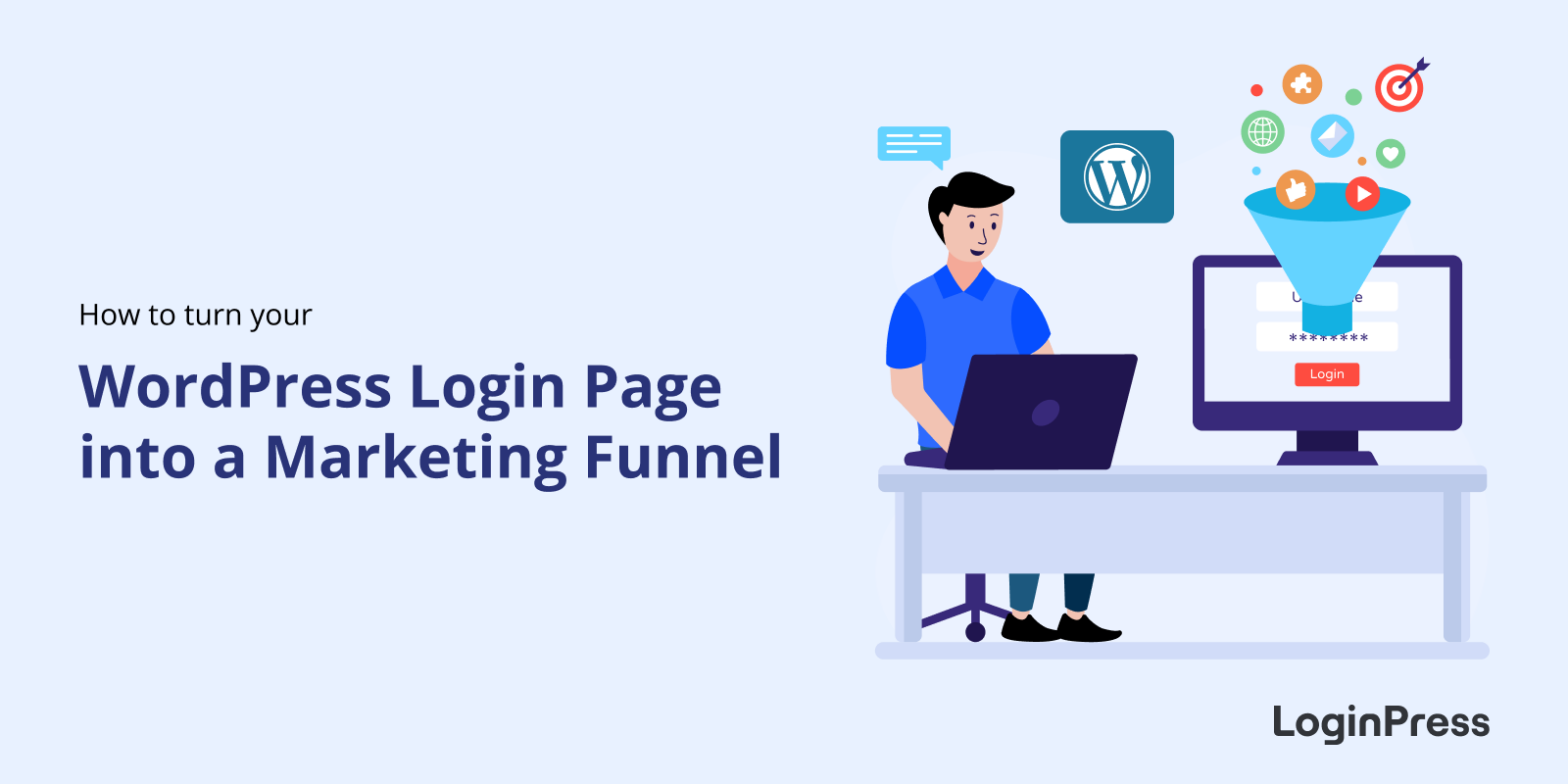
How to Use Your WordPress Login Page as Marketing Funnel
You can turn your WordPress login page into a marketing funnel by replacing the default form with a branded layout that promotes offers, announcements, and upsells using LoginPress.
This post explains why the login page is your most overlooked touchpoint, shows five marketing use cases and walks through setting them up with LoginPress.
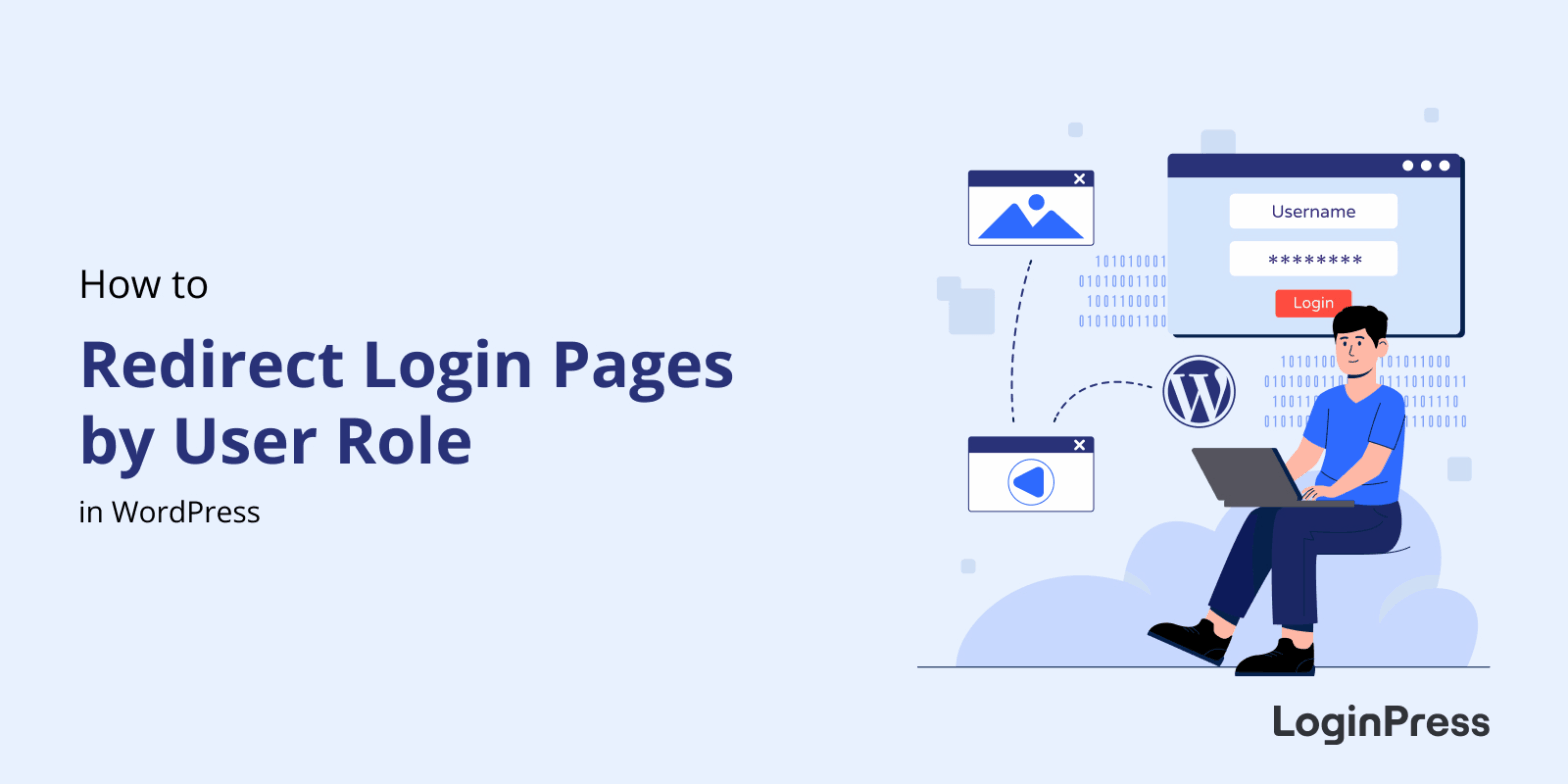
How to Redirect Login Page by User Role in WordPress (Explained)
You redirect the login page by user role in WordPress with either the login_redirect filter in code or the LoginPress redirect settings, which need no code. Either way, each role lands on the page that fits it, such as the dashboard for admins and a client portal for customers.
Sending a subscriber or client to the default /wp-admin dashboard confuses them and creates a poor first impression.
In this post, I will show both methods and which one I’d pick as your site grows.
How to Temporarily Disable WordPress Login Access (Explained)
You temporarily disable WordPress login access with a maintenance gate from LoginPress, which blocks logins for a scheduled window, or with role-based restrictions that block only the groups you choose. WordPress has no built-in pause button for login, and you can switch access back on with one click.
This post shows the safest ways to pause user activity during maintenance or an attack, and how to restore access without locking yourself out.
How to Create a Branded Login Page Experience for Your Website
You create a branded login page experience in WordPress by replacing the default login with your own logo, colors, fonts and background, using a customizer such as LoginPress, with no code. Agencies and SaaS platforms often go further with a white label login page that removes WordPress branding completely.
WordPress Authentication Flows Explained
A WordPress authentication flow is the step-by-step process that verifies a user’s login details, sets a cookie and grants access to the dashboard. WordPress uses a cookie-based authentication system, and you can strengthen it with layered security and a clear login experience.
This post explains how cookie-based authentication works, what session tokens do and how to improve your flow.
How to Customize WordPress Login Error Messages
You customize WordPress login error messages with a code snippet or with LoginPress, replacing the default alerts with one generic message. By default, WordPress reveals whether the username or the password is wrong, which enables username enumeration and gives bots a head start on brute-forcing your site.
In this post, I will show how to turn your login screen into a secure, branded entry point, whether you prefer a code snippet or a plugin.
WordPress Identity Risk: How to Detect Suspicious Login Behavior
WordPress identity risk is the chance that the person logging in is not who they claim to be, or that their credentials are already compromised. You detect it by watching login behavior such as location, device and frequency, and LoginPress login logs and alerts help you spot the signs.
Traditional security hardens the site: it closes ports and updates plugins. But if an attacker has valid credentials, a firewall lets them straight in, so modern threats target the identity itself.
This post covers the types of suspicious login activity, how detection works and the checklist to follow with LoginPress.
Secure Access Journeys: How to Design End-to-End Login Experience
You design a secure access journey by mapping every step a user takes from the login page to the dashboard, then hardening each step without adding friction. In WordPress, that means securing the wp-login.php flow, handling errors safely and managing sessions, and LoginPress handles the login layer and branding.
A login page is no longer just a screen for credentials. If the login feels like an afterthought, you risk security problems and lose user trust.
In this post, I will move from a simple login form to a complete, secure access process, step by step.