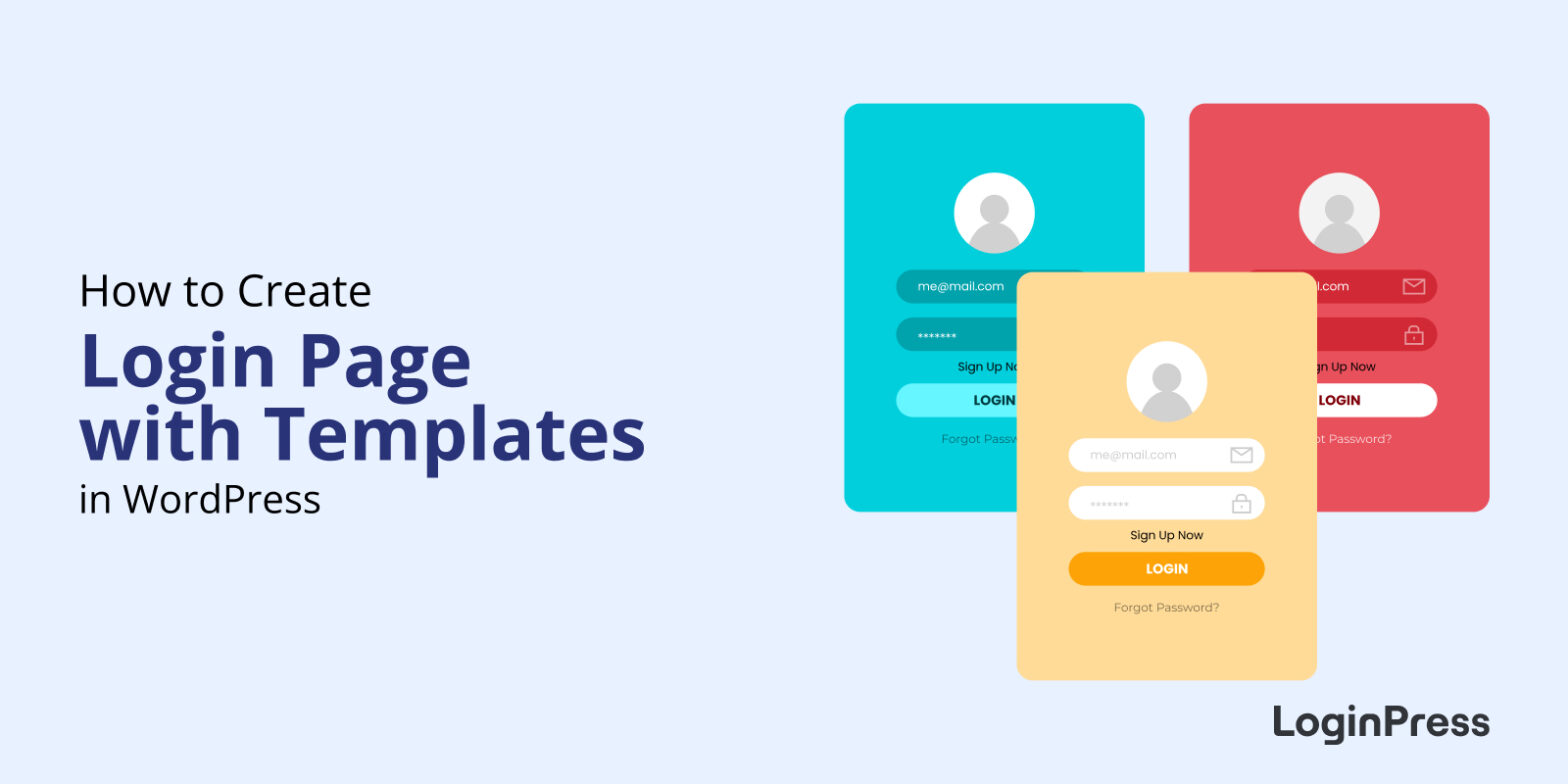
Top 10 Customizable Login Page Templates in WordPress
The quickest way to get a professional WordPress login page is to start from a ready-made template in LoginPress, then swap in your logo, colors and background. Below are 10 customizable LoginPress login page templates, each applied in a couple of clicks with no code or design skills.
In this post, you will see the login page templates LoginPress includes and how to apply one to your site.

WordPress WooCommerce Tutorial (10 -Step Easy Setup Guide)
To set up a WooCommerce store, install and activate the WooCommerce plugin, complete the setup wizard, add your products, choose a theme, set up payments and tax rates, and test checkout.
In this post, I will walk you through all 10 steps, from hosting and installation to your first test order.

How to Sell on WordPress Without WooCommerce
To sell on WordPress without WooCommerce, install an eCommerce plugin such as SureCart, Ecwid, Easy Digital Downloads, eCommerce Product Catalog, WP EasyCart or BigCommerce for WordPress, connect a payment method and add your products.

11 Best Mailchimp Alternatives
Do you want the best Mailchimp alternatives for small businesses? If yes, you’ve landed on the right page!
Mailchimp is a cloud-based marketing automation platform.
There can be several reasons why a business or individual may consider alternatives to Mailchimp, including cost, features, user Interface, deliverability, and privacy concerns.

How to Monitor and Analyze WordPress User Login Activity
To monitor user login activity in WordPress, install an activity log plugin such as WP Activity Log, Simple History or Activity Log. WordPress core doesn’t keep a login history, but these free plugins record every login, logout and failed attempt, plus who changed what on your site.
In this guide, I compare three activity log plugins and set each one up step by step.

How to White Label WordPress Login Page Using LoginPress (Explained)
To white label your WordPress login page, replace the WordPress logo, background, colors and footer links with your own brand using LoginPress, so users never see WordPress branding when they log in. You can do it without code from the WordPress Customizer.
I’d white label the login page on any client or membership site, because it’s often the first screen users see.
How to Set up Custom WordPress Login Credentials
To set up custom WordPress login credentials, go to Users > Add New User, enter a unique username and email, set a strong password, assign a role, and then delete or demote the default “admin” account.

2026 WordPress Black Friday and Cyber Monday Deals
Looking for great discounts on WordPress themes, plugins, and hosting?
The 2025 WordPress Black Friday and Cyber Monday Deals offer great discounts on themes, plugins, hosting, and more. Whether you’re a developer or new to WordPress, this is your chance to get awesome products at lower prices.
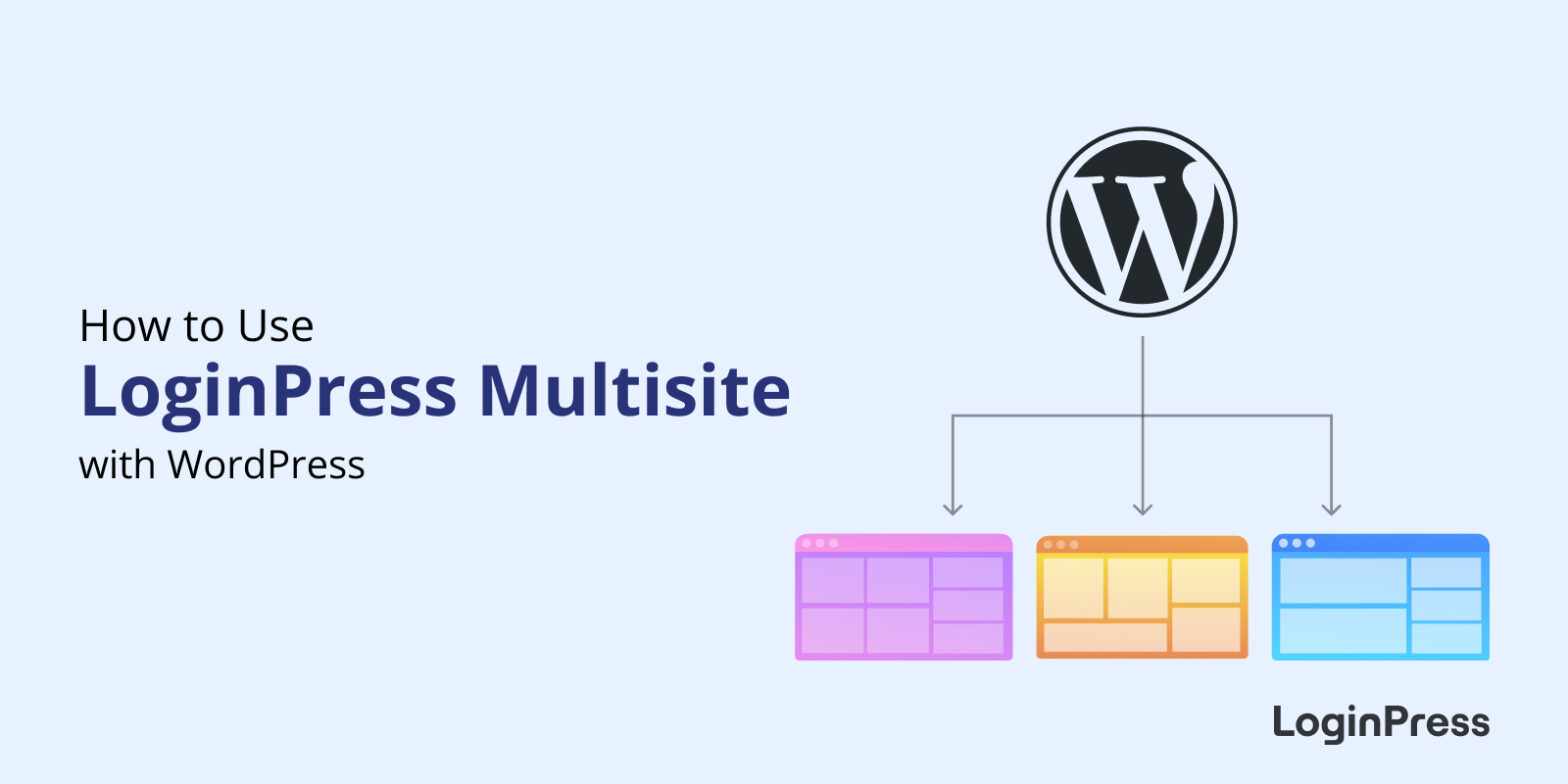
How to Use LoginPress with WordPress Multisite
To customize login pages on a WordPress Multisite network, install LoginPress on the network, open the subsite you want to change, and use LoginPress > Customizer to set the theme, logo and background for that subsite.
How to Fix reCAPTCHA Not Working on WordPress (Explained)
reCAPTCHA usually stops working in WordPress because of an invalid site key, a domain that isn’t added to your reCAPTCHA keys, a plugin or caching conflict, or a version mismatch between v2 and v3 keys. Most fixes take a few minutes: check your keys and domain in the Google reCAPTCHA admin console, then rule out conflicts.
In this post, I will go through each error and its fix, then show how to set up reCAPTCHA correctly with LoginPress.