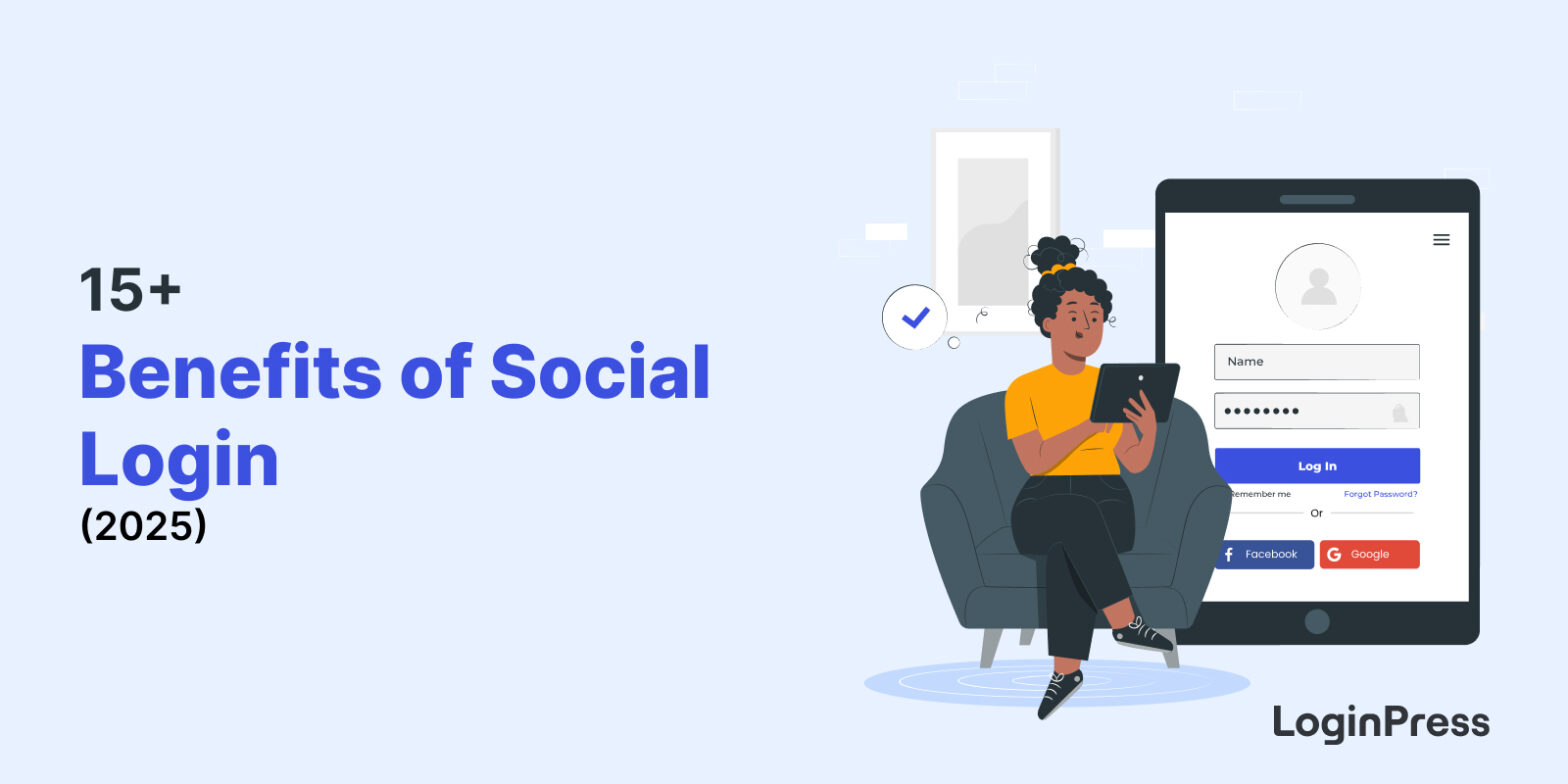
15+ Benefits of Social Login
The main benefits of social login for a WordPress site are faster registration, no password fatigue, fewer abandoned sign-ups and cleaner user data. Social login lets users access your site with an existing social media account instead of creating a new one.
In this post, I will explain how social login works, its benefits and its limits.
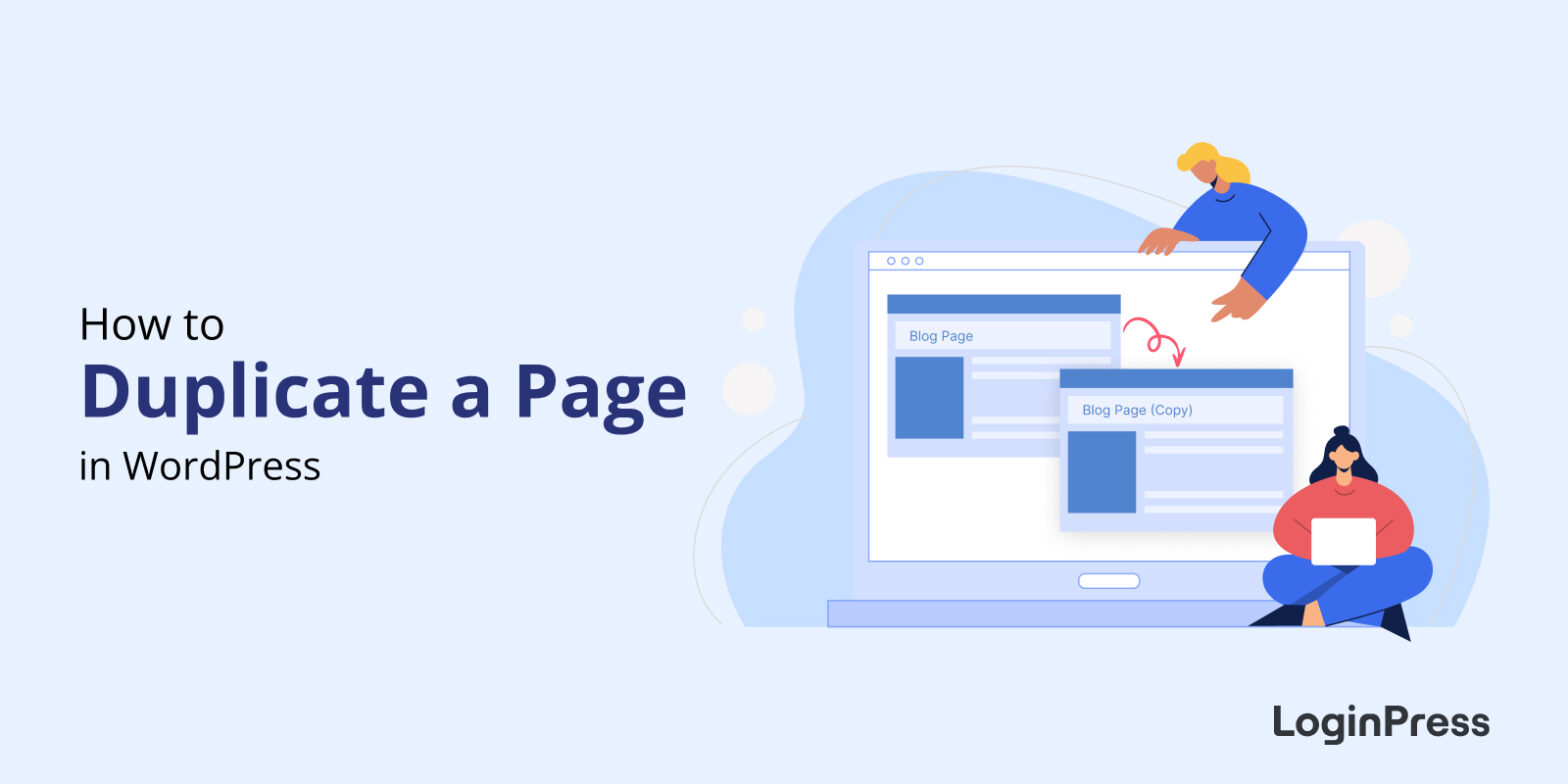
How to Duplicate a Page in WordPress
To duplicate a page in WordPress, install and activate the Duplicate Page plugin, then click Clone or New Draft below the page title.
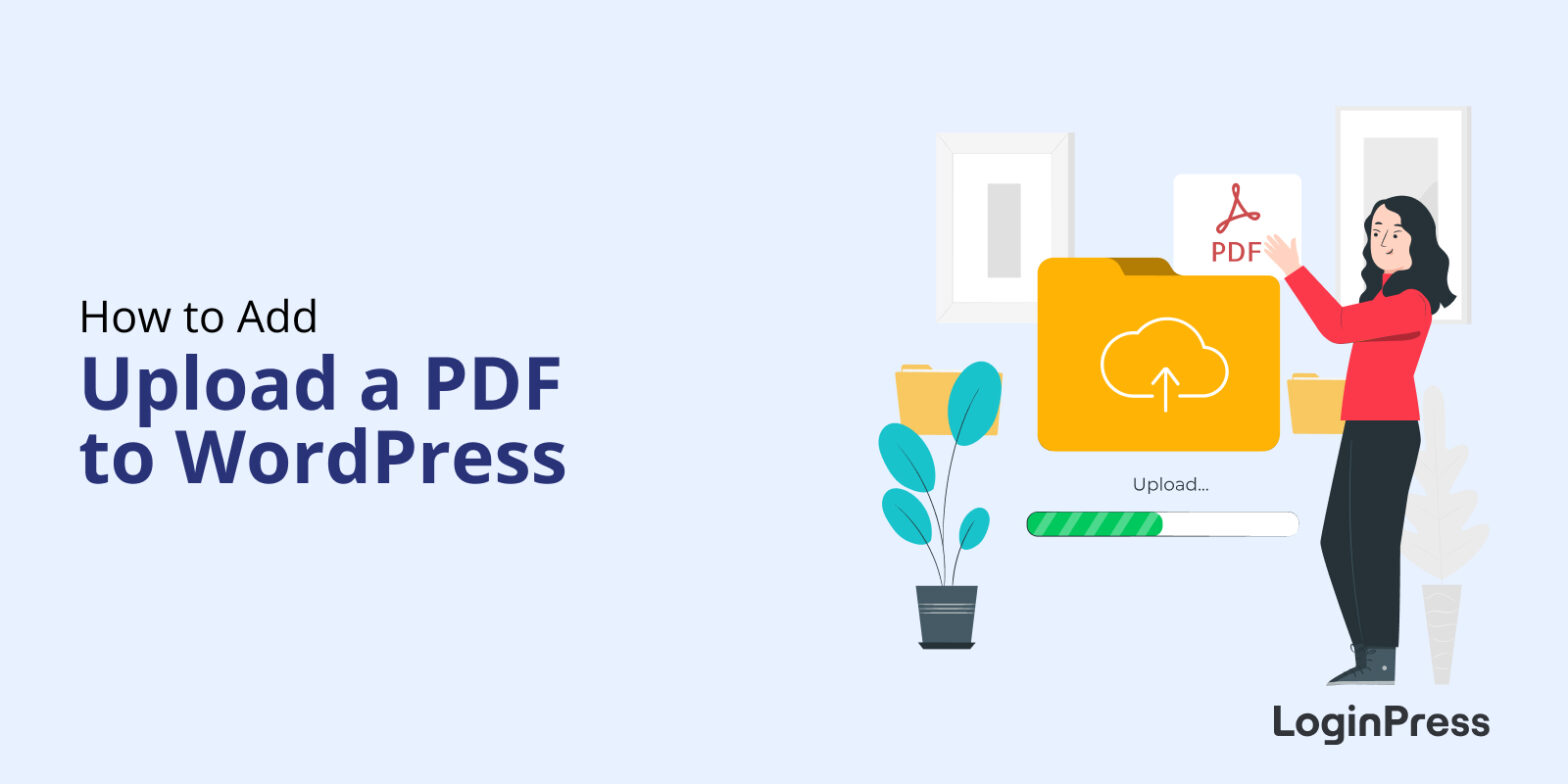
How to Upload a PDF to WordPress (Ultimate Guide)
To upload a PDF to WordPress, go to Media > Add New, select your PDF, then copy its link or add it to a post or page with the File block.
In this post, I will show you both steps, plus five plugins for managing PDF files and ways to earn money from PDFs.
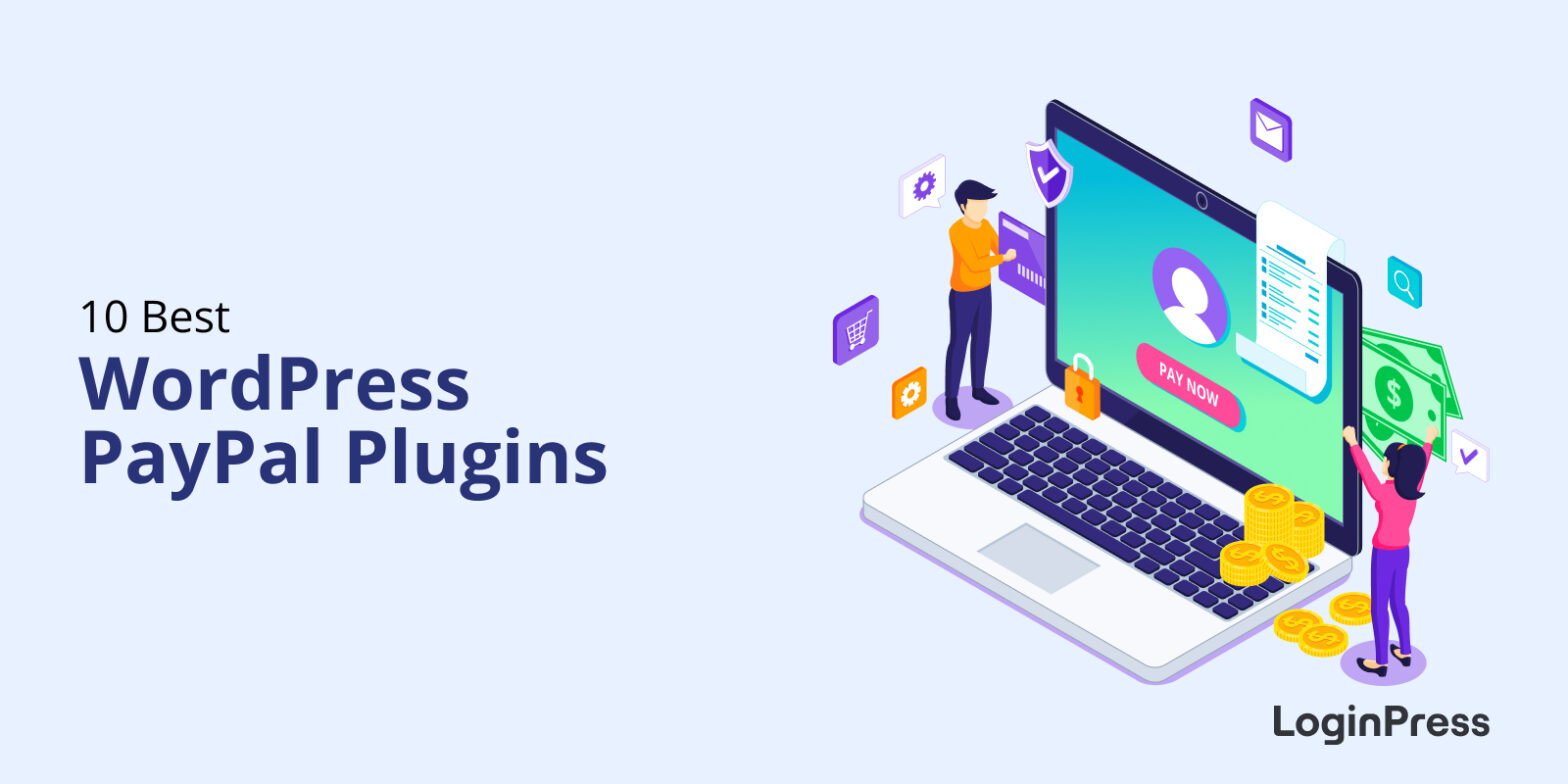
10 Best PayPal Plugins for WordPress
Do you want to accept payments on your WordPress site using PayPal?
Integrate your WordPress site with PayPal payment plugins today to grow your online business. It’s the best time to grow your online market.
9 Most Popular Social Media Login APIs for Secure WordPress Authentication
The most popular social media login APIs for WordPress are the Google, Twitter and Facebook login APIs, plus identity services such as Firebase, OneAll, OneLogin, LoginRadius, Auth0 and Okta. Social logins use these APIs to let users authenticate with an existing account and to pass details such as name and email address to your site.
This post explains what these APIs are and compares the nine most popular ones.

9 Best Social Sharing WordPress Plugins For Boosting Content Reach and Engagement (Free and Paid)
Are you looking for the best Social Sharing WordPress Plugins for your site?
No one can deny the importance of social media in online or offline business today. Here’s some good news: if you are running a WordPress site, you can utilize WordPress social media plugins to integrate social media functionality into your site. It’ll allow users to share your WordPress content with their social media networks.

How to Hide WordPress Login Page From Hackers (4 Easy Methods)
You hide the WordPress login page from hackers by changing its URL from /wp-login.php or /wp-admin to a custom address only you know. The simplest way is a plugin like LoginPress, but you can also do it by hand with a renamed login file, .htaccess rules or code.
Every WordPress site uses the same login address by default, so bots and hackers only need to add /wp-admin/ to your domain to reach it. A custom URL takes that easy target away.
How to Unpublish Your WordPress Site (An Easy Guide)
To unpublish a WordPress page or post, switch it to Draft or Private. To unpublish the whole site, use Settings > Reading to discourage search engines, or turn on Coming Soon or maintenance mode.
This guide shows you each method, plus how to republish.

How to Change WordPress Domain Name
To change your WordPress domain name, buy the new domain, add it to your hosting, copy your files, update the WordPress site address, reset permalinks, redirect the old domain with 301 redirects and notify Google. Back up your site first.

How to Embed a Video in WordPress Blogs (Ultimate Guide)
To embed a video in WordPress, paste the video URL into your post or page, or use a Gutenberg video block. A video plugin works too when you need more control.
This guide shows you three methods, five plugins that help, and how to add a video background to your login page.