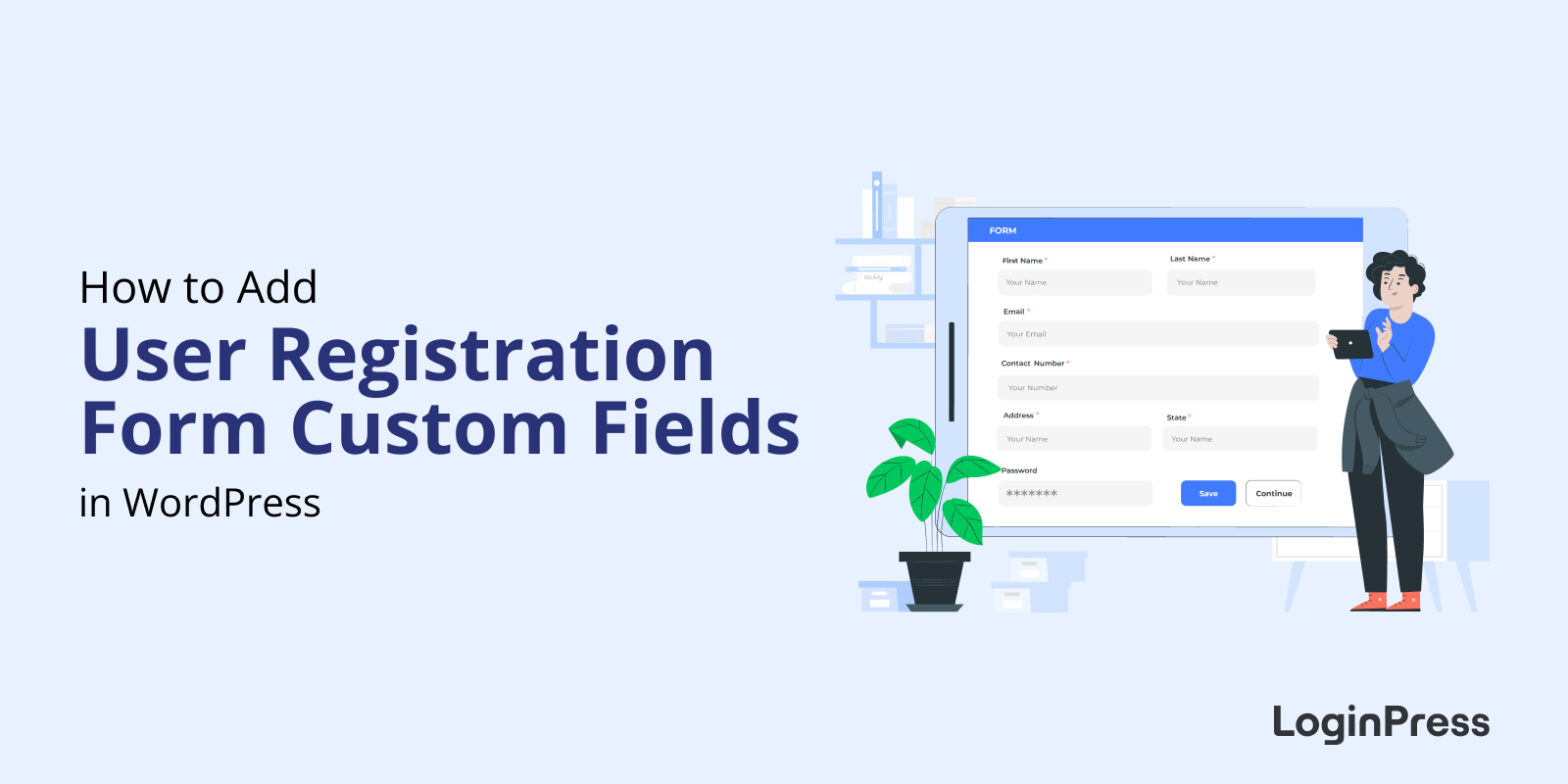
 How to Add Custom Fields in WordPress User Registration Form?
How to Add Custom Fields in WordPress User Registration Form?
To add a custom field to the WordPress user registration form, enable registration, then add code that renders the field (register_form), validates it (registration_errors) and saves it (user_register).
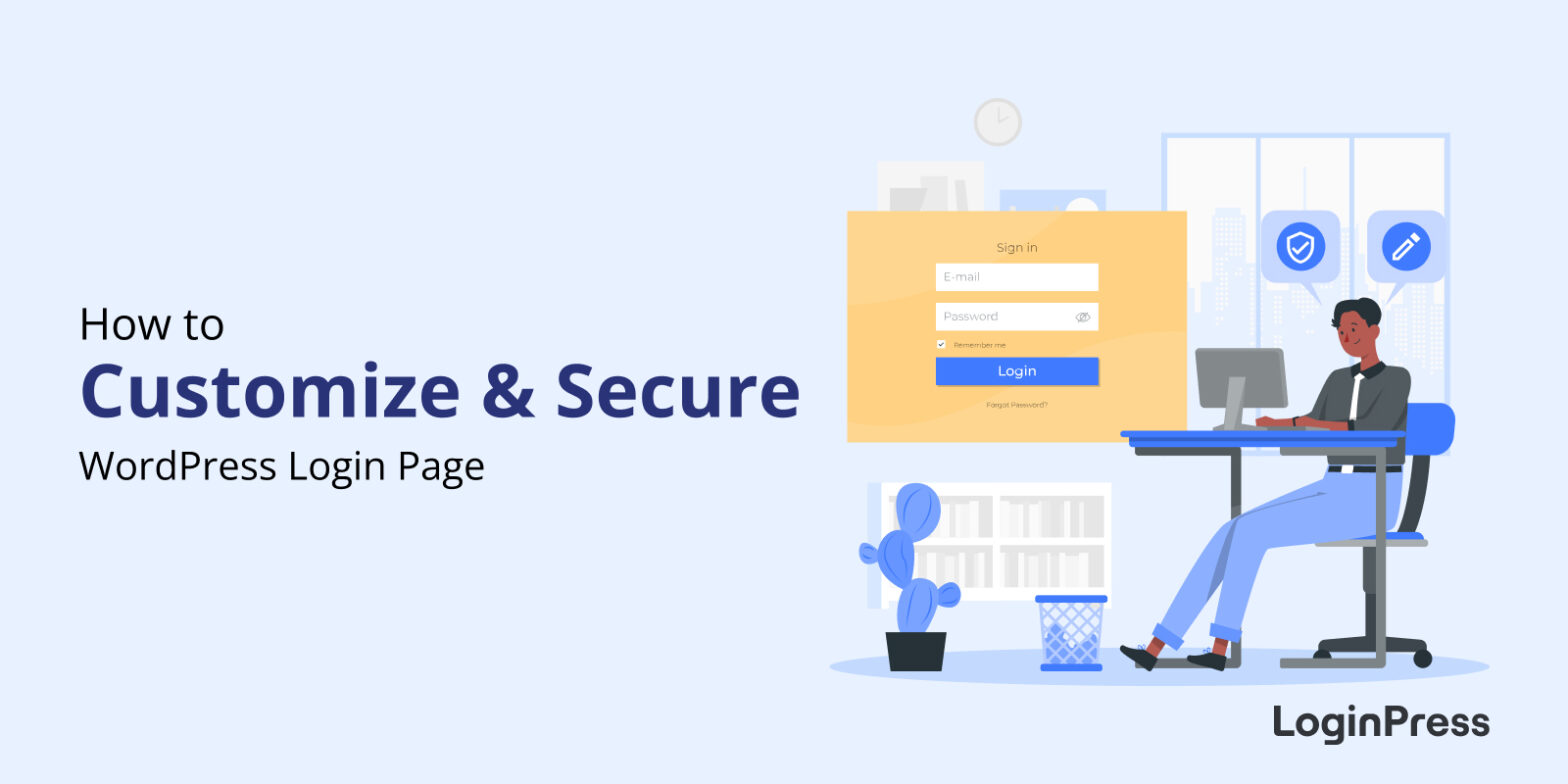 How to Customize and Secure a WordPress Login Page
How to Customize and Secure a WordPress Login Page
To customize and secure a WordPress login page, use LoginPress to rebrand the logo, background, form and error messages, then protect the page with strong passwords, limited login attempts, two-factor authentication and an activity log.
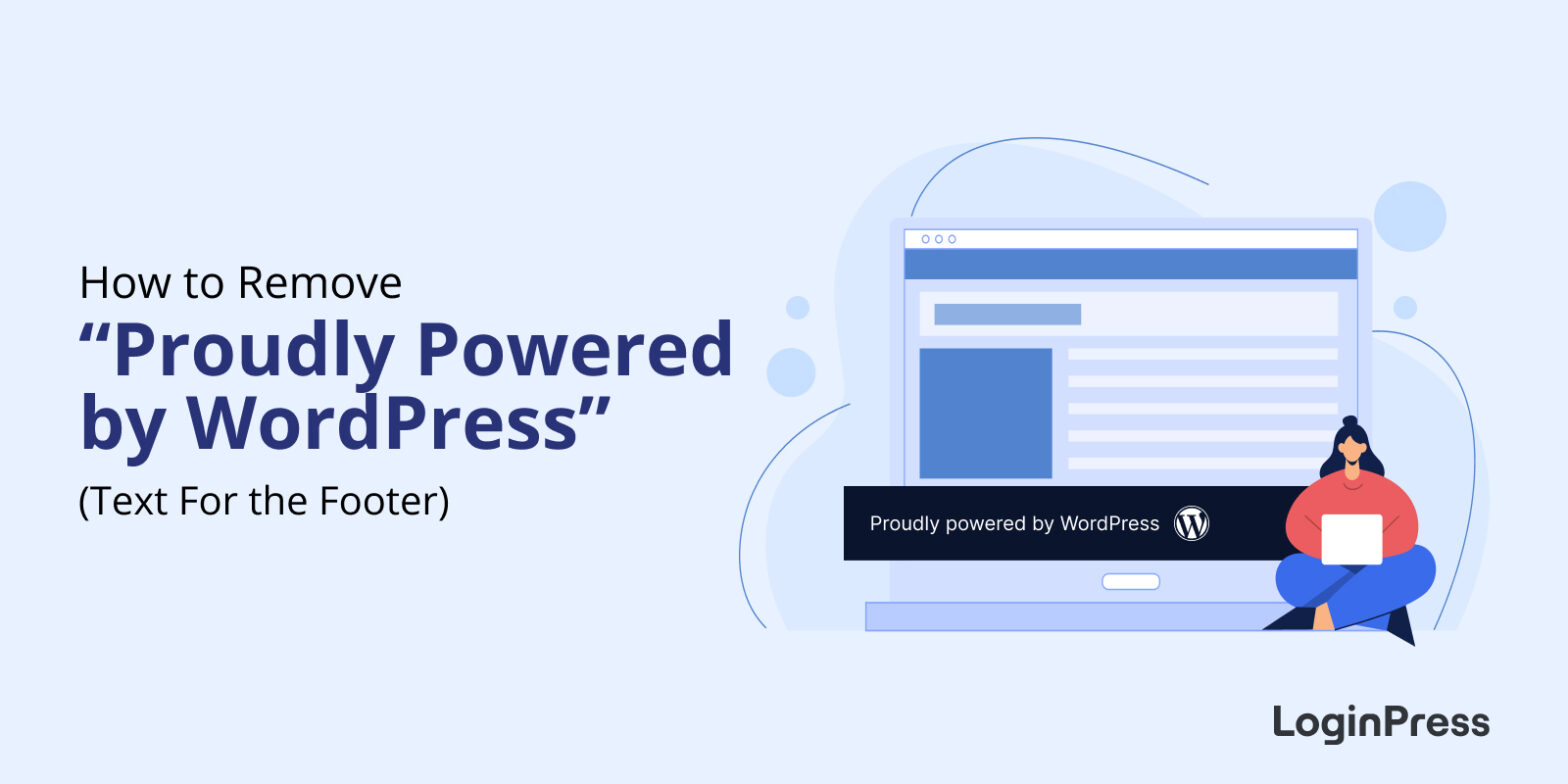 How to Remove “Proudly powered by WordPress” Text From the Footer
How to Remove “Proudly powered by WordPress” Text From the Footer
To remove “Proudly powered by WordPress” from your footer, add custom CSS in the Customizer, use a plugin, or delete the text in the footer.php file.
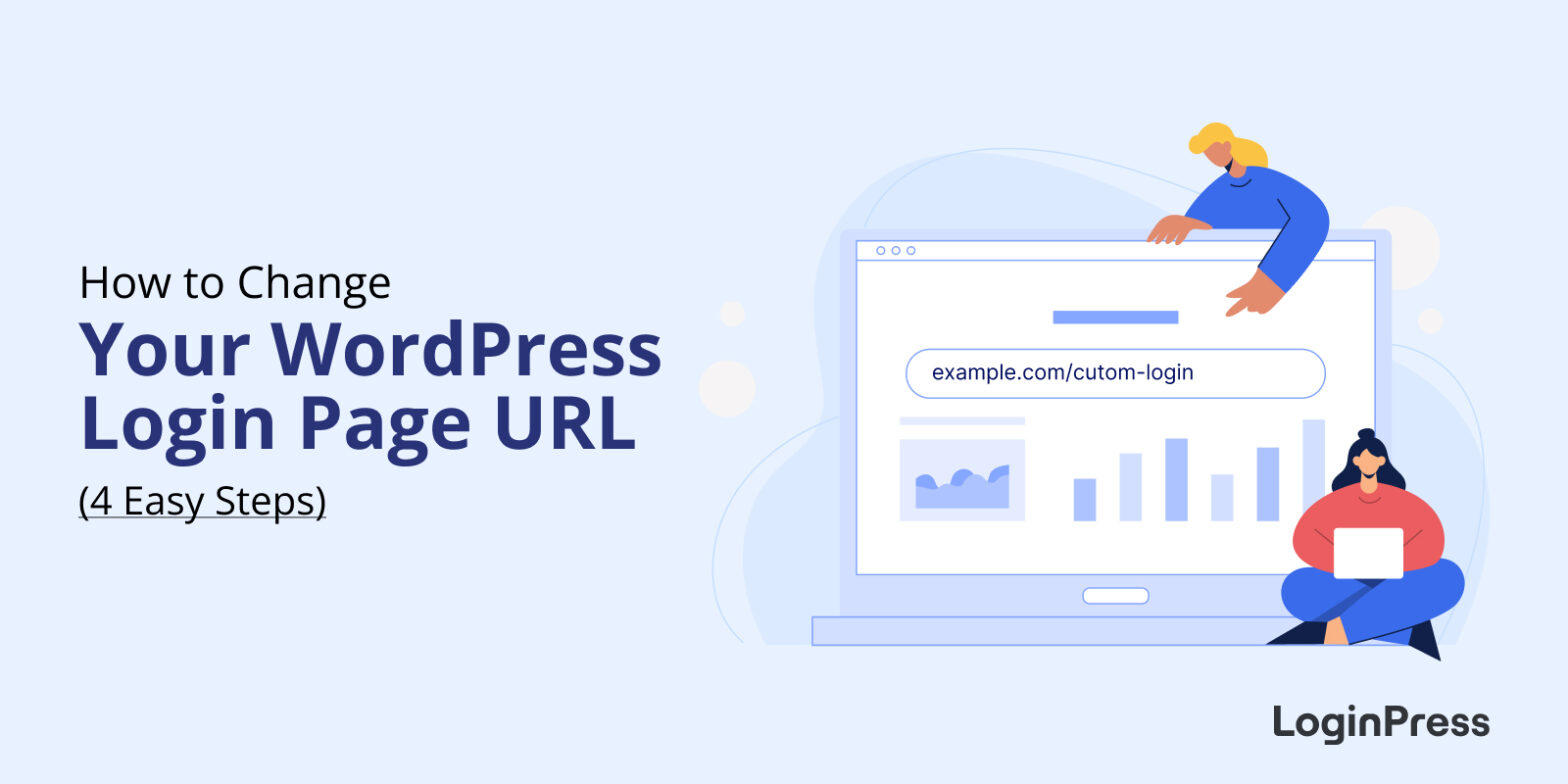 How to Change WordPress Login URL (4 Easy Steps)
How to Change WordPress Login URL (4 Easy Steps)
To change your WordPress login URL, install LoginPress Pro, turn on the Hide Login add-on, type a new login slug (for example, yoursite.com/team-login) and save. The default wp-admin and wp-login.php addresses then stop showing the login form, so bots can’t find it.
Every WordPress site starts with the same login addresses, and attackers know them too. This post shares the four steps to change yours, and how to switch back if you need to.
 10 Most Common WordPress Login Issues (How to Fix Them)
10 Most Common WordPress Login Issues (How to Fix Them)
The most common WordPress login issues are a forgotten password, cache and cookies, plugin or theme interference, a corrupted login file, a wrong site URL, a corrupted .htaccess file, brute-force attacks and revoked access. Each one has a fix below.
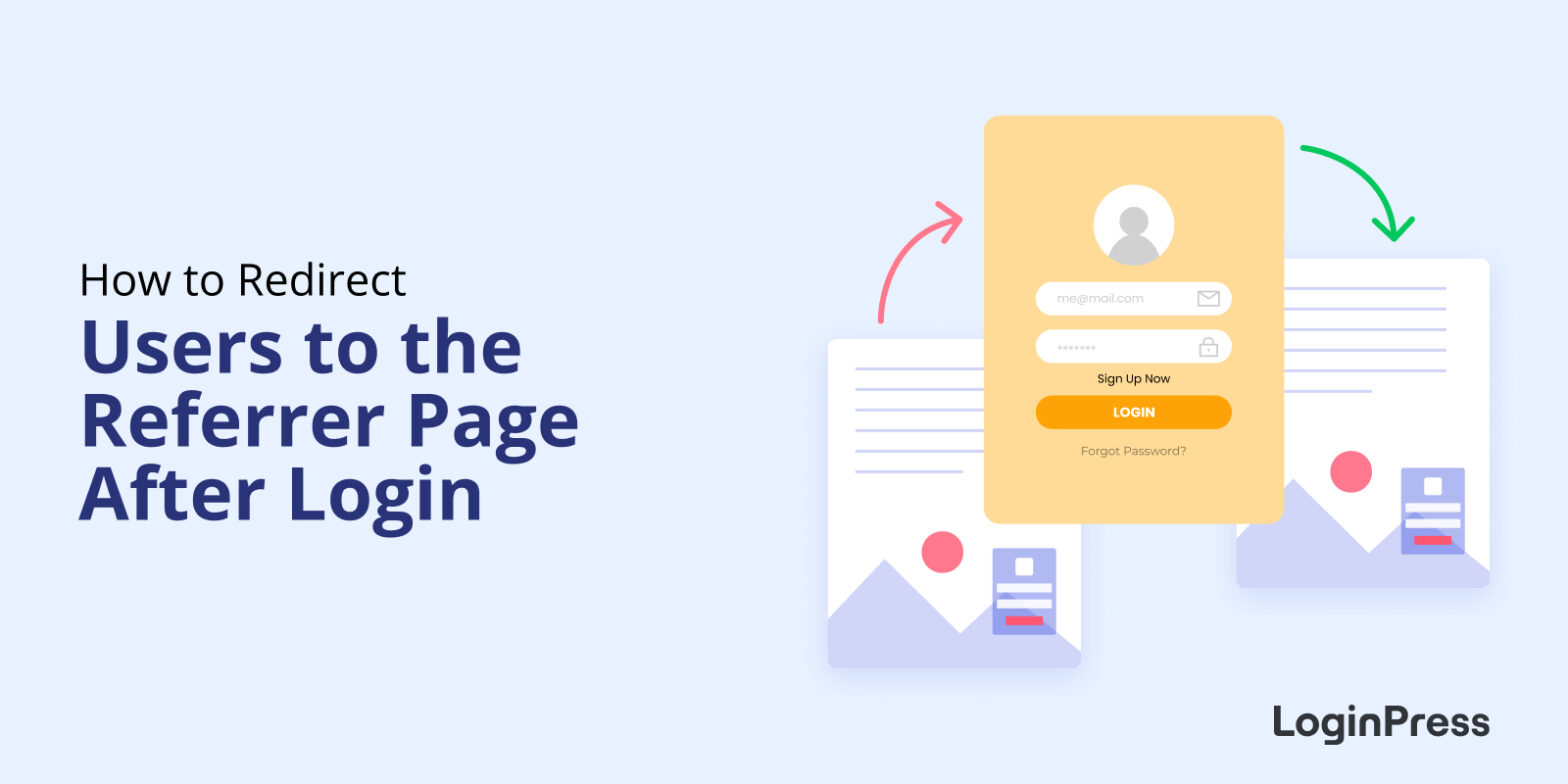 How to Redirect Users to the Referrer Page After Login [Referrer Page Navigation Guide]
How to Redirect Users to the Referrer Page After Login [Referrer Page Navigation Guide]
To redirect users to the referrer page after login in WordPress, use the LoginPress Login Widget (Pro). After logging in, users return to the page they were reading instead of landing on the admin dashboard.
That keeps readers in your content without interruption, which matters most on membership sites and blogs where people register accounts.
 How to Redirect WooCommerce Users After Login
How to Redirect WooCommerce Users After Login
To redirect WooCommerce users after login, use the LoginPress Login Redirects add-on or add a code snippet to your child theme’s functions.php file. WordPress has no built-in way to do this, and the add-on lets you set redirects per user or per role without code.
By default, WooCommerce users land on the WordPress dashboard after login. Customers should go to a shop or account page, and admins to the dashboard.
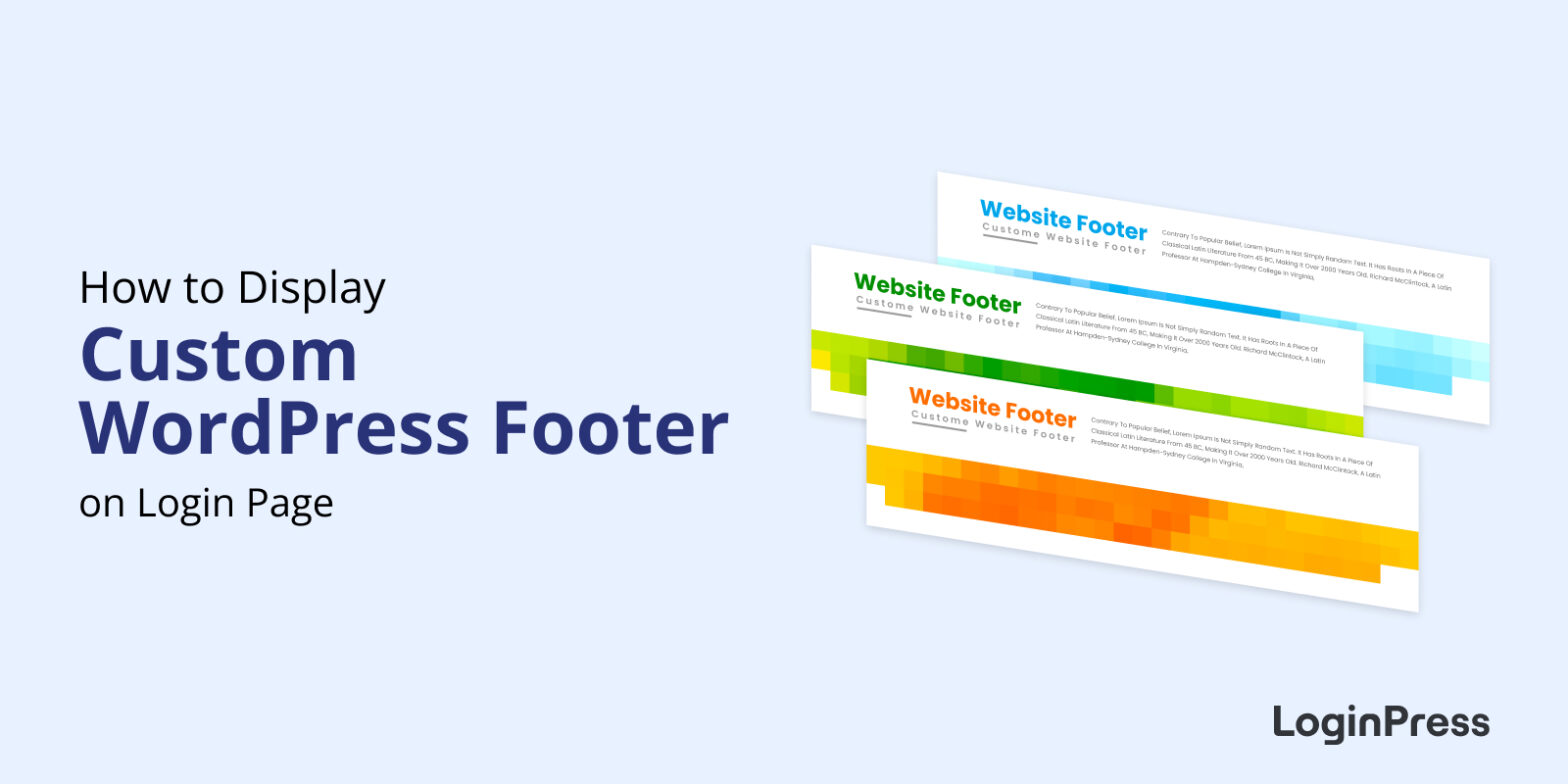 How to Display Custom WordPress Footer on Login Page
How to Display Custom WordPress Footer on Login Page
To display a custom footer on the WordPress login page, use the LoginPress Customizer to set your footer text and links, or add code to the footer with a header and footer plugin.
 13 Best Login Page Examples to Inspire Your Own Design
13 Best Login Page Examples to Inspire Your Own Design
The best WordPress login page designs keep the form simple, show the brand clearly and make the next step obvious, whether that’s logging in, registering or resetting a password. Below are 13 login page examples worth borrowing ideas from.
As you look through them, notice how each one handles the form, the branding and the next step.
 How to Create Front-End Login Page and Widget in WordPress
How to Create Front-End Login Page and Widget in WordPress
To create a front-end login page in WordPress, install LoginPress, add a login page to your site with its Customizer, and add the Login Widget add-on for a login form in your widget areas.