 How to Embed a Video in WordPress Blogs (Ultimate Guide)
How to Embed a Video in WordPress Blogs (Ultimate Guide)
To embed a video in WordPress, paste the video URL into your post or page, or use a Gutenberg video block. A video plugin works too when you need more control.
This guide shows you three methods, five plugins that help, and how to add a video background to your login page.
 How to Create Custom Welcome Messages for Your WordPress Website
How to Create Custom Welcome Messages for Your WordPress Website
To create custom welcome messages on your WordPress login page, use LoginPress: open the Customizer, go to Welcome Messages and set a message for the login, lost password, registration and logout forms.
 How to Change the Font Size in WordPress
How to Change the Font Size in WordPress
To change the font size in WordPress, use heading blocks, set the size in the block editor, install a font resizer plugin, or add CSS to your theme for a site-wide change.
 How to Add WordPress Login Widget to the Sidebar (Easy Guide)
How to Add WordPress Login Widget to the Sidebar (Easy Guide)
To add a login widget to your WordPress sidebar, download and activate the LoginPress Login Widget add-on, then add the widget under Appearance > Widgets.
 WordPress Login Security: 13 Ways to Secure Login Page
WordPress Login Security: 13 Ways to Secure Login Page
To secure your WordPress login page, limit login attempts, add CAPTCHA, enforce strong passwords, change the login URL and turn on two-factor authentication. Those five steps stop most brute force and bot attacks, and the other eight practices below close the remaining gaps.
 How to Change Your WordPress Theme Without Losing Content
How to Change Your WordPress Theme Without Losing Content
To change your WordPress theme without losing content, back up your site, install and activate the new theme in Appearance > Themes, then test responsiveness and update menus and widgets. Your posts and pages stay, but code added to the old theme does not carry over.
 3 Easy Methods to Add Google Fonts to WordPress
3 Easy Methods to Add Google Fonts to WordPress
You can add Google Fonts to WordPress in three ways: with LoginPress Pro in the Customizer, by downloading and uploading the font manually, or through a WordPress theme that supports Google Fonts.
In this post, I will show you each method, plus Google Fonts that work well for digital publications.
 How to Add Social Login Plugin to WordPress Website (Easy Guide)
How to Add Social Login Plugin to WordPress Website (Easy Guide)
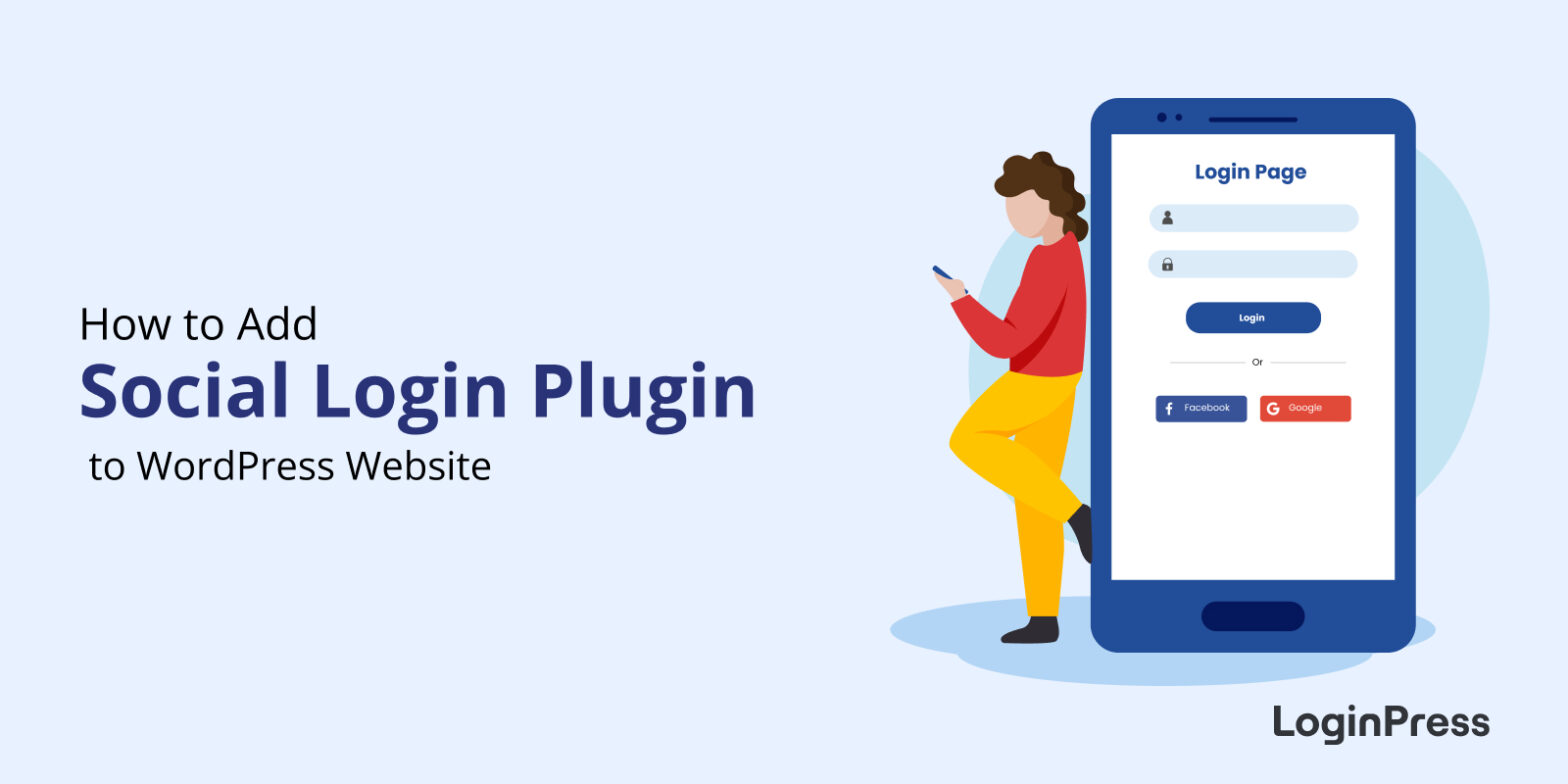
To add social login to WordPress, install LoginPress Pro, activate the Social Login add-on, create an app with each platform (such as Google or Facebook) to get its keys, and paste those keys into the add-on’s settings. Your login and registration forms then show “Log in with Google”-style buttons.
In this guide, I set up Facebook, X (Twitter), Google and LinkedIn login step by step. The add-on supports 15 platforms in total, including Microsoft, Apple and GitHub.
 How to Customize WordPress Login Page (Easy Guide)
How to Customize WordPress Login Page (Easy Guide)
You can customize the WordPress login page without code by installing LoginPress and changing the logo, background, colors and form styles in the WordPress Customizer, with a live preview as you go. A custom login page makes your site look professional and keeps your branding consistent from the first click.
This guide walks through each LoginPress setting to check first, step by step.
 How To Find Your WordPress Login URL [The Easy Way]
How To Find Your WordPress Login URL [The Easy Way]
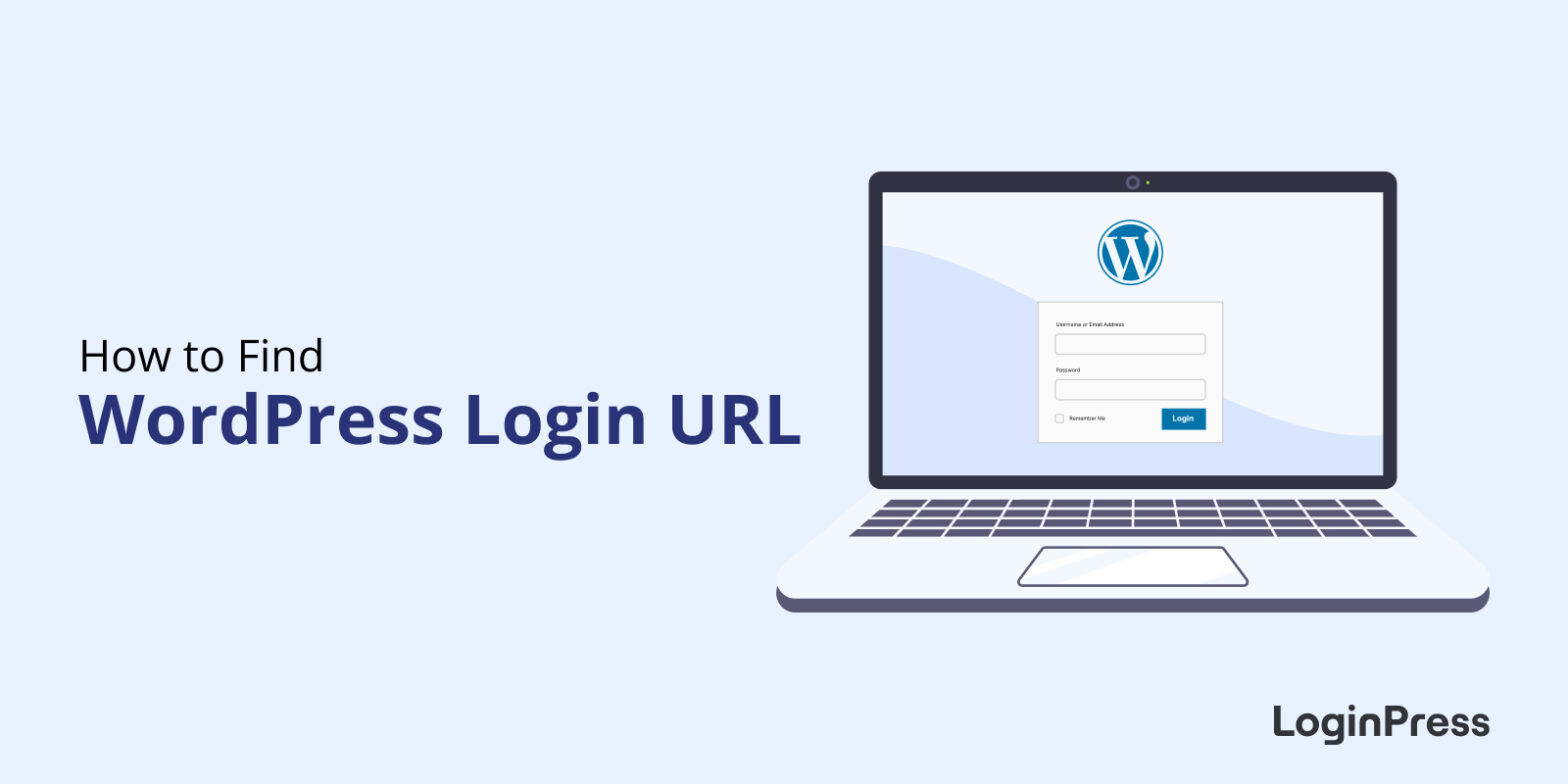
Your WordPress login URL is usually yoursite.com/wp-admin or yoursite.com/wp-login.php. If WordPress is installed in a subfolder, add the folder name (for example, yoursite.com/blog/wp-login.php). If someone changed the login URL with a security plugin, you’ll find the new address in that plugin’s settings.
In this guide, I cover every way to find your login URL, plus how to fix the most common problems that stop people at the login page.