 2 Easy Methods To Change WordPress Login Logo
2 Easy Methods To Change WordPress Login Logo
You can change the WordPress login logo in two ways: with the free LoginPress plugin, where you upload your logo in the Customizer and see it live, or with a short code snippet in your theme’s functions.php file. The plugin method takes about two minutes and needs no code.
This post shows both methods step by step, plus how to change where the logo links to.
 6 Ways to Change Your WordPress Password (Explained)
6 Ways to Change Your WordPress Password (Explained)
To change your WordPress password, use the Lost Password link on the login page, or go to Users > Profile in the dashboard and set a new password. If you are locked out, use phpMyAdmin, an SQL statement, WP-CLI or FTP.
This guide shows you all six ways, plus tips for creating a strong password.
 How to Redirect Users After Successful Login on WordPress? Post-Authentication Navigation Guide
How to Redirect Users After Successful Login on WordPress? Post-Authentication Navigation Guide
You redirect users after a successful login in WordPress with the LoginPress Login Redirects add-on, which sets a destination per user or per role. WordPress sends everyone to the dashboard by default, which suits admins but not customers or members.
 9 Best WordPress Login Plugins (Expert Pick)
9 Best WordPress Login Plugins (Expert Pick)
The best WordPress login plugin for most sites is LoginPress, because it lets you customize the whole login page without code and adds security features like CAPTCHA and limited login attempts. Other plugins on this list solve one specific job, such as hiding the login URL (WPS Hide Login), social login (Nextend) or front-end login forms (Theme My Login).
This post compares the best WordPress login plugins, including where another plugin fits a job better than LoginPress.
 How To Limit Login Attempts in WordPress (Login Security Guide)
How To Limit Login Attempts in WordPress (Login Security Guide)
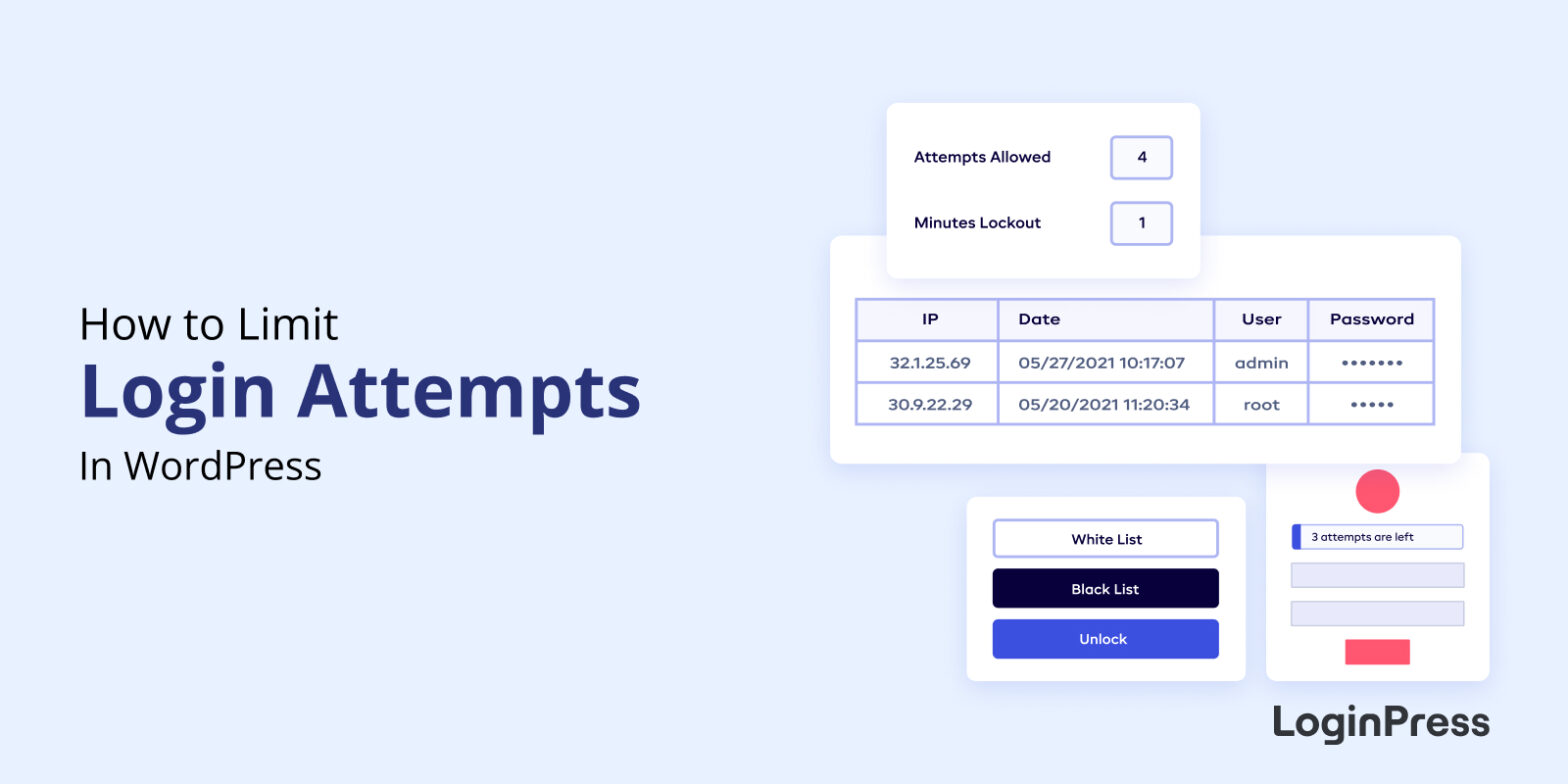
To limit login attempts in WordPress, use the LoginPress Limit Login Attempts add-on: set how many failed tries are allowed (for example, 4), how long a locked-out user must wait, and which IP addresses are whitelisted or blacklisted. WordPress itself allows unlimited tries, so this one setting blocks most brute force attacks.
In this guide, I set it up step by step and show you the attempts report.
 How to Use LoginPress with WordPress.com?
How to Use LoginPress with WordPress.com?
WordPress.com adds a custom page that adds some custom scripts. The custom form asks the user to either log in with a conventional login by using their email/username and password or by using a WordPress.com account.
 How To Use Vanta.Js as Background (An Easy Guide)
How To Use Vanta.Js as Background (An Easy Guide)
Are you looking for a way to use Vanta.Js as background for your default WordPress login page? If yes, you’ve landed on the right page!
LoginPress is one of the best WordPress login page customizer plugins that let you customize the default login page of WordPress. It predominantly focuses on rebranding your login page with just a few clicks without touching a single line of code.
 WordPress GDPR Compliance with LoginPress
WordPress GDPR Compliance with LoginPress
LoginPress Social Login is built to support GDPR compliance. It takes only the username, email address and profile picture it needs to create or log in a user, and the social platform asks the user’s permission first. Your site is fully compliant when you also publish a clear privacy policy and respect your users’ data rights.
In this post, you will learn what GDPR asks of a WordPress site with social login, and which data LoginPress handles.
 Login Page Language Switcher in WordPress 5.9
Login Page Language Switcher in WordPress 5.9
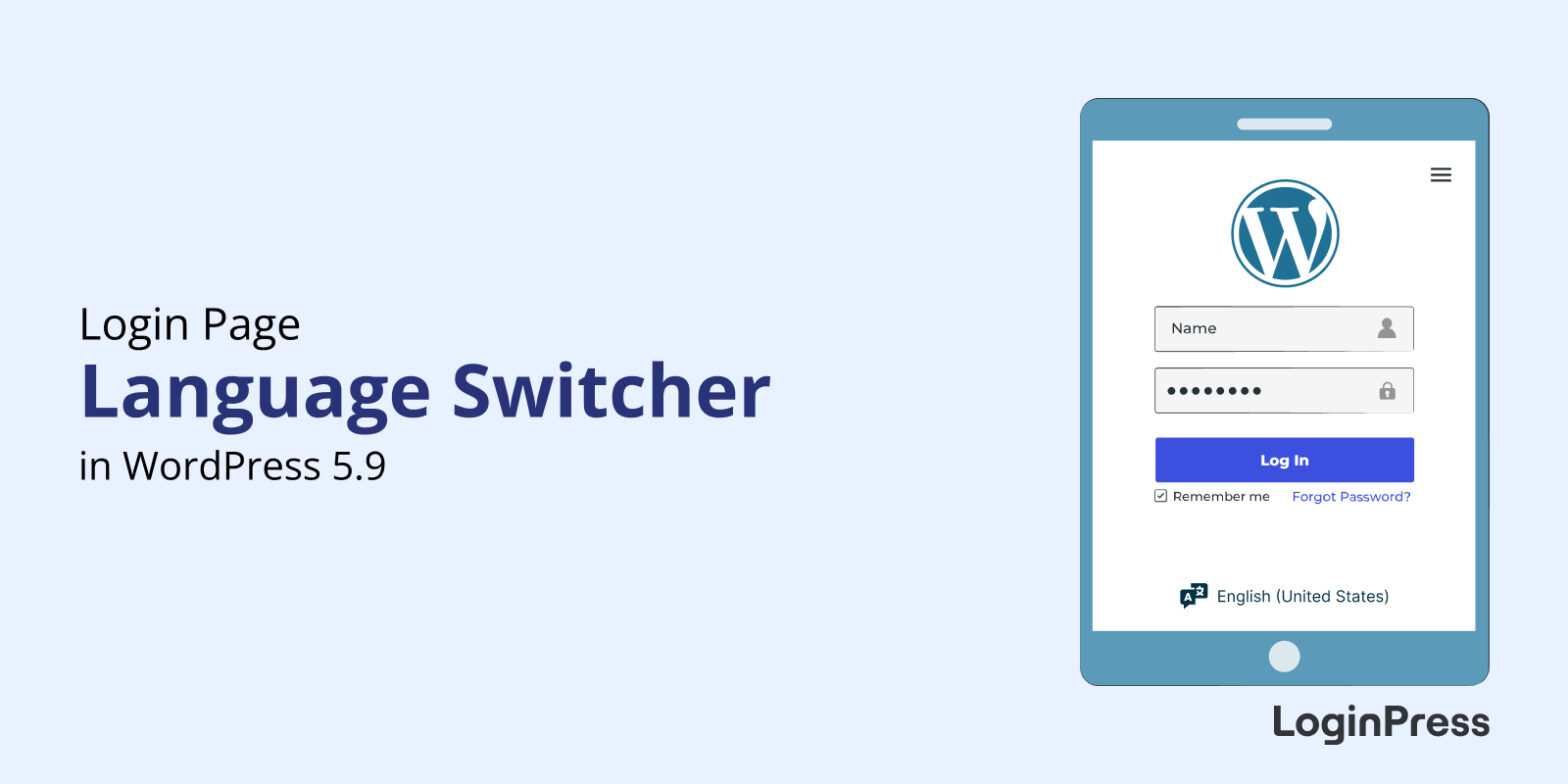
WordPress 5.9 added a language switcher dropdown to the login page. It lets users view the login, password reset and registration screens in their own language, and you can filter or remove it with code.
 How To Design WordPress Login Page Without Coding: No-Code Customization
How To Design WordPress Login Page Without Coding: No-Code Customization
Are you looking to create a personalized WordPress login page for your site without any coding skills? We have just the solution for you!
It’s effortless to transform the default login page into a visually appealing page that reflects your brand identity. You can do this with the help of WordPress login page plugins. LoginPress is one of the best such plugins to help you out here. Get ready to define your unique login page design while keeping the login process secure for your visitors.